
Send enquiry

Flutter Online Live Class by Experts

Our Training/Internship Process

Flutter Online Live Classes in Gisborne | Free Demo Training

Flutter - Syllabus, Fees & Duration

Module 1:  Introduction

  • Introduction to Flutter

Module 2:  Introduction To Dart

  • Reason why Dart holds the fort strong.
  • Installing Visual Studio Code and the Dart Plugin.
  • Installing Dart SDK.
  • Writing the first Dart Program.

Module 3:  Setting Up Flutter

  • Downloading/Cloning the Flutter SDK.
  • Installing Flutter Plugin within VS Code.
  • Understanding the structure of a Flutter Project.
  • Building a simple app from scratch.

Module 4:  Introducing Widget

  • Widgets and their role in a Flutter app.
  • The MaterialApp and Scaffold widget.
  • AppBar.
  • FloatingActionButton.
  • More widgets - Text, Center and Padding.
  • Recreating the Default Flutter App (UI Only)

Module 5:  Common Widget In Flutter

  • Containers and their role.
  • Importing images from a network.
  • Importing images as assets.
  • Adding icons to widgets.
  • Understanding Row and Column.
  • ListView and ListTile.
  • Building views using ListView.builder.
  • Inkwell and its importance.

Module 6: Stateless And Stateful Widgets- The Concept

  • Stateless vs. Stateful widgets.
  • Defining a State
  • The setState() method.
  • Returning to the Default Flutter App.

Module 7:  Navigating Through Navigation

  • Navigator and routes.
  • Applying push() using MaterialPageRoute.
  • Applying pop().
  • Declaring parameter-less routes (push Named()) in Materia Lapp widget.

Module 8:  Handling User Input

  • Using Text Field.
  • Handling changes to a Text Field.
  • Pass retrieved values using Navigator.

Module 9:  User Interface

  • Applying Theme Data.
  • The Basic Screen Layout.
  • Applying Custom Font.

Module 10:  Asynchronous Functions

  • function.

  • async and await

Module 11: Working With Remote Data

  • The http package.

  • Model Class and JSON parsing.
  • Displaying Remote Data. (NEWS API).

Module 12: Local storage

  • Shared Preferences.

Module 13: Using 3rd Party Packages

  • The url_launcher package.
  • Adding onTap() to NEWS API.

Module 14: Other Useful Widgets

  • Grid View.
  • The Hero Animation
  • Stack
  • Alert Dialog with buttons.

Download Syllabus - Flutter
This syllabus is not final and can be customized as per needs/updates
 
10000+
20+
50+
25+

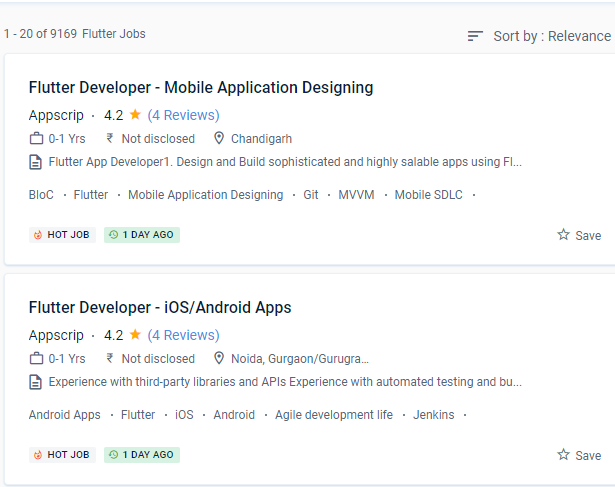
Flutter Jobs in Gisborne

Enjoy the demand

Find jobs related to Flutter in search engines (Google, Bing, Yahoo) and recruitment websites (monsterindia, placementindia, naukri, jobsNEAR.in, indeed.co.in, shine.com etc.) based in Gisborne, chennai and europe countries. You can find many jobs for freshers related to the job positions in Gisborne.

  • Flutter Developer
  • Mobile Engineer - Flutter
  • Flutter Mobile App Developer
  • Software Engineer
  • iOS Developer Flutter
  • Technical Mobile Lead - Flutter
  • Flutter Trainer
  • Flutter JS
  • Flutter Lead
  • Java Flutter Developer

Flutter Internship/Course Details

Flutter internship jobs in Gisborne
Flutter Google's Flutter solves any or all of these problems by allowing users to create programmes for both humanoids and iOS with the same codebase. This type of layered design allows for faster UI rendering, resulting in a large number of customizable and stunning designs. As a result, it is more affordable. even if you've never programmed before. Flutter speeds up and streamlines the development process by allowing developers to create apps for both iOS and Android using the same codebase. Nestsoft offers the best Google Flutter training as well as mobile app development courses. Flutter provides wonderful aspects for creating apps with a lot of native-like sensations and, as a result, a better user experience, in addition to faster and easier code authoring. You'll learn how to code in Dart and create attractive, quick, native-quality iOS and Android apps throughout this training programme. The ability to provide developers with a tool for creating a unified user experience is its most important feature. A specialist can use the Cupertino library included in the SDK while working on the iOS component.

Meet a Few of our Industry Experts 🚀 Your Pathway to IT Career

Shilpa

Mobile: +91 98474 90866
Location: Online (Gisborne, New Zealand)
Qualification: B. Tech

Experience: 4years of experience in digital marketing Skilla card design using canva seo techniques social media video uploading and positive thinker  more..

Sreekanth

Mobile: +91 9895490866
Location: Online (Gisborne, New Zealand)
Qualification: Btech

Experience: Manual testing automation testing SQL core java  more..

Lekshmi

Mobile: +91 91884 77559
Location: Online (Gisborne, New Zealand)
Qualification: B tech

Experience: Software testing in Selenium IDE JIRA MS SQL Server Apache JMeter Test NG Mevan Project Bitnami Redmine SDLC STLC Test  more..

Sanjay

Mobile: +91 94975 90866
Location: Online (Gisborne, New Zealand)
Qualification: BCom

Experience: UI design and development UX design UX research prototyping wireframing Visual design front end development created websites and landing pages  more..

Sai

Mobile: +91 98474 90866
Location: Online (Gisborne, New Zealand)
Qualification: B.tech (C.S.E)

Experience: Experience In Training students one to one and also group Experience in Training students on real time projects for WordPress  more..

kummari

Mobile: +91 9895490866
Location: Online (Gisborne, New Zealand)
Qualification: bachelors of commerce

Experience: html css Javascript React js Github Sql python and by using the frotend technologies i can build interactive and dynamic  more..

Vishal

Mobile: +91 89210 61945
Location: Online (Gisborne, New Zealand)
Qualification: Graduation

Experience: My skills in seo and smo- onpage off page tecnical seo local seo organically grow social media and paid ads  more..

Tanuj

Mobile: +91 94975 90866
Location: Online (Gisborne, New Zealand)
Qualification: B.E. in ECE

Experience: I have worked as an Academic counsellor in inurture Skills: Technical skills including Computer programming and MS Excel my soft  more..

Aditi

Mobile: +91 89210 61945
Location: Online (Gisborne, New Zealand)
Qualification: currently doing btech

Experience: python kali linux packet tracer cyber security fundamentals networking fundamentals ethical hacking fundamentals team work problem solving  more..

Aravindh

Mobile: +91 98474 90866
Location: Online (Gisborne, New Zealand)
Qualification: BE

Experience: Experience - 1 year Skill : 1 Manual Testing (Functional testing) 2 Automation Testing ( Selenium Maven Junit Testing BDD  more..

Muhammed

Mobile: +91 9895490866
Location: Online (Gisborne, New Zealand)
Qualification: B tech

Experience: Manuel testing validation testing technical support troubleshooting connectivity testing   more..

Anisha

Mobile: +91 91884 77559
Location: Online (Gisborne, New Zealand)
Qualification: Masters

Experience: Basic computer knowledge - Excel Powerpoint presentqtion Word 9 and half months experience in Analytical testing lab as junior Analyst  more..

Archana

Mobile: +91 91884 77559
Location: Online (Gisborne, New Zealand)
Qualification: BCA

Experience: Hello sir I have 1+year experience in php development with codeigniter framework If I am eligible please contact me Thankyou  more..

Sakshi

Mobile: +91 98474 90866
Location: Online (Gisborne, New Zealand)
Qualification: Graduation

Experience: Logo designing wordpress  more..

Ashik

Mobile: +91 91884 77559
Location: Online (Gisborne, New Zealand)
Qualification: Btech in Mechanical Engineering

Experience: Software testing Automated software testing Software manual testing Software testing tools Software testing process Quick leaner Problem solving skills  more..

Aamir

Mobile: +91 91884 77559
Location: Online (Gisborne, New Zealand)
Qualification: MCA

Experience: Front End web developer who wants to join an emerging brand and help them develop web applications Even though I  more..

Sruthy

Mobile: +91 8301010866
Location: Online (Gisborne, New Zealand)
Qualification: Msc Computer Science

Experience: I have completed software testing courses(Manual and Automation) with internship from STC Technologies at Palarivattom l have 5 years experience  more..

Axar

Mobile: +91 91884 77559
Location: Online (Gisborne, New Zealand)
Qualification: Bca

Experience: I have work experience in native android with Java Kotlin Firebase Third party library s  more..

Success Stories

The enviable salary packages and track record of our previous students are the proof of our excellence. Please go through our students' reviews about our training methods and faculty and compare it to the recorded video classes that most of the other institutes offer. See for yourself how TechnoMaster is truly unique.

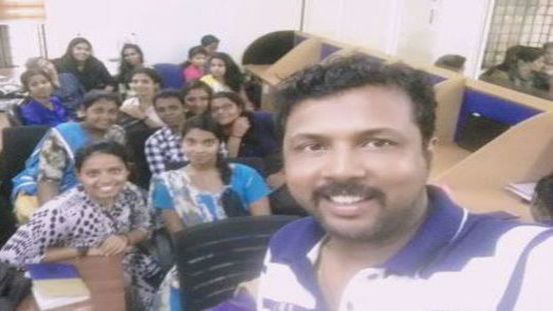
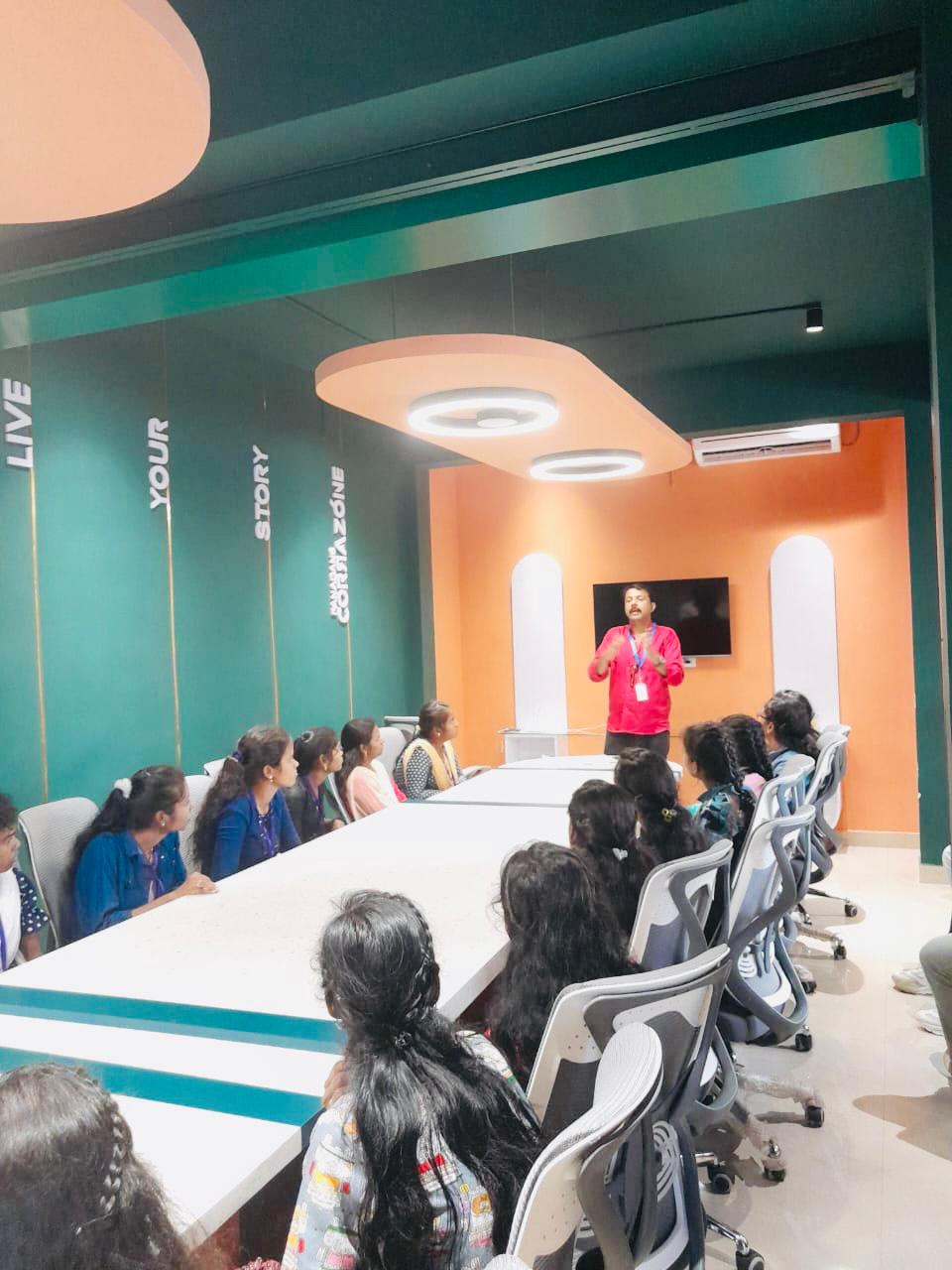
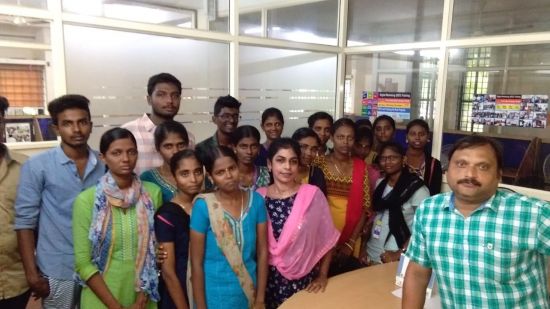
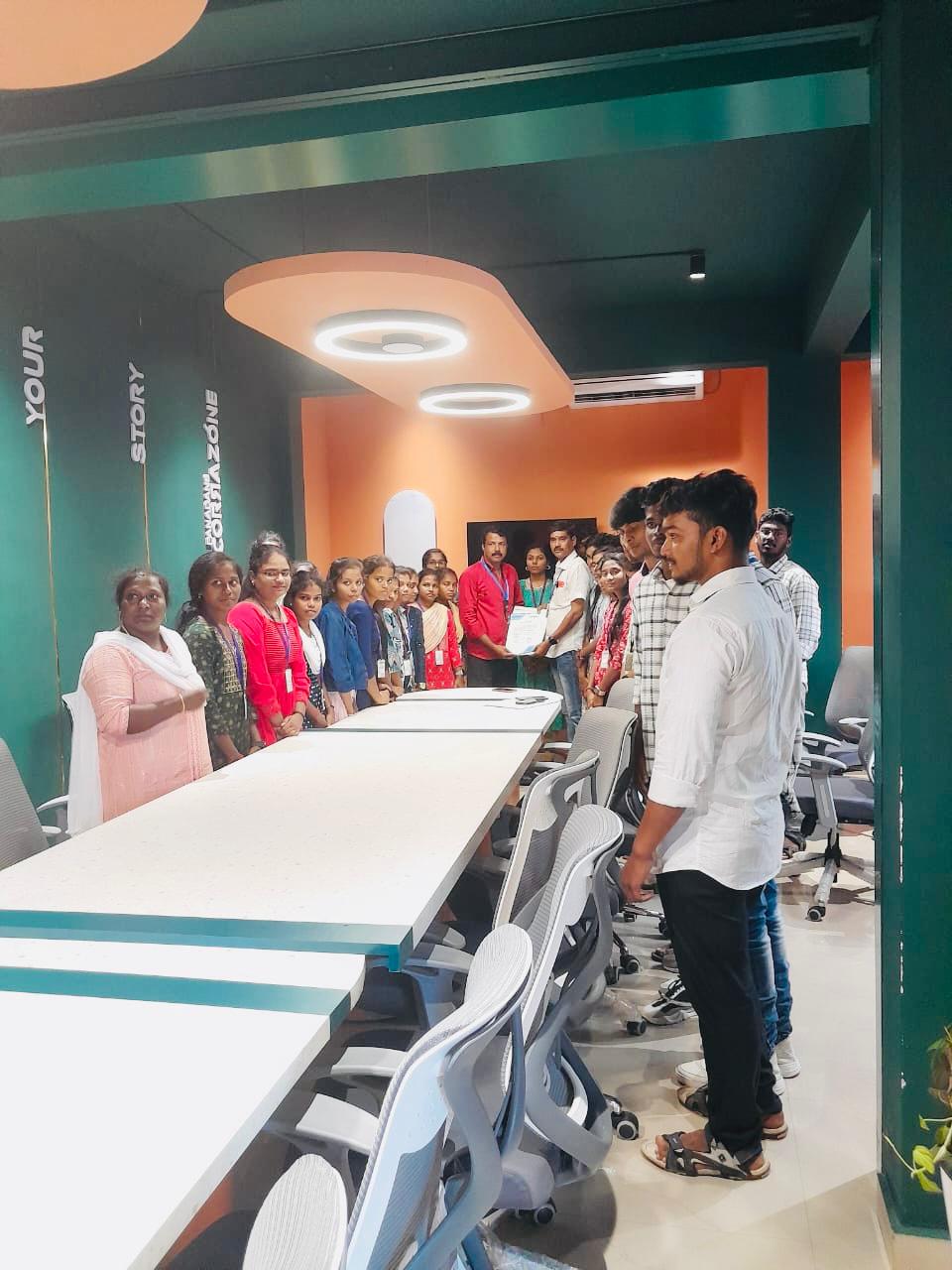
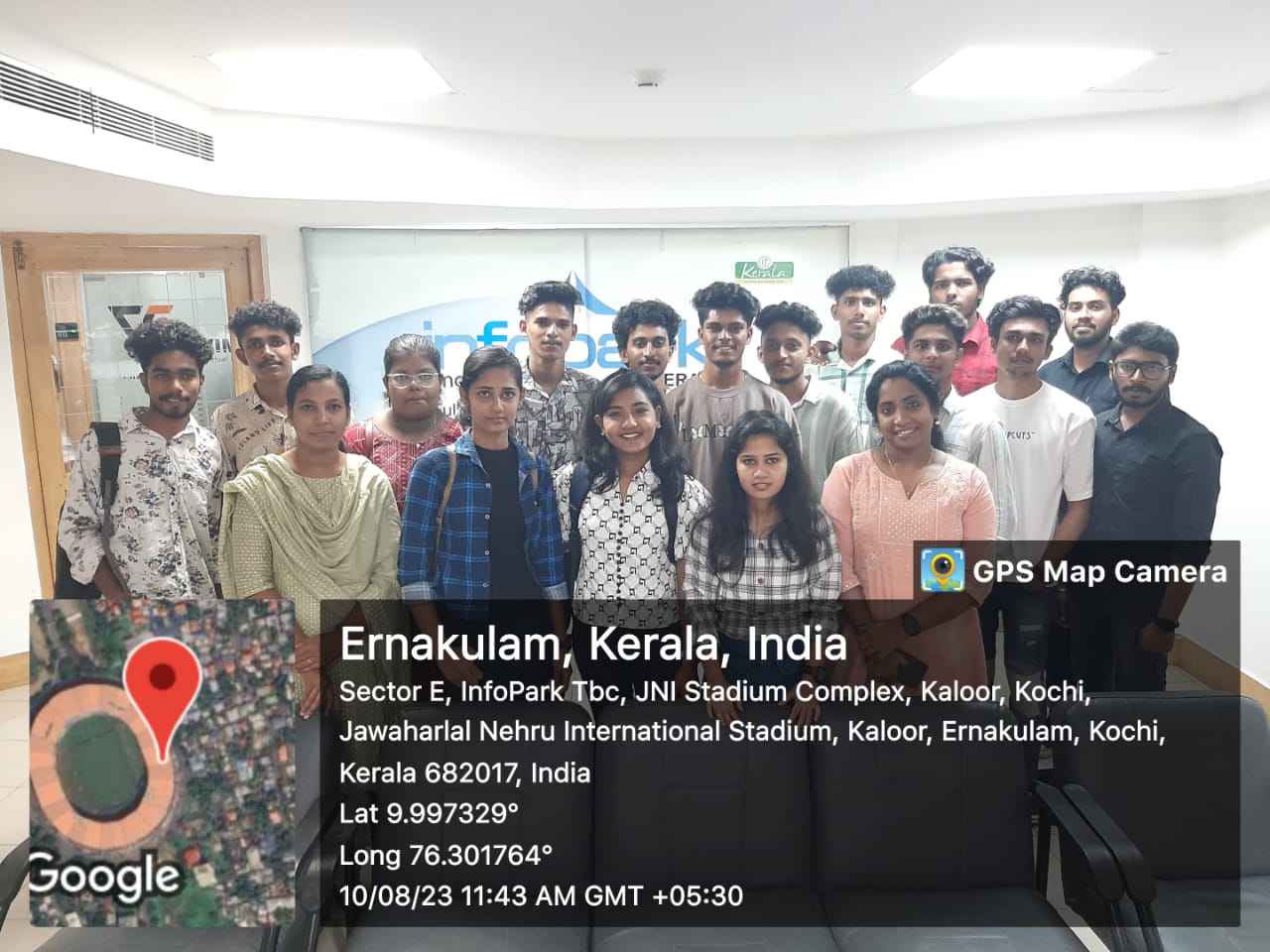
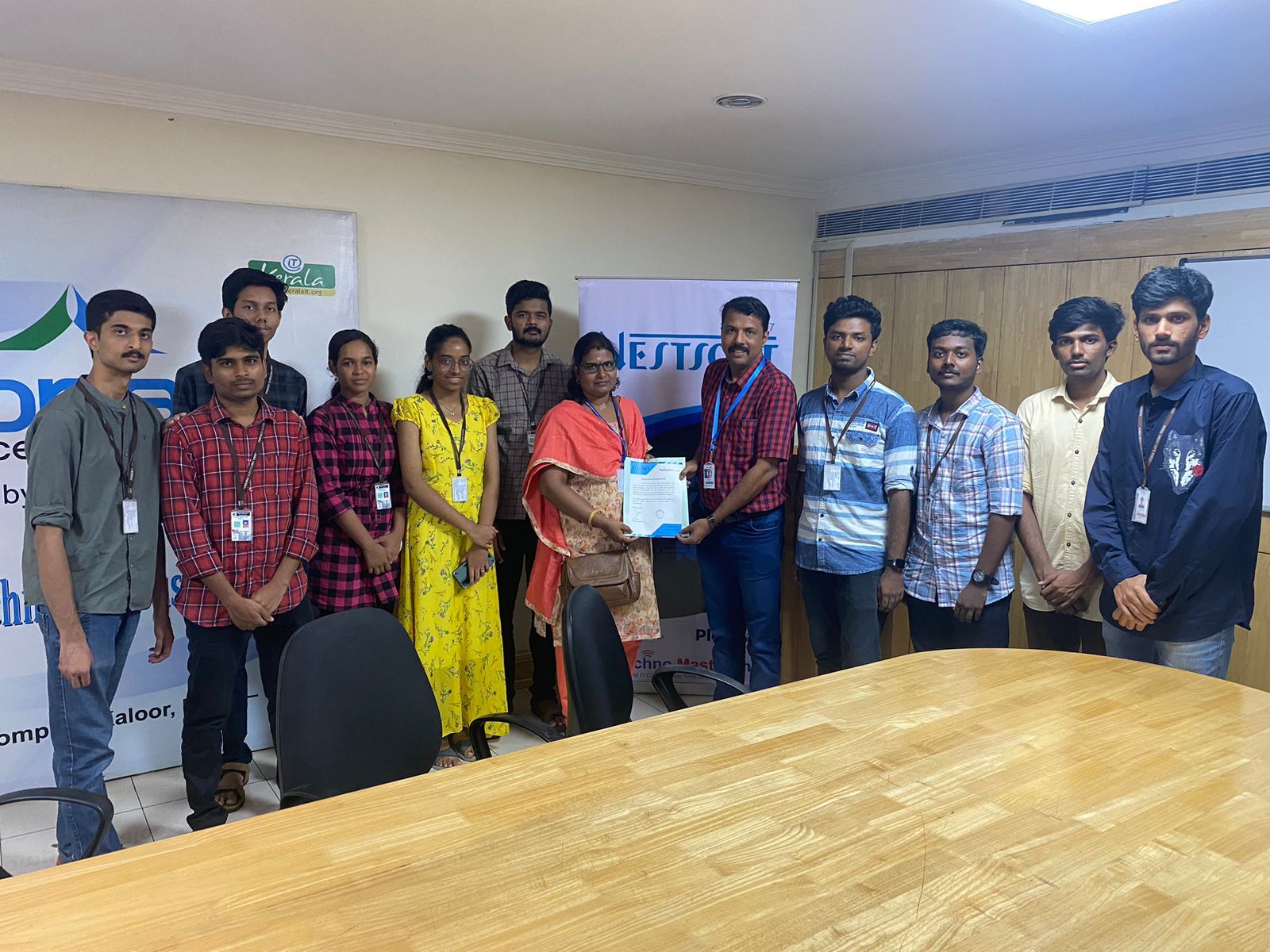
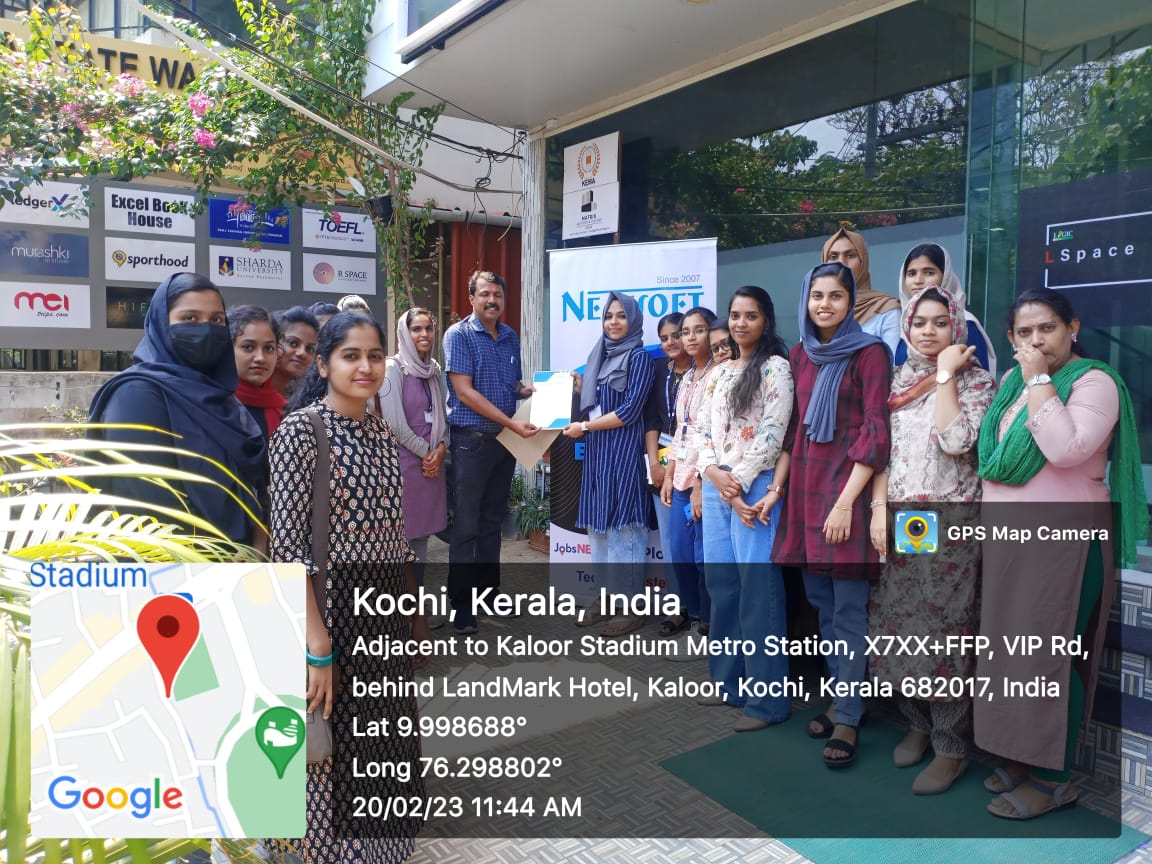
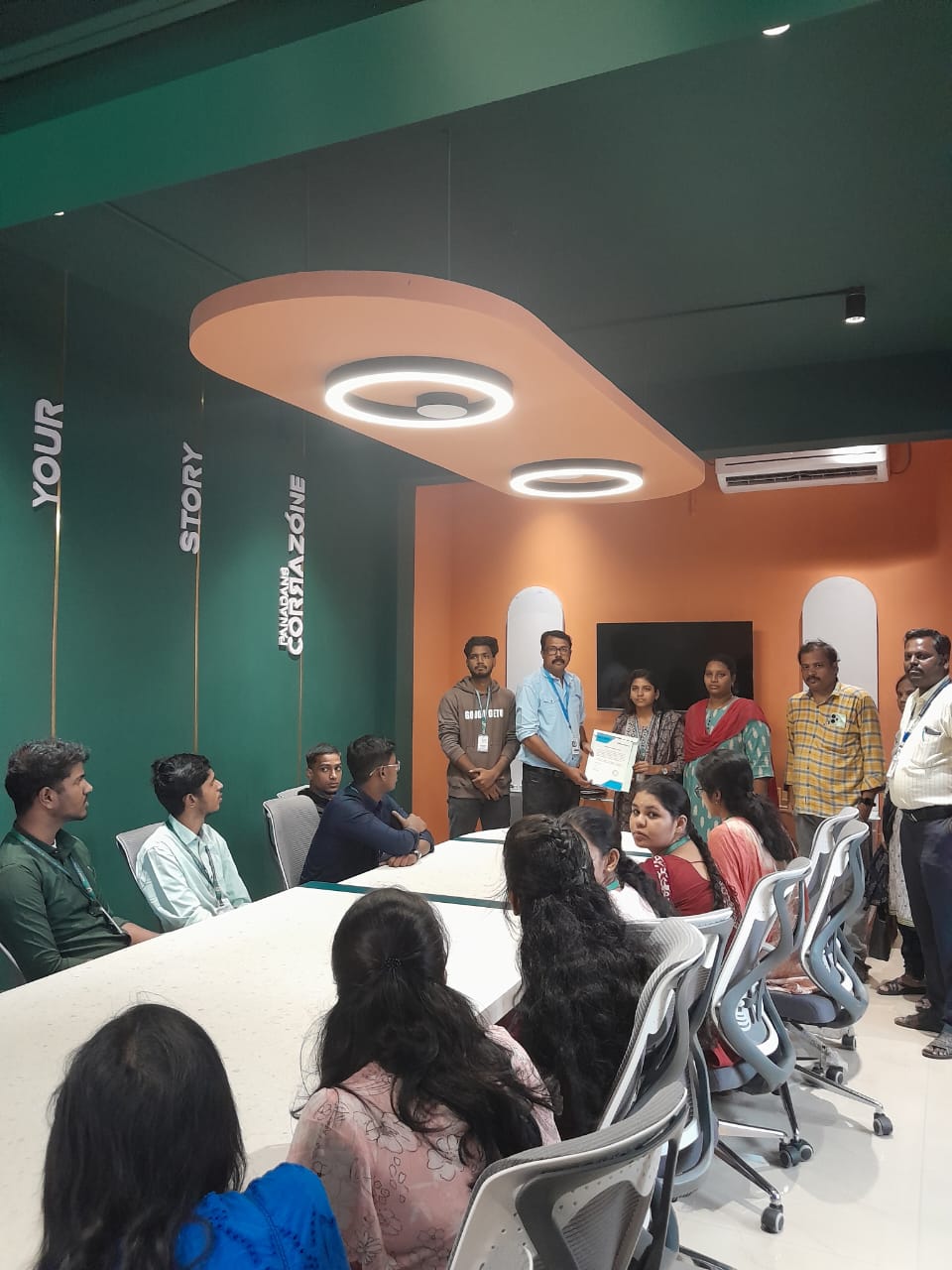
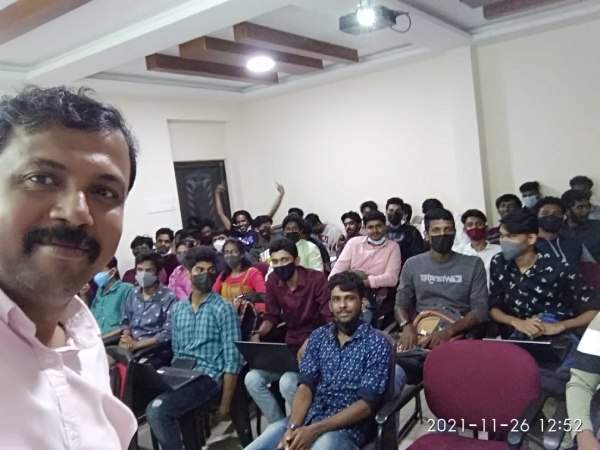
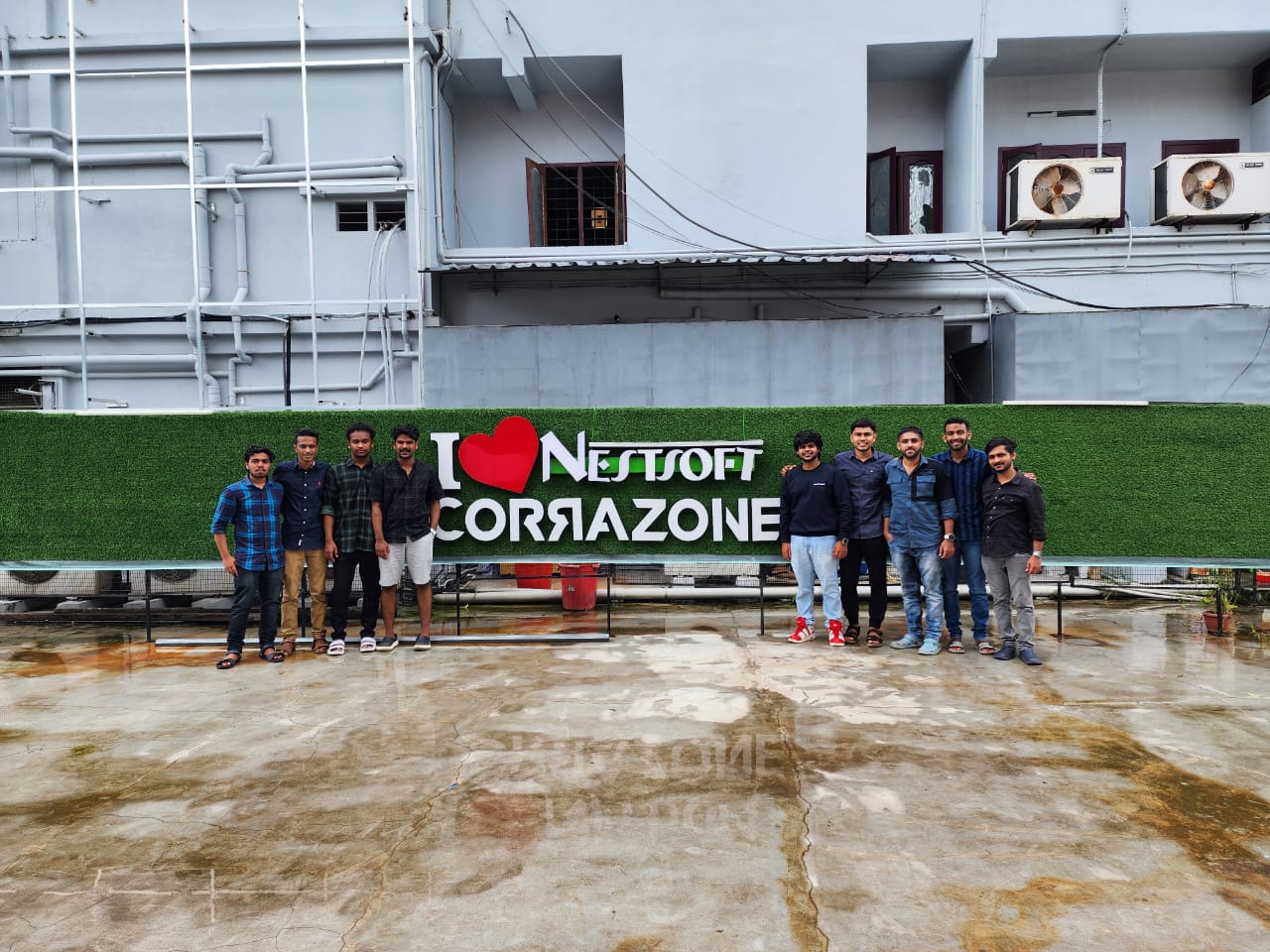
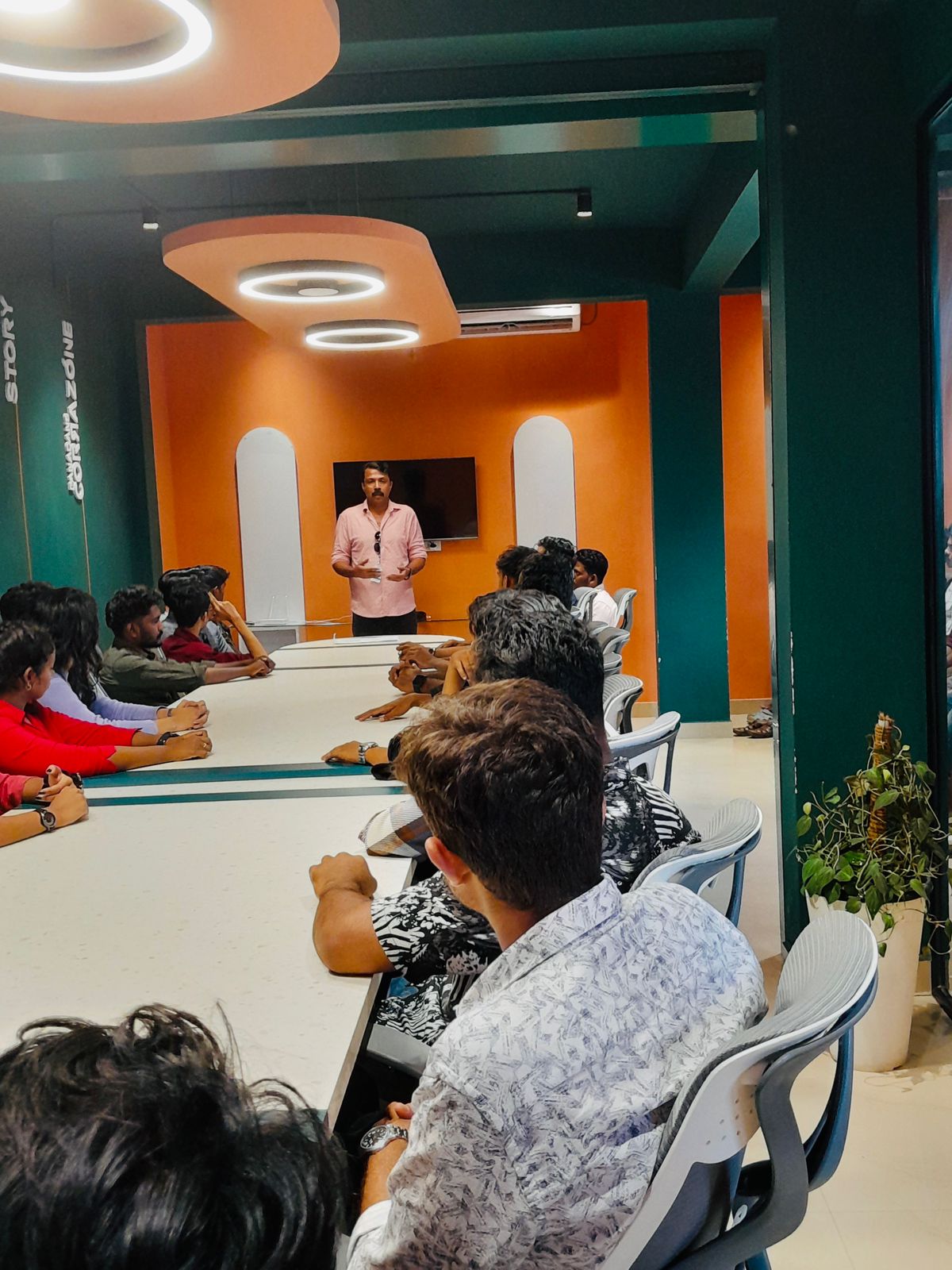
Photos of Training / Internships

Internship/projects in gisborne

Trained more than 10000+ students who trust Nestsoft TechnoMaster

Get Your Personal Trainer