
Send enquiry ⏎

Laravel Online Live Class by Experts

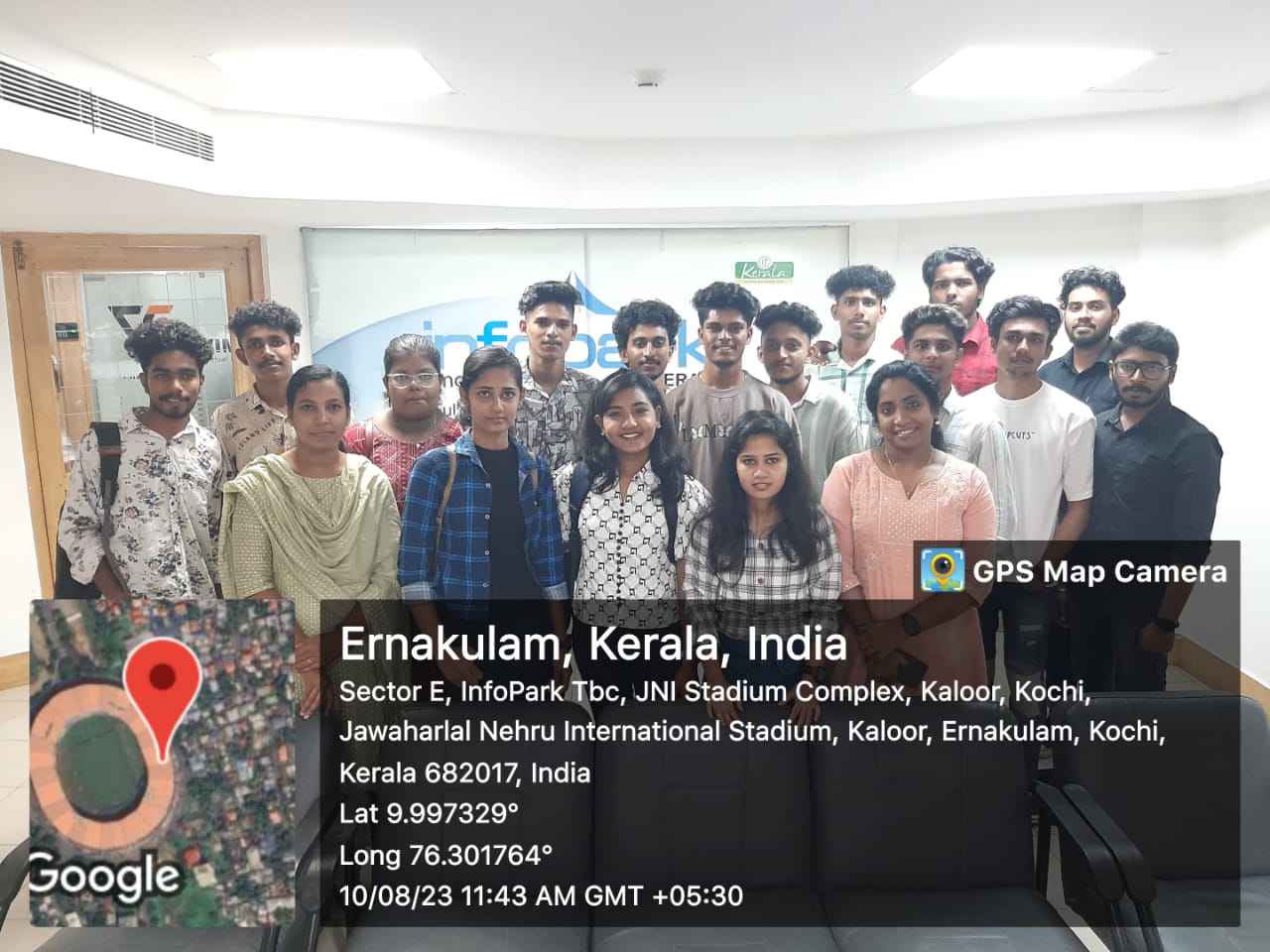
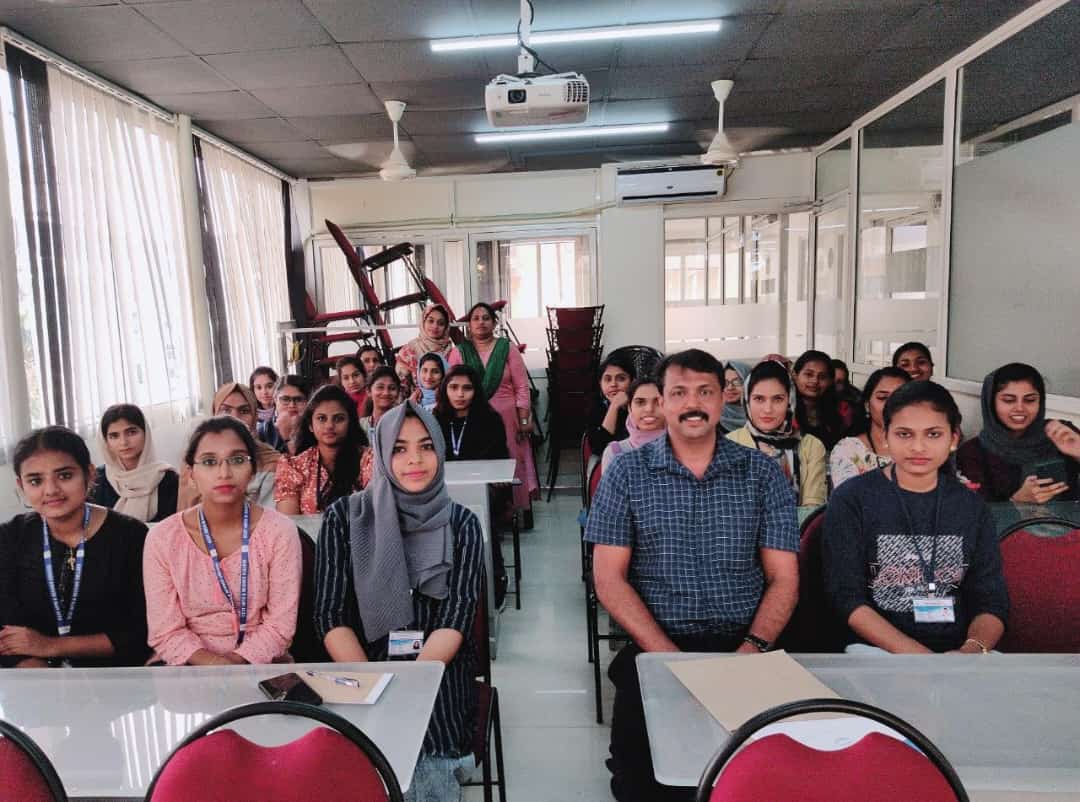
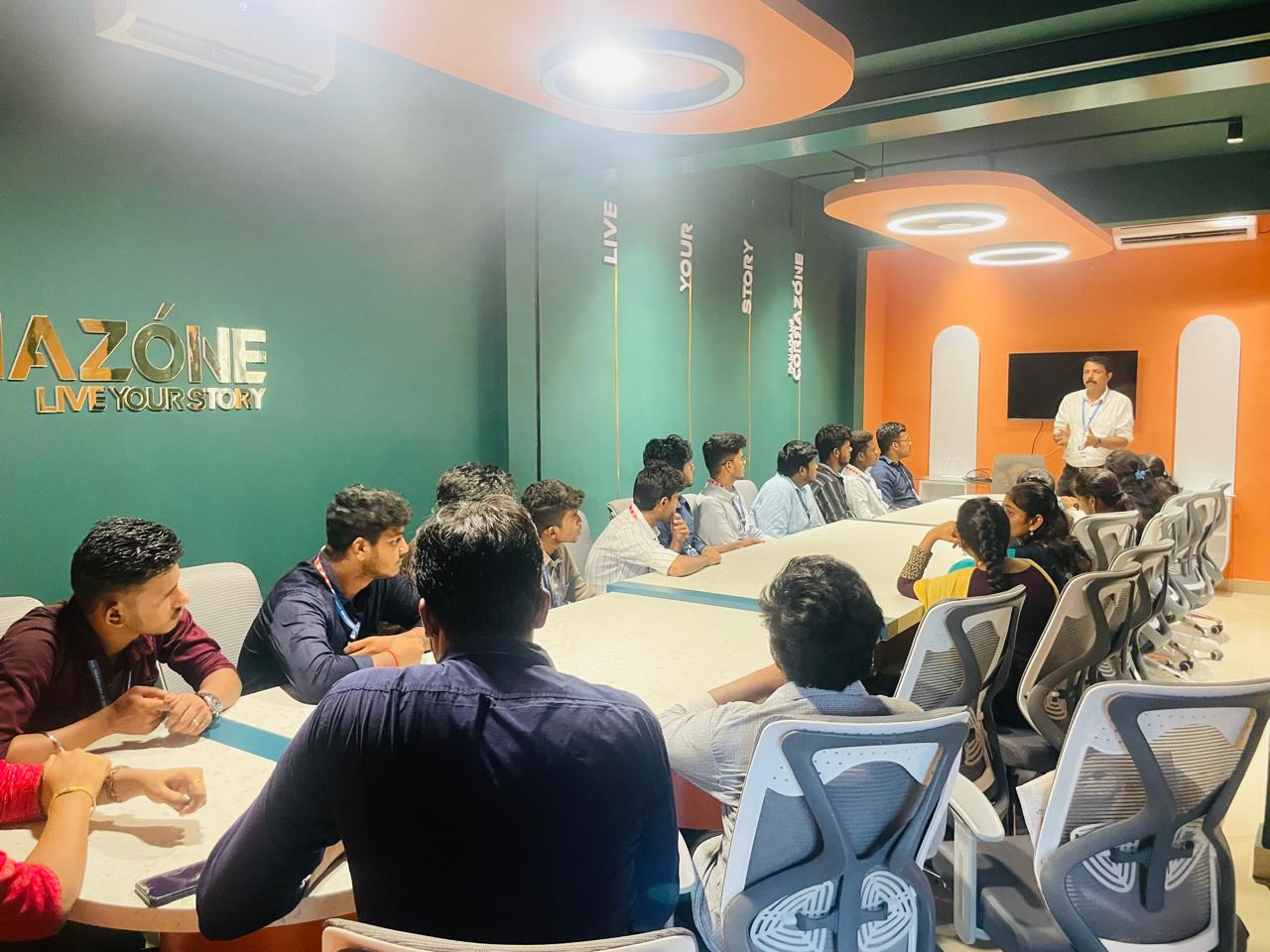
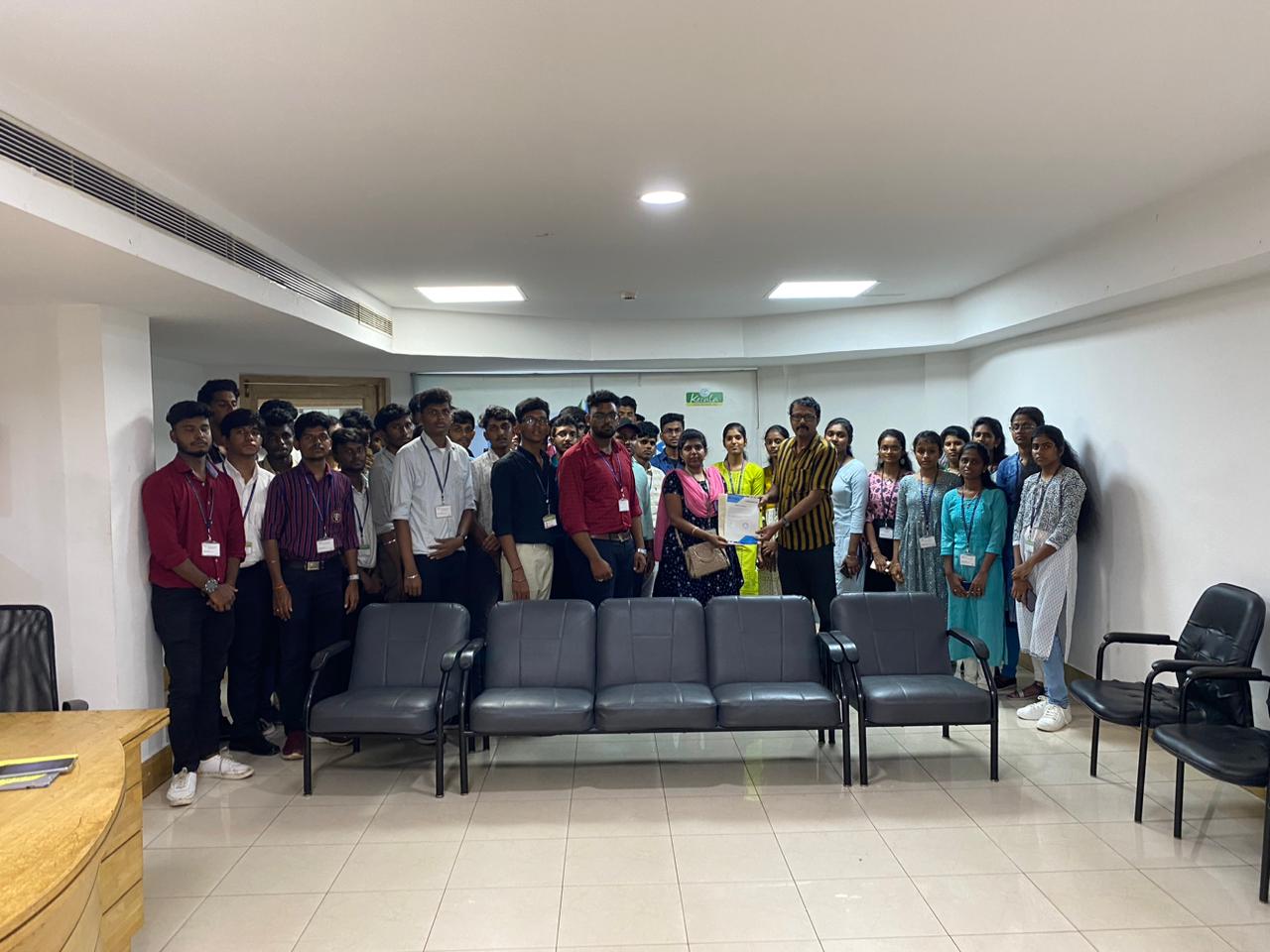
Our Training/Internship Process

Laravel Online Live Classes in Auckland | Free Demo Training

Laravel - Syllabus, Fees & Duration

Section 1 : Introduction of Laravel PHP Framework

  • Installing Laravel
  • Artisan CLI ( command-line interface )
  • Laravel Directory Structure
  • Configuring a new Laravel project

Section 2 : Architecture & Basics

  • Architecture overview -Basic routing
  • Call a controller method from a route
  • Passing variables from controllers to views
  • CSRF protection
  • Validation
  • Error handling
  • Controller
  • Request
  • Response
  • Views
  • Session

Section 3 : HTML Template to Laravel Blade Template

  • Master layout
  • Extending the master layout
  • Displaying variables
  • Blade conditional statements & loops
  • PHP functions in blade
  • Creating and using a basic views
  • Loading a view into another view/nested views
  • Adding assets
  • Integrating with Bootstrap

Section 4 : Security & Session

  • Authentication
  • Authorization
  • Encryption
  • Hashing
  • Using Security
  • Sessions Effective

Section 5 : Database

  • Introduction
  • Query Builder
  • Migrations
  • Seeding

Section 6 : Eloquent ORM ( Storing and Using Data )

  • Eloquent ORM Models
  • Naming conventions
  • Table name and primary keys
  • Timestamps
  • Eloquent ORM INSERT, READ , UPDATE , DELETE
  • Using models in controllers
  • Displaying data from models in views

Section 7 : Creating a registration & user login form

  • Artisan command to create inbuilt user register and login system
  • Authenticating Your Application
  • Adding Custom Fields to Registration Form
  • Creating user profile page

Section 8 : Admin Panel Setup

  • Introduction
  • Setup Admin Panel using Bootstrap theme
  • Create Admin login
  • Creating an admin authentication system
  • Encrypting and decrypting data

Section 9 : Using Ajax and jQuery

  • Introduction
  • Getting data from another page
  • Setting up a controller to return JSON data

Section 10 : Project

Download Syllabus - Laravel
This syllabus is not final and can be customized as per needs/updates
   
10000+
20+
50+
25+

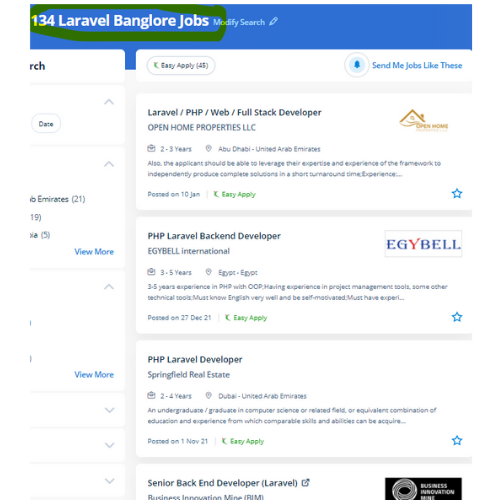
Laravel Jobs in Auckland

Enjoy the demand

Find jobs related to Laravel in search engines (Google, Bing, Yahoo) and recruitment websites (monsterindia, placementindia, naukri, jobsNEAR.in, indeed.co.in, shine.com etc.) based in Auckland, chennai and europe countries. You can find many jobs for freshers related to the job positions in Auckland.

  • Full stack Developer
  • PHP Developer Laravel
  • Laravel Developer
  • Backend Developer
  • Senior Php Web Developer
  • Senior Backend Developer
  • Software Engineer-Laravel
  • Systems developer
  • Lead Full Stack Developer
  • Programmer

Laravel Internship/Course Details

Laravel internship jobs in Auckland
Laravel One of the most necessary advantages of choosing Laravel for your web app development is its capabilities to supply high-toned security. It permits the website designers to vary a web project and its functions without the demand to induce expensive and time-consuming back-end code manipulations. Plus, each day, it’s improved with dozens of custom inventions developed around its open-source framework. Each year there are many cyber attacks taking place. Occasionally site performance affects some features and functionalities. The Laravel credential procedure is easier by enabling the users to configure the functions by applying effective authorization logic and giving allowances to the resources. Laravel’s frontend code is separate from its back end. Laravel framework that helps you ease your routine tasks, used in most web systems like authentication, sessions, and caching. It abstracts complicated functionalities by giving easy-to-apply functions and methods to do the work for you. During this course, you would be learning the advanced options of using Laravel PHP Framework like about Laravel-Localization, Sessions, Forms, Validations, Laravel and AJAX, Laravel, andE-mail, and Error Handling Laravel is a PHP frame for contemporary web apps.

Meet a Few of our Industry Experts 🚀 Your Pathway to IT Career

Hasan

Mobile: +91 8301010866
Location: Online (Auckland, New Zealand)
Qualification: Diploma

Experience: 2 years Experience in graphic design with intermediate knowledge of ui ux Software I use Photoshop illustrator figma Corel drawn  more..

Kumar

Mobile: +91 91884 77559
Location: Online (Auckland, New Zealand)
Qualification: 10th pass

Experience: I have skills of designing in: Logo design Banner design Poster design Flyer design T shirt design All on canva  more..

Gincy

Mobile: +91 89210 61945
Location: Online (Auckland, New Zealand)
Qualification: B.Tech

Experience: Angular Ionic developer with 9+ year experienceApplication for Angular JS  more..

YASHDEEP

Mobile: +91 89210 61945
Location: Online (Auckland, New Zealand)
Qualification: BTECH

Experience: django python Java c css  more..

B

Mobile: +91 91884 77559
Location: Online (Auckland, New Zealand)
Qualification: Btech

Experience: I am proficient in python java and sql and also have good knowledge in networking and also learned about data  more..

Kavin

Mobile: +91 98474 90866
Location: Online (Auckland, New Zealand)
Qualification: Bsc computer science

Experience: As a UI UX Designer with 1+ years of Experience I specialize in creating a User Center Designs that provide  more..

Hepsiba

Mobile: +91 8301010866
Location: Online (Auckland, New Zealand)
Qualification: B.tech

Experience: C java python |   more..

GAUSWAMI

Mobile: +91 91884 77559
Location: Online (Auckland, New Zealand)
Qualification: B.Sc.IT

Experience: I have 5+ years of experience in web and app development I have experience in Core PHP Drupal WordPress Laravel  more..

Adarsh

Mobile: +91 91884 77559
Location: Online (Auckland, New Zealand)
Qualification: Bsc computer science

Experience: Writing test cases manual testing automation testing J meter API testing Postman bugzilla jira  more..

ARYA

Mobile: +91 9895490866
Location: Online (Auckland, New Zealand)
Qualification: B tech in ECE

Experience: I have 6 month experience in electronic firm as a PCB testing engineer I have computer knowledge and know  more..

Nallabelli

Mobile: +91 91884 77559
Location: Online (Auckland, New Zealand)
Qualification: B.Tech

Experience: Efficient in Python and Java programming Languages Done a project on Fetching Insights from Stock Market data Possess great knowledge  more..

Mrinal

Mobile: +91 8301010866
Location: Online (Auckland, New Zealand)
Qualification: H. S

Experience: 3 years experience in computer hardware and networking field at jdb itcare 3 years experience in php development 6 month  more..

Geerthana

Mobile: +91 8301010866
Location: Online (Auckland, New Zealand)
Qualification: BE cse

Experience: I had an experience in both manual and automation testing known some frameworks like Testng bdd with cucumber data driven  more..

Akhila

Mobile: +91 91884 77559
Location: Online (Auckland, New Zealand)
Qualification: MCA

Experience: HTML CSS MySql python Djngo  more..

Pooja

Mobile: +91 8301010866
Location: Online (Auckland, New Zealand)
Qualification: BBA

Experience: I am a energetic ambitious person I have all leadership qualities and completed my full digital marketing course seo on  more..

Sreedeep

Mobile: +91 98474 90866
Location: Online (Auckland, New Zealand)
Qualification: Mca

Experience: Working as a software developer in bicoders solution kinfra (angular and flutter)Application for Angular JS  more..

L

Mobile: +91 91884 77559
Location: Online (Auckland, New Zealand)
Qualification: Mca

Experience: Java python html css dbms SQL cloud computing |   more..

Diya

Mobile: +91 9895490866
Location: Online (Auckland, New Zealand)
Qualification: B. Tech, ECE

Experience: Good in C C++ programming beginner level python and Java knowledge Web designing basics  more..

Harshvir

Mobile: +91 94975 90866
Location: Online (Auckland, New Zealand)
Qualification: BE

Experience: EXPERIENCE - SAMAH : 2021- 2022 Job : Showroom Website (Website build Product photography Web design layouts Logo Design etc  more..

palanivelrajan

Mobile: +91 91884 77559
Location: Online (Auckland, New Zealand)
Qualification: be (cse)

Experience: php mysql html css javascript(5 years) jquery(4 years) wordpress opencart(2 years) codeigniter(1 year)   more..

Tanya

Mobile: +91 94975 90866
Location: Online (Auckland, New Zealand)
Qualification: 12th, Diploma in Fashion Design & Currently pursuing Graduation

Experience: Canva designer video editor social media post design  more..

Nitin

Mobile: +91 91884 77559
Location: Online (Auckland, New Zealand)
Qualification: Mca

Experience: I'm Nitin Sharma I did my master's degree in MCA at Himachal Pradesh University Shimla I also completed my industrial  more..

Athira

Mobile: +91 91884 77559
Location: Online (Auckland, New Zealand)
Qualification: BTech Computer science & engineering

Experience: Technical skills: html css JavaScript core php advanced php(codeigniter laravel) Experience : 1 I have one and half years experience  more..

Sijisha

Mobile: +91 91884 77559
Location: Online (Auckland, New Zealand)
Qualification: Mca

Experience: I have a 6 months experience in php codeigniter  more..

Success Stories

The enviable salary packages and track record of our previous students are the proof of our excellence. Please go through our students' reviews about our training methods and faculty and compare it to the recorded video classes that most of the other institutes offer. See for yourself how TechnoMaster is truly unique.

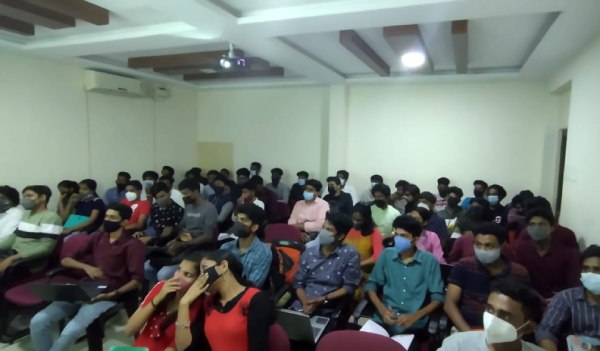
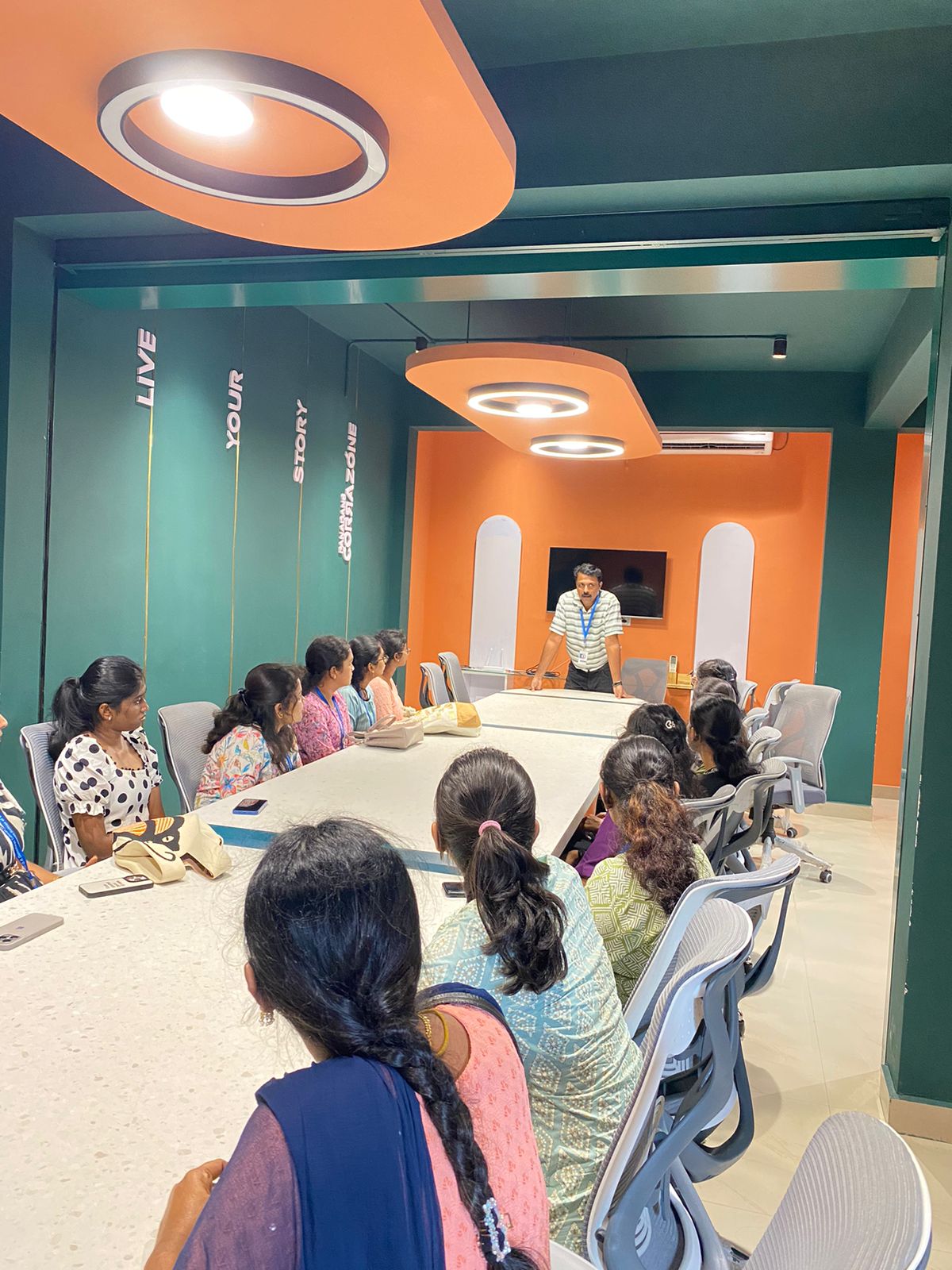
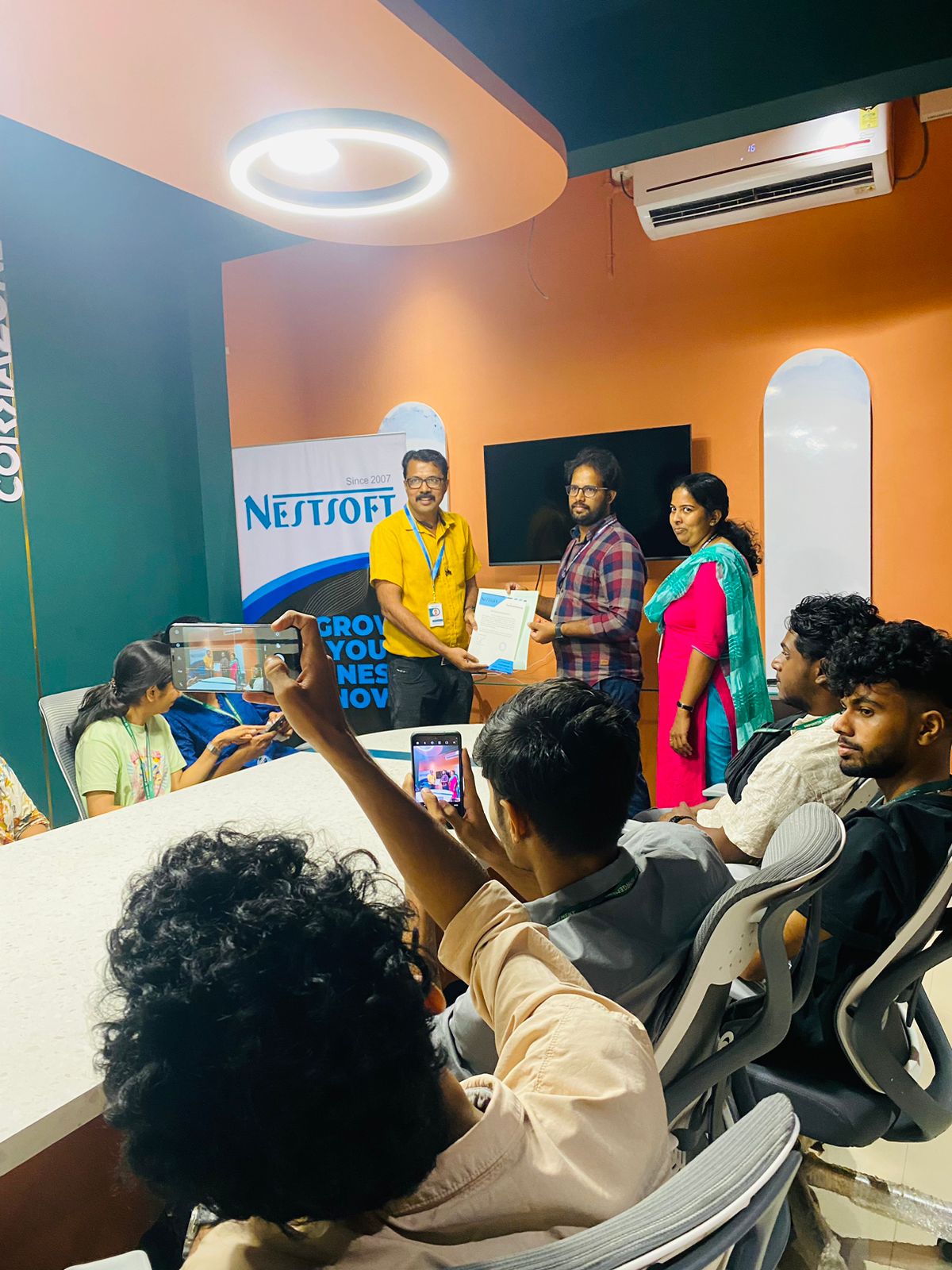
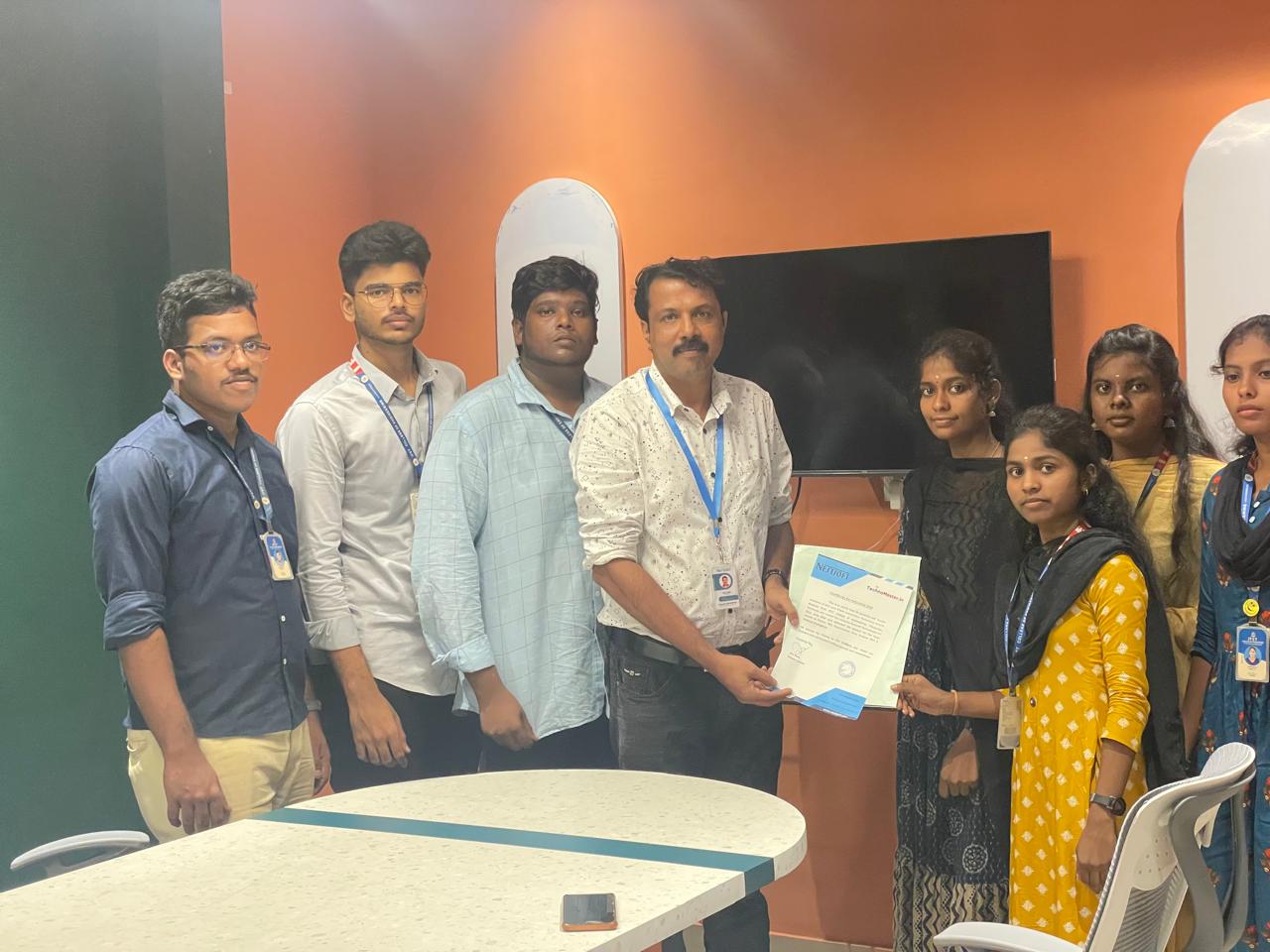
Photos of Training / Internships

Internship/projects in auckland

Trained more than 10000+ students who trust Nestsoft TechnoMaster

Get Your Personal Trainer