
Send enquiry ⏎

Laravel Online Live Class by Experts

Our Training/Internship Process

Laravel Online Live Classes in Napier | Free Demo Training

Laravel - Syllabus, Fees & Duration

Section 1 : Introduction of Laravel PHP Framework

  • Installing Laravel
  • Artisan CLI ( command-line interface )
  • Laravel Directory Structure
  • Configuring a new Laravel project

Section 2 : Architecture & Basics

  • Architecture overview -Basic routing
  • Call a controller method from a route
  • Passing variables from controllers to views
  • CSRF protection
  • Validation
  • Error handling
  • Controller
  • Request
  • Response
  • Views
  • Session

Section 3 : HTML Template to Laravel Blade Template

  • Master layout
  • Extending the master layout
  • Displaying variables
  • Blade conditional statements & loops
  • PHP functions in blade
  • Creating and using a basic views
  • Loading a view into another view/nested views
  • Adding assets
  • Integrating with Bootstrap

Section 4 : Security & Session

  • Authentication
  • Authorization
  • Encryption
  • Hashing
  • Using Security
  • Sessions Effective

Section 5 : Database

  • Introduction
  • Query Builder
  • Migrations
  • Seeding

Section 6 : Eloquent ORM ( Storing and Using Data )

  • Eloquent ORM Models
  • Naming conventions
  • Table name and primary keys
  • Timestamps
  • Eloquent ORM INSERT, READ , UPDATE , DELETE
  • Using models in controllers
  • Displaying data from models in views

Section 7 : Creating a registration & user login form

  • Artisan command to create inbuilt user register and login system
  • Authenticating Your Application
  • Adding Custom Fields to Registration Form
  • Creating user profile page

Section 8 : Admin Panel Setup

  • Introduction
  • Setup Admin Panel using Bootstrap theme
  • Create Admin login
  • Creating an admin authentication system
  • Encrypting and decrypting data

Section 9 : Using Ajax and jQuery

  • Introduction
  • Getting data from another page
  • Setting up a controller to return JSON data

Section 10 : Project

Download Syllabus - Laravel
This syllabus is not final and can be customized as per needs/updates
   
10000+
20+
50+
25+

Laravel Jobs in Napier

Enjoy the demand

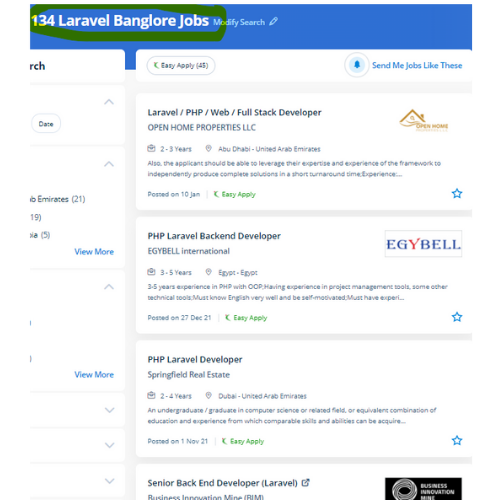
Find jobs related to Laravel in search engines (Google, Bing, Yahoo) and recruitment websites (monsterindia, placementindia, naukri, jobshybrid.com, indeed.co.in, shine.com etc.) based in Napier, chennai and europe countries. You can find many jobs for freshers related to the job positions in Napier.

  • Full stack Developer
  • PHP Developer Laravel
  • Laravel Developer
  • Backend Developer
  • Senior Php Web Developer
  • Senior Backend Developer
  • Software Engineer-Laravel
  • Systems developer
  • Lead Full Stack Developer
  • Programmer

Laravel Internship/Course Details

Laravel internship jobs in Napier
Laravel It permits the website designers to vary a web project and its functions without the demand to induce expensive and time-consuming back-end code manipulations. Occasionally site performance affects some features and functionalities. During this course, you would be learning the advanced options of using Laravel PHP Framework like about Laravel-Localization, Sessions, Forms, Validations, Laravel and AJAX, Laravel, andE-mail, and Error Handling Laravel is a PHP frame for contemporary web apps. The safe authentication and consent ability of laravel guarantee the reputed companies in their production field. Laravel’s frontend code is separate from its back end. The safeguarded resources are entered by authentic and registered users are demanded by web application owners. The Laravel credential procedure is easier by enabling the users to configure the functions by applying effective authorization logic and giving allowances to the resources. But, Laravel comes up with various tools that facilitate the developers to heft the web app performance. If you're talented and understand logic quickly also it'll be easy to learn. Laravel framework that helps you ease your routine tasks, used in most web systems like authentication, sessions, and caching.


Meet a Few of our Industry Experts 🚀 Your Pathway to IT Career

Chippy

Mobile: +91 94975 90866
Location: Online (Napier, New Zealand)
Qualification: Bsc computer science

Experience: knowledge in HTML PYTHON PHP JAVA Good design skill and communication skill   more..

Jefin

Mobile: +91 8301010866
Location: Online (Napier, New Zealand)
Qualification: B tech

Experience: I am Jefin Jojo an engineering graduate eager to transition my career to web development Through self-learning I have acquired  more..

Shreethal

Mobile: +91 94975 90866
Location: Online (Napier, New Zealand)
Qualification: Btech

Experience: I have studied Computer science and engineering from Universal Engineering college under Abdul kalam technical university I possess rich domain  more..

abin

Mobile: +91 91884 77559
Location: Online (Napier, New Zealand)
Qualification: bca

Experience: just complete a 3 month software testing course from rogersoft technologies   more..

Muhabath

Mobile: +91 98474 90866
Location: Online (Napier, New Zealand)
Qualification: Btech

Experience: Manual testing Selenium Java Automation testing  more..

Pakala

Mobile: +91 94975 90866
Location: Online (Napier, New Zealand)
Qualification: B. Tech(CSE)

Experience: C python java html css javascript mysql bootstrap  more..

Miteshkumar

Mobile: +91 98474 90866
Location: Online (Napier, New Zealand)
Qualification: PGDCA

Experience: Website theme development Theme customization Theme Integration etc   more..

Samridhi

Mobile: +91 8301010866
Location: Online (Napier, New Zealand)
Qualification: Bca

Experience: I am last year bca student at chitkara University Skills: Web development Digital marketing Leadership  more..

Manish

Mobile: +91 91884 77559
Location: Online (Napier, New Zealand)
Qualification: B.Tech

Experience: During my time at SafeSend Technology I was responsible for developing and maintaining web applications using C# ASP NET and  more..

Shruti

Mobile: +91 8301010866
Location: Online (Napier, New Zealand)
Qualification: PGDHRM

Experience: I am an experienced trainer proficient in both online and in-person environments with a specialization in spoken English My expertise  more..

Nitin

Mobile: +91 91884 77559
Location: Online (Napier, New Zealand)
Qualification: B.TECH

Experience: My name is Nitin and i have 4 5 years of experience My position is senior developer Skills : -  more..

Nowfia

Mobile: +91 89210 61945
Location: Online (Napier, New Zealand)
Qualification: B.tech CSE

Experience: *Manual testing:sdlc stlc levels of testing buglife cycle test case test scenario preparation bugreport preparation *Automation testing :basic work knowledge  more..

Sowmya

Mobile: +91 94975 90866
Location: Online (Napier, New Zealand)
Qualification: M.tech

Experience: Siem IBM Qradar malware analysis host analysis wireshark ips ids firewall  more..

Rahul

Mobile: +91 91884 77559
Location: Online (Napier, New Zealand)
Qualification: BE/ECE

Experience: 5 month networking side overall troubleshooting network issue  more..

Ananthu

Mobile: +91 9895490866
Location: Online (Napier, New Zealand)
Qualification: MBA

Experience: I am a Fresher in the Digital Marketing domain and have 4 years of experience in business development and  more..

Shweta

Mobile: +91 89210 61945
Location: Online (Napier, New Zealand)
Qualification: BCA

Experience: Myself Shweta Sutar I have completed my Bachelors in computer application from GSS College I have worked 6 months as  more..

Yogendra

Mobile: +91 8301010866
Location: Online (Napier, New Zealand)
Qualification: MCA

Experience: php & Wordpress Exp 7yrs  more..

Shadab

Mobile: +91 89210 61945
Location: Online (Napier, New Zealand)
Qualification: High School

Experience: Working with php wordpress and all related technologies from 10 years   more..

Susmi

Mobile: +91 91884 77559
Location: Online (Napier, New Zealand)
Qualification: BCA

Experience: php laravel ajax jquery html api  more..

Sinsy

Mobile: +91 8301010866
Location: Online (Napier, New Zealand)
Qualification: Btech IT

Experience: iOS developer  more..

Nayak

Mobile: +91 91884 77559
Location: Online (Napier, New Zealand)
Qualification: BCA

Experience: I have a experience of total 4 mnc company's as a web developer   more..

surjayan

Mobile: +91 8301010866
Location: Online (Napier, New Zealand)
Qualification: B.sc Hons graduate

Experience: MORE THAN 2 year of experience as a mern stack plus react native developer nodejs reactjs react native no sql  more..

Utkarsha

Mobile: +91 89210 61945
Location: Online (Napier, New Zealand)
Qualification: BE Computer

Experience: I have recently graduated in Computer Science Engineering from Pravara Rural College Of Engineering and I am currently looking  more..

ASWIN

Mobile: +91 8301010866
Location: Online (Napier, New Zealand)
Qualification: Bsc information technology

Experience: Manual testing Sql Java Selenium Cucumber TestNG Jira  more..

Success Stories

The enviable salary packages and track record of our previous students are the proof of our excellence. Please go through our students' reviews about our training methods and faculty and compare it to the recorded video classes that most of the other institutes offer. See for yourself how TechnoMaster is truly unique.

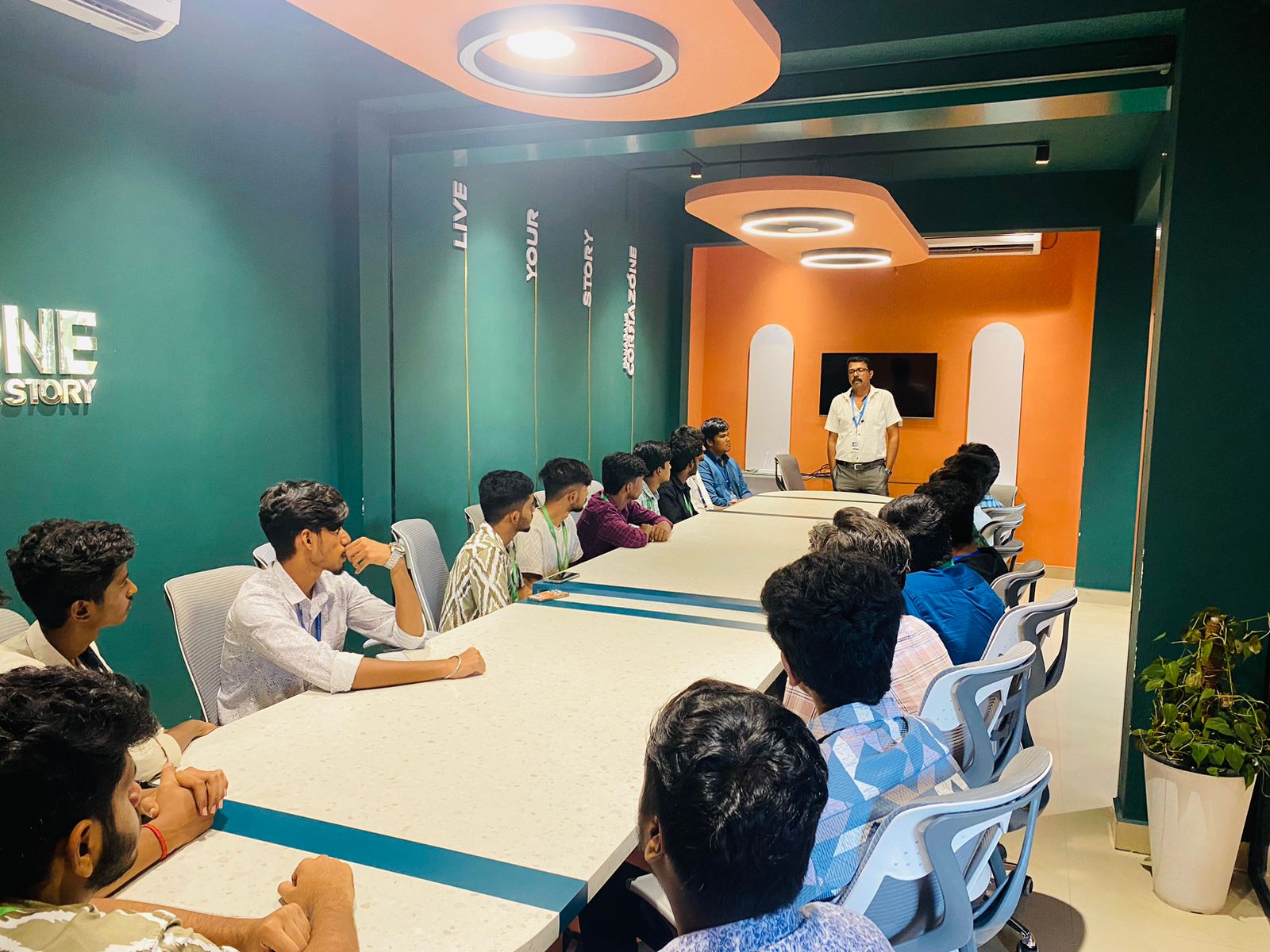
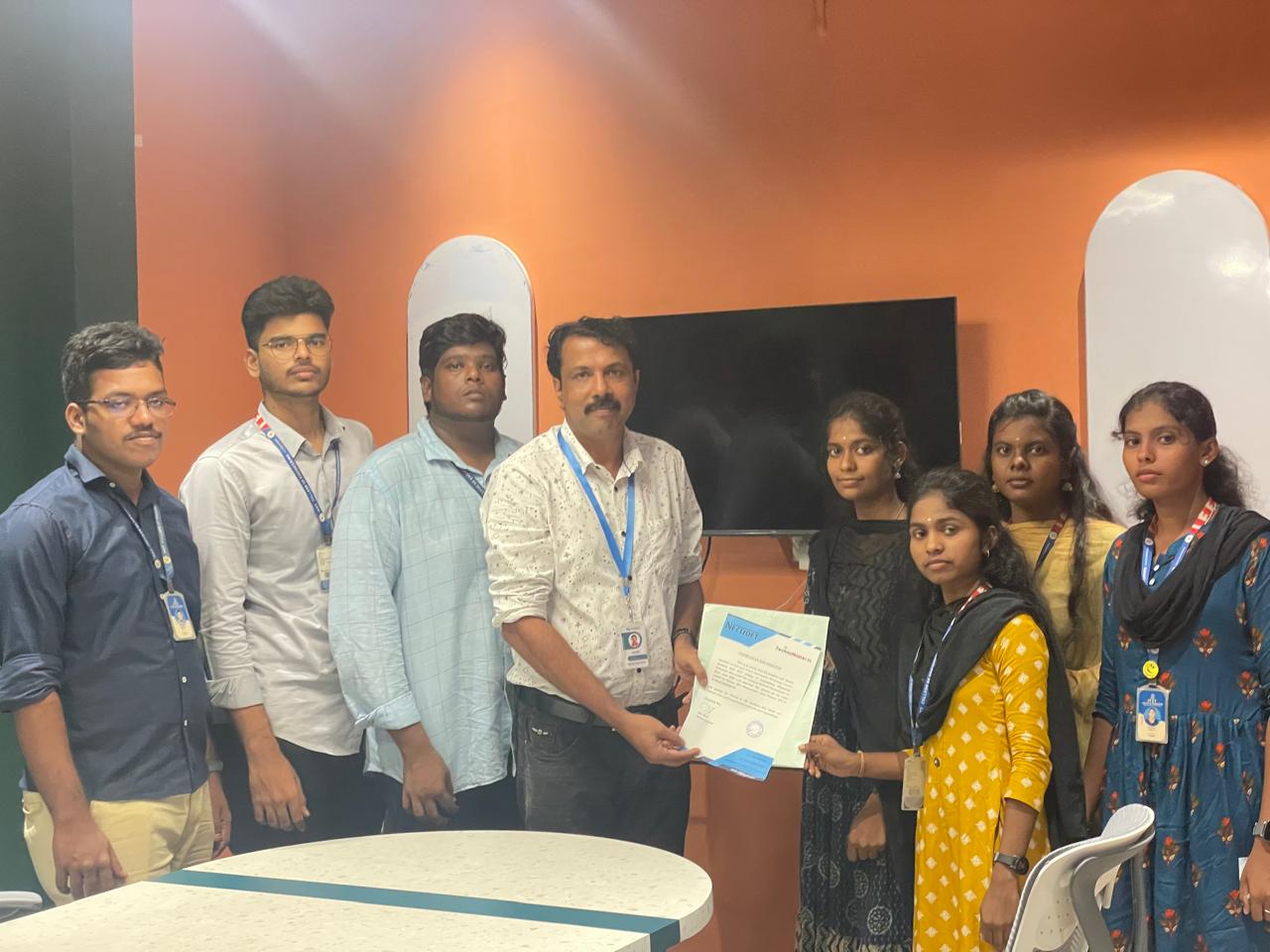
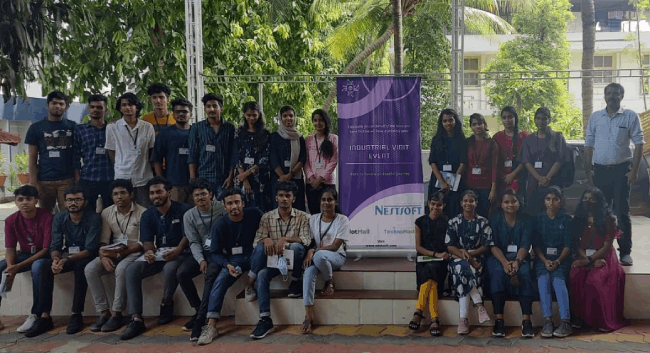
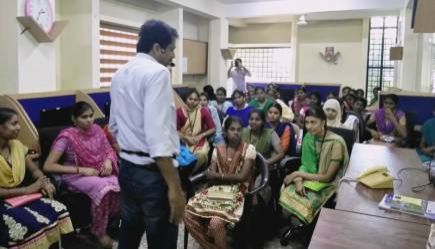
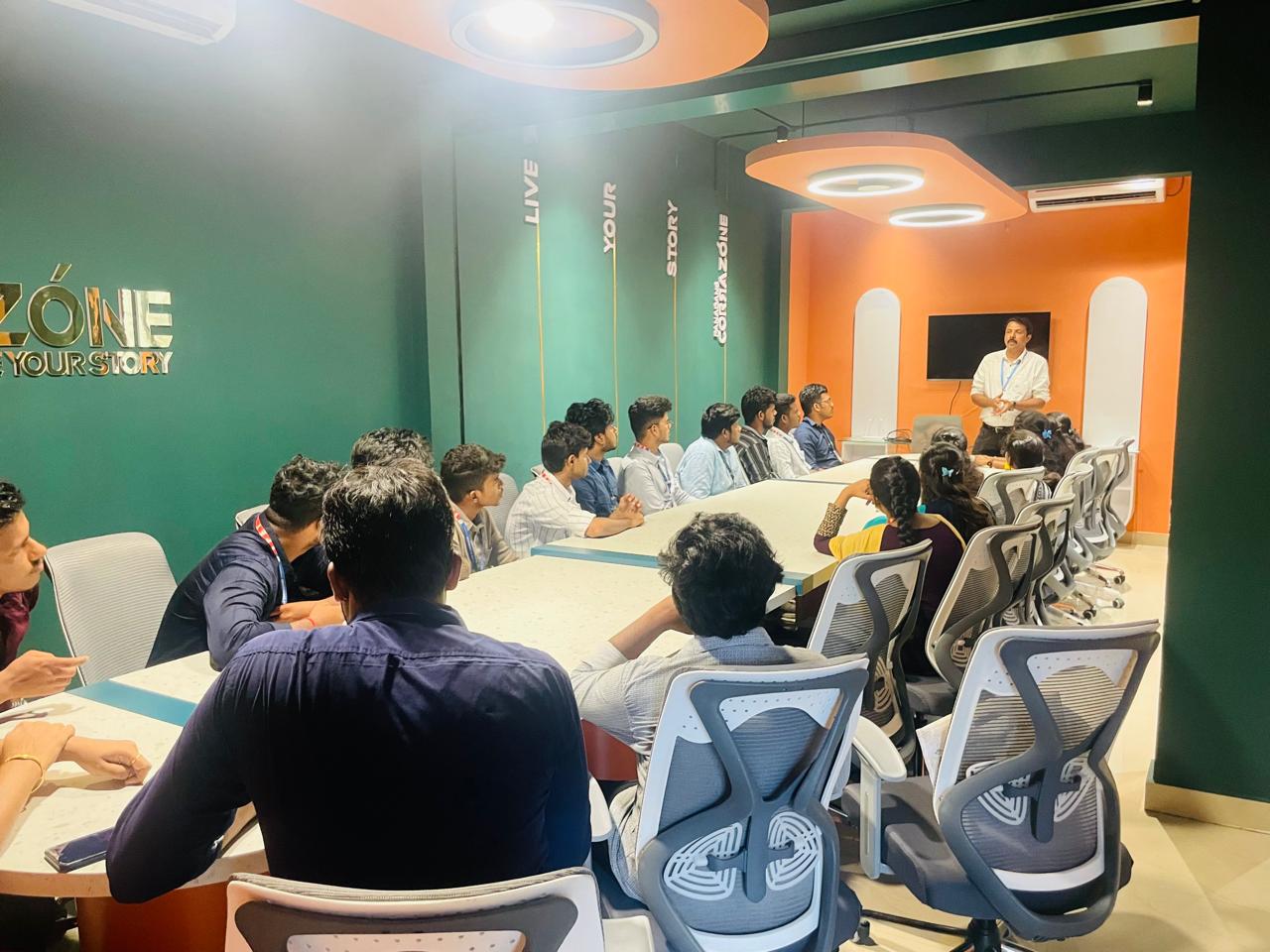
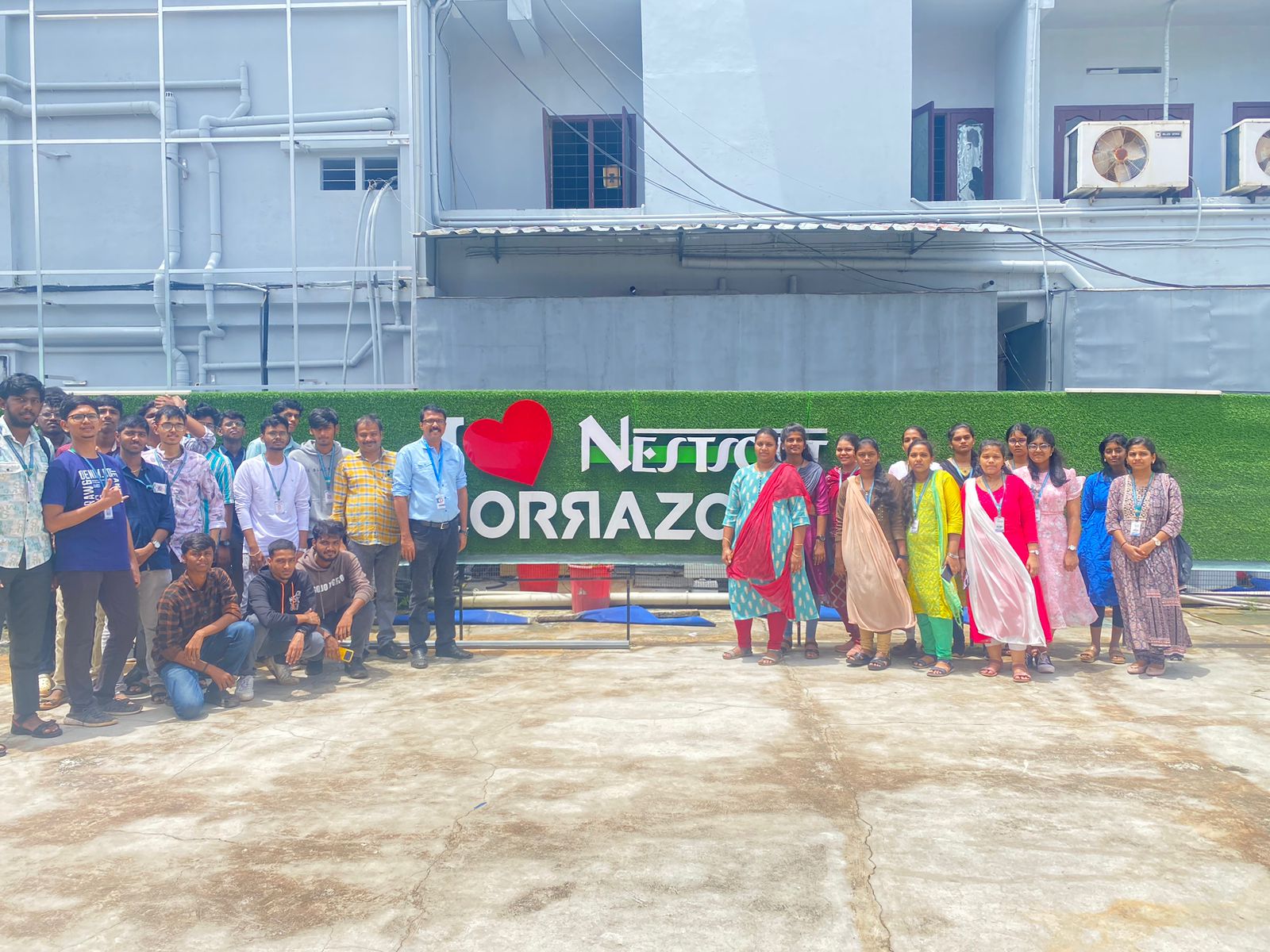
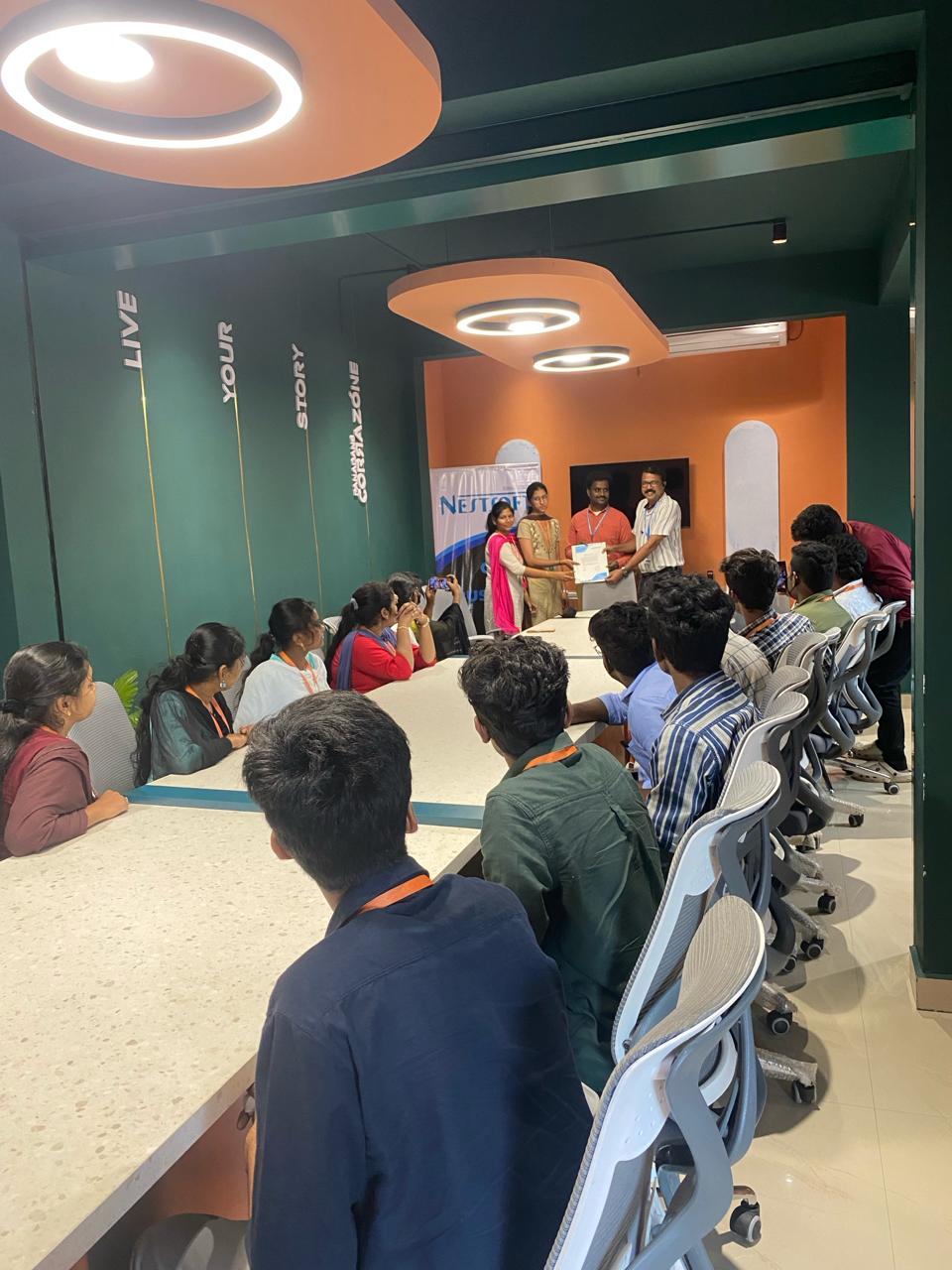
Photos of Training / Internships

Internship/projects in napier

Trained more than 10000+ students who trust Nestsoft TechnoMaster

Get Your Personal Trainer