
Send enquiry ⏎

Laravel Online Live Class by Experts

Our Training/Internship Process

Laravel Online Live Classes in Nelson | Free Demo Training

Laravel - Syllabus, Fees & Duration

Section 1 : Introduction of Laravel PHP Framework

  • Installing Laravel
  • Artisan CLI ( command-line interface )
  • Laravel Directory Structure
  • Configuring a new Laravel project

Section 2 : Architecture & Basics

  • Architecture overview -Basic routing
  • Call a controller method from a route
  • Passing variables from controllers to views
  • CSRF protection
  • Validation
  • Error handling
  • Controller
  • Request
  • Response
  • Views
  • Session

Section 3 : HTML Template to Laravel Blade Template

  • Master layout
  • Extending the master layout
  • Displaying variables
  • Blade conditional statements & loops
  • PHP functions in blade
  • Creating and using a basic views
  • Loading a view into another view/nested views
  • Adding assets
  • Integrating with Bootstrap

Section 4 : Security & Session

  • Authentication
  • Authorization
  • Encryption
  • Hashing
  • Using Security
  • Sessions Effective

Section 5 : Database

  • Introduction
  • Query Builder
  • Migrations
  • Seeding

Section 6 : Eloquent ORM ( Storing and Using Data )

  • Eloquent ORM Models
  • Naming conventions
  • Table name and primary keys
  • Timestamps
  • Eloquent ORM INSERT, READ , UPDATE , DELETE
  • Using models in controllers
  • Displaying data from models in views

Section 7 : Creating a registration & user login form

  • Artisan command to create inbuilt user register and login system
  • Authenticating Your Application
  • Adding Custom Fields to Registration Form
  • Creating user profile page

Section 8 : Admin Panel Setup

  • Introduction
  • Setup Admin Panel using Bootstrap theme
  • Create Admin login
  • Creating an admin authentication system
  • Encrypting and decrypting data

Section 9 : Using Ajax and jQuery

  • Introduction
  • Getting data from another page
  • Setting up a controller to return JSON data

Section 10 : Project

Download Syllabus - Laravel
This syllabus is not final and can be customized as per needs/updates
   
10000+
20+
50+
25+

Laravel Jobs in Nelson

Enjoy the demand

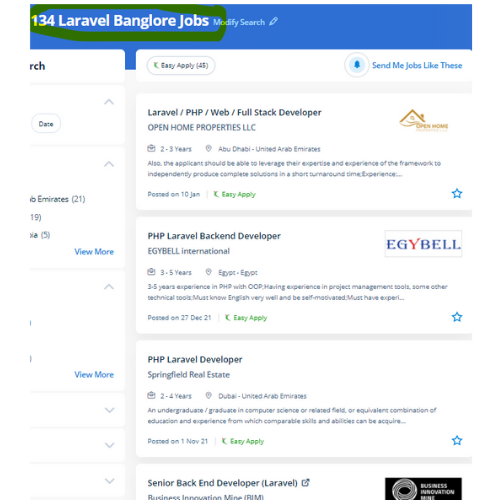
Find jobs related to Laravel in search engines (Google, Bing, Yahoo) and recruitment websites (monsterindia, placementindia, naukri, jobsNEAR.in, indeed.co.in, shine.com etc.) based in Nelson, chennai and europe countries. You can find many jobs for freshers related to the job positions in Nelson.

  • Full stack Developer
  • PHP Developer Laravel
  • Laravel Developer
  • Backend Developer
  • Senior Php Web Developer
  • Senior Backend Developer
  • Software Engineer-Laravel
  • Systems developer
  • Lead Full Stack Developer
  • Programmer

Laravel Internship/Course Details

Laravel internship jobs in Nelson
Laravel Laravel’s frontend code is separate from its back end. Laravel could be a game-changer For your business. Occasionally site performance affects some features and functionalities. But, Laravel comes up with various tools that facilitate the developers to heft the web app performance. If you're talented and understand logic quickly also it'll be easy to learn. In such situations, you would like architectures that guard your web apps. During this course, you would be learning the advanced options of using Laravel PHP Framework like about Laravel-Localization, Sessions, Forms, Validations, Laravel and AJAX, Laravel, andE-mail, and Error Handling Laravel is a PHP frame for contemporary web apps. This Laravel course explains a way to use the Laravel PHP frame to make web operations. Presently, Laravel is engaged by thousands of professionals around the globe. Laravel could be a free, modern, dynamic, and important open-source PHP web application framework, designed for the development of model- view- controller (MVC) web applications.


Meet a Few of our Industry Experts 🚀 Your Pathway to IT Career

Prathamesh

Mobile: +91 94975 90866
Location: Online (Nelson, New Zealand)
Qualification: MCA

Experience: Skills - HTML5 CSS Javascript React js Node js php etc  more..

Hemanandhini

Mobile: +91 91884 77559
Location: Online (Nelson, New Zealand)
Qualification: C1 German language

Experience: 12+ years experienced German language trainer Well versed and skilled in online teaching platforms( zoom Google meet Skype etc) 4  more..

Priyanka

Mobile: +91 91884 77559
Location: Online (Nelson, New Zealand)
Qualification: MCA

Experience: Application for php DeveloperApplication for PHP Laravel  more..

vivek

Mobile: +91 8301010866
Location: Online (Nelson, New Zealand)
Qualification: BE (bachelor of engineering)

Experience: operating system - kali linux ubuntu windows burpsuite metasploit jhonTheripper hydra maltengo gobuster&dirbuster c++ python javascript HTML CSS networking sql  more..

Parvathy

Mobile: +91 94975 90866
Location: Online (Nelson, New Zealand)
Qualification: Btech in electrical and electronics engineering

Experience: Manual testing Automation testing selenium JMeter Jira postman SQL Java testcase preperation bug report   more..

Renu

Mobile: +91 91884 77559
Location: Online (Nelson, New Zealand)
Qualification: Masters

Experience: I am currently pursuing a Master of Science in Computer Science at Liverpool John Moores University specializing in software development  more..

Shithinkrishna

Mobile: +91 9895490866
Location: Online (Nelson, New Zealand)
Qualification: Be computer science and engineering

Experience: Javascript react manual testing automation testing html css  more..

Sachin

Mobile: +91 8301010866
Location: Online (Nelson, New Zealand)
Qualification: B.E. electrical engineering

Experience: Digital forensics owasp top 10 vulnerabilities vapt firewall etc  more..

Supriya

Mobile: +91 8301010866
Location: Online (Nelson, New Zealand)
Qualification: MSc

Experience: Software developer at Synergy5M LLP working on net as beckend developer  more..

Muhabath

Mobile: +91 98474 90866
Location: Online (Nelson, New Zealand)
Qualification: Btech

Experience: Manual testing Selenium Java Automation testing  more..

sreelakshmi

Mobile: +91 91884 77559
Location: Online (Nelson, New Zealand)
Qualification: MCA

Experience: I have recently completed software testing course & Training from STC Technology and i have completed my postgraduation in MCA  more..

Aiswarya

Mobile: +91 89210 61945
Location: Online (Nelson, New Zealand)
Qualification: BSC COMPUTER Science

Experience: 9 month training experience with software testing   more..

Jayesh

Mobile: +91 98474 90866
Location: Online (Nelson, New Zealand)
Qualification: MCA

Experience: I have experience as a Web developer and web designer for 5+ years of experience My skills WordPress php core  more..

kshama

Mobile: +91 8301010866
Location: Online (Nelson, New Zealand)
Qualification: BE

Experience: Angular Git Python php NodejsApplication for Angular JS  more..

Navneet

Mobile: +91 98474 90866
Location: Online (Nelson, New Zealand)
Qualification: Bsc

Experience: nthusiastic BCA graduate with a strong foundation in computer science and a passion for digital innovation Certified in SEO practices  more..

Bhavani

Mobile: +91 91884 77559
Location: Online (Nelson, New Zealand)
Qualification: BTech

Experience: 4 years of experience in software testing including manual and automation functional testing Selenium Java cucumber BDD API testing Using  more..

Murali

Mobile: +91 8301010866
Location: Online (Nelson, New Zealand)
Qualification: Bsc computer science

Experience: Fresher Web design i know   more..

Rajvi

Mobile: +91 89210 61945
Location: Online (Nelson, New Zealand)
Qualification: Bachelor of Computer Applications

Experience: I am writing to express my interest in the iOS developer position at netsoft as advertised indeed With 2 5  more..

Bhavitha

Mobile: +91 91884 77559
Location: Online (Nelson, New Zealand)
Qualification: BTech

Experience: Freelance Product Designer | Tassel Tales Conducted user research and crafted personas to inform design decisions boosting usability scores Designed  more..

Vijaya

Mobile: +91 9895490866
Location: Online (Nelson, New Zealand)
Qualification: MCM

Experience: I have foundation knowledge of angular web development Hands on projects Practice on angular projects also knwoledge of bootstrap mongodb  more..

Vyanktesh

Mobile: +91 89210 61945
Location: Online (Nelson, New Zealand)
Qualification: BE computer engineering

Experience: I have 1 7 year of experience in odoo Css html XML javascript python SQL psql  more..

Aditya

Mobile: +91 89210 61945
Location: Online (Nelson, New Zealand)
Qualification: be mechanical

Experience: java selenium spring api bavkend testing manual testing  more..

Sreekanth

Mobile: +91 9895490866
Location: Online (Nelson, New Zealand)
Qualification: Btech

Experience: Manual testing automation testing SQL core java  more..

Ashian

Mobile: +91 89210 61945
Location: Online (Nelson, New Zealand)
Qualification: PG

Experience: Knowledge in java Familiar with android studios C C++ Python  more..

Success Stories

The enviable salary packages and track record of our previous students are the proof of our excellence. Please go through our students' reviews about our training methods and faculty and compare it to the recorded video classes that most of the other institutes offer. See for yourself how TechnoMaster is truly unique.

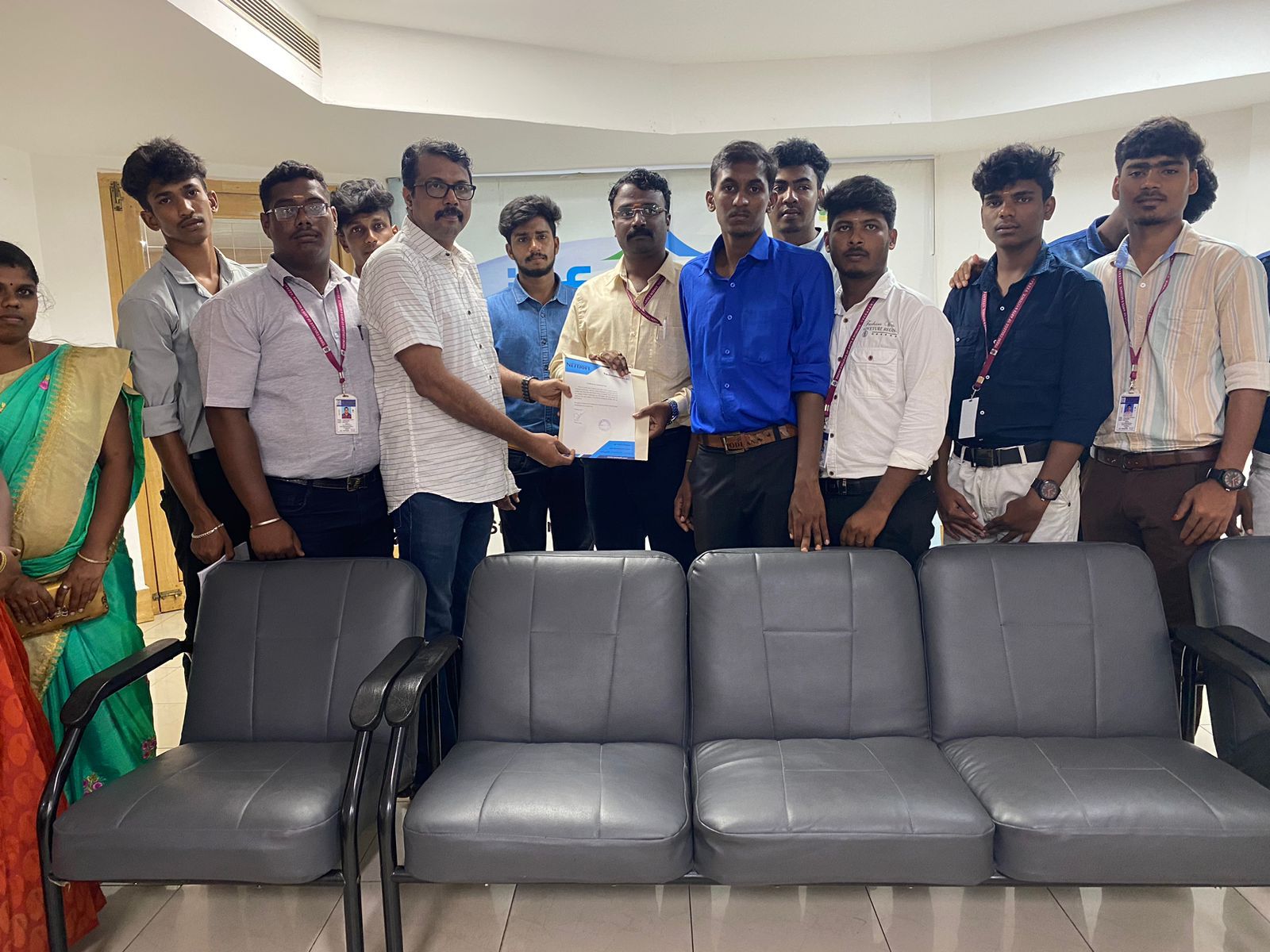
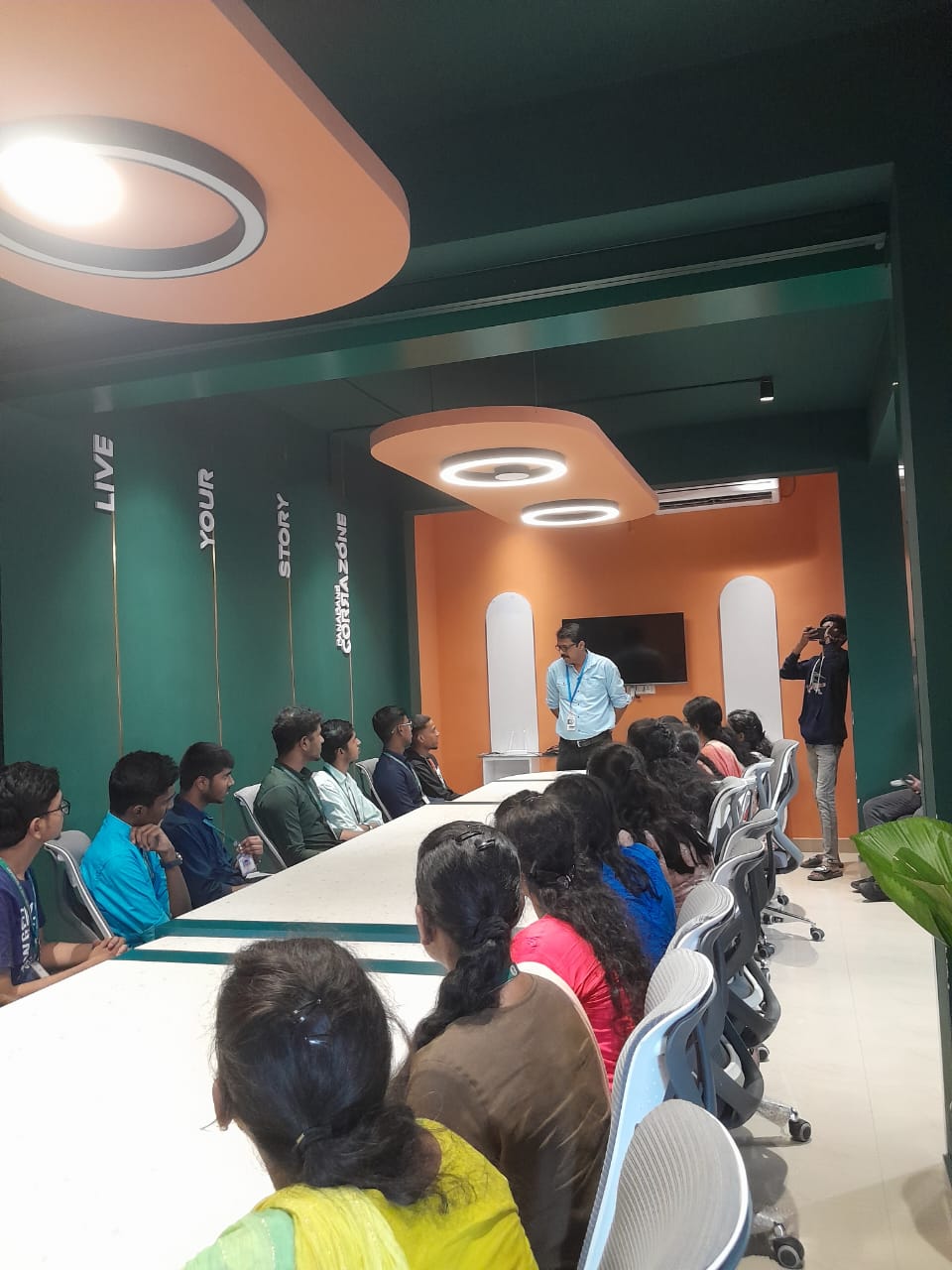
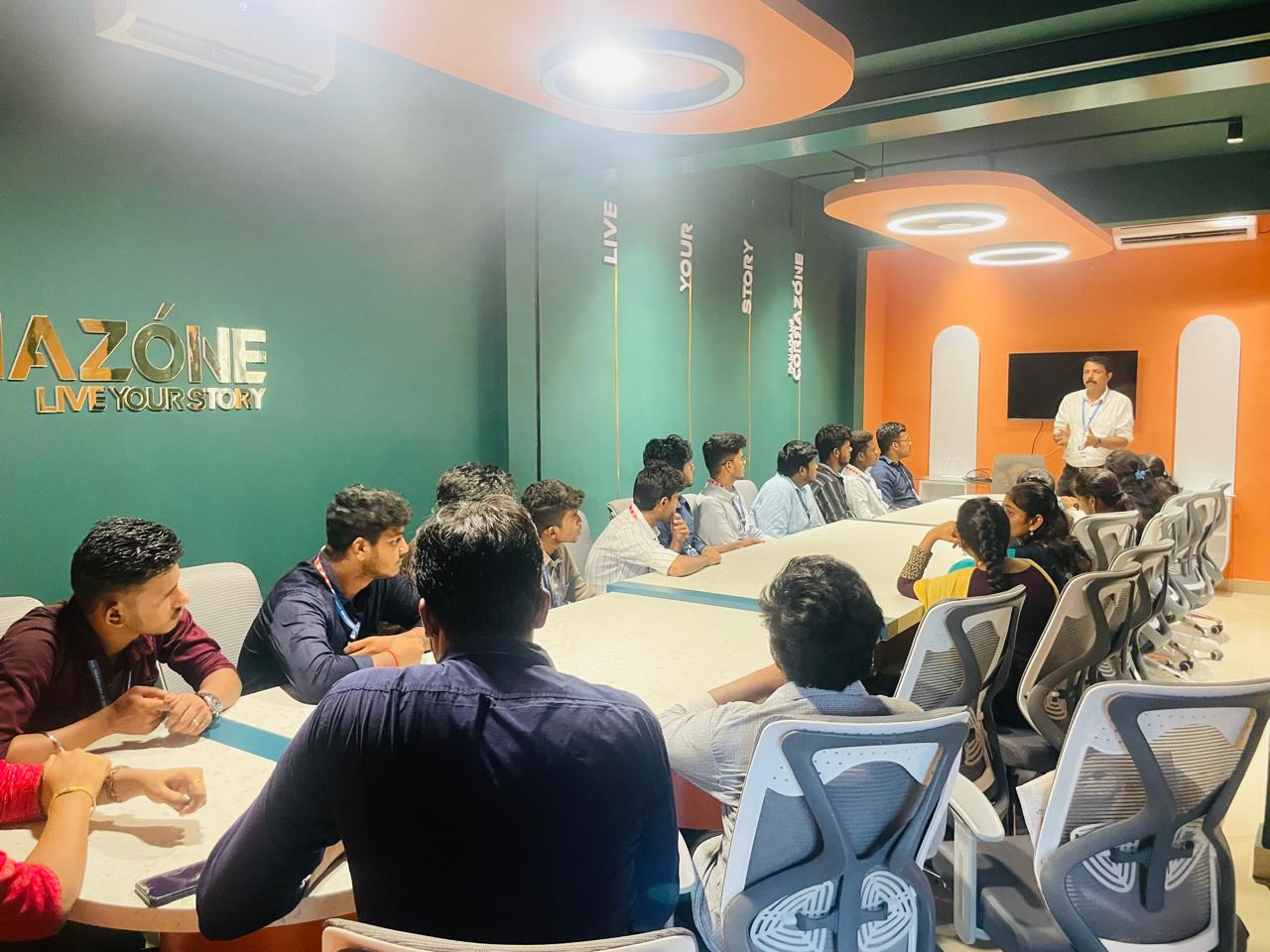
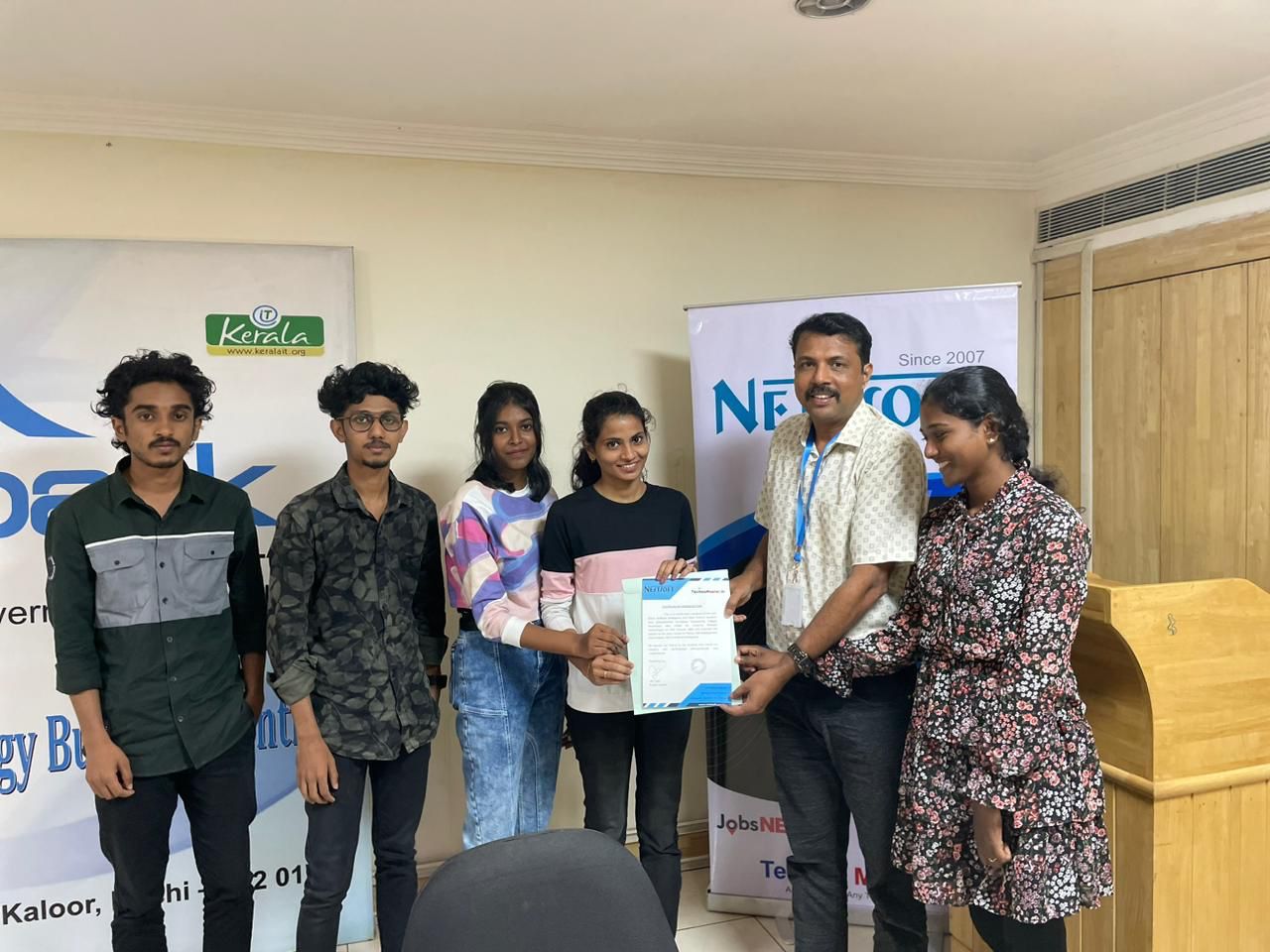
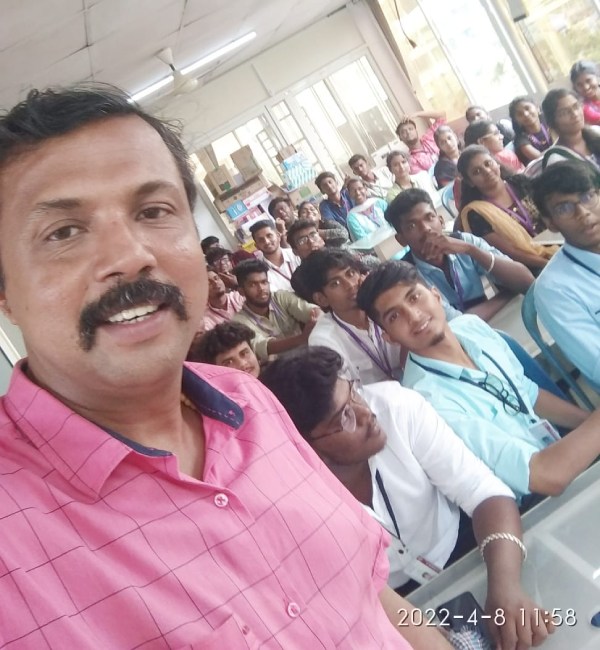
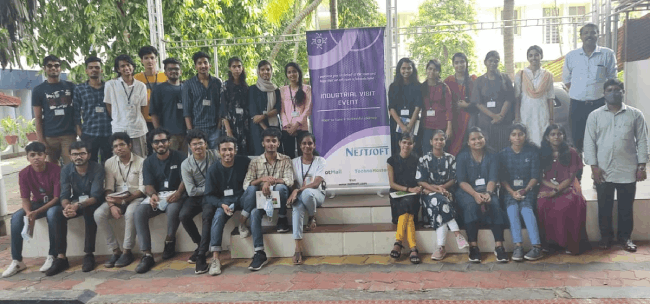
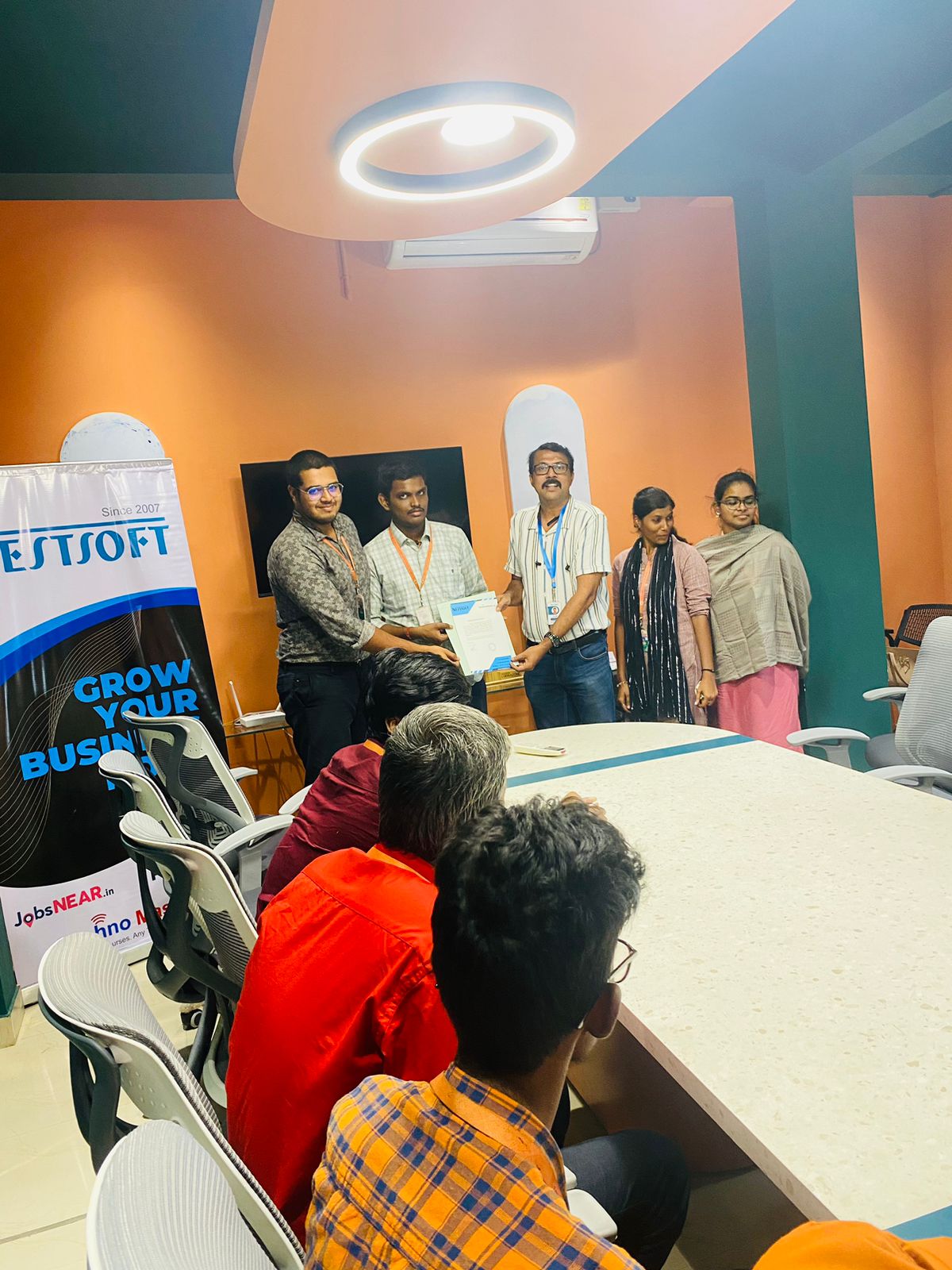
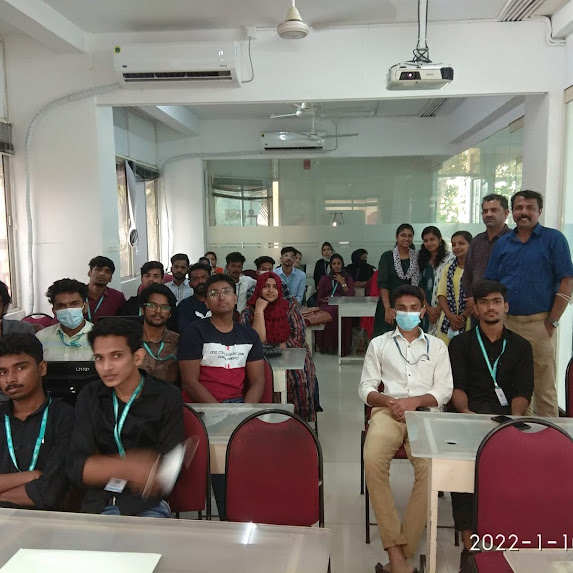
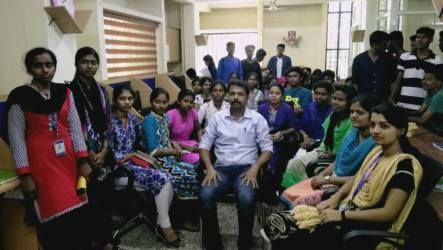
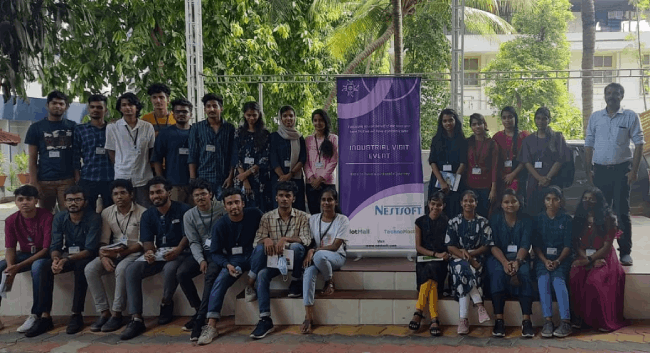
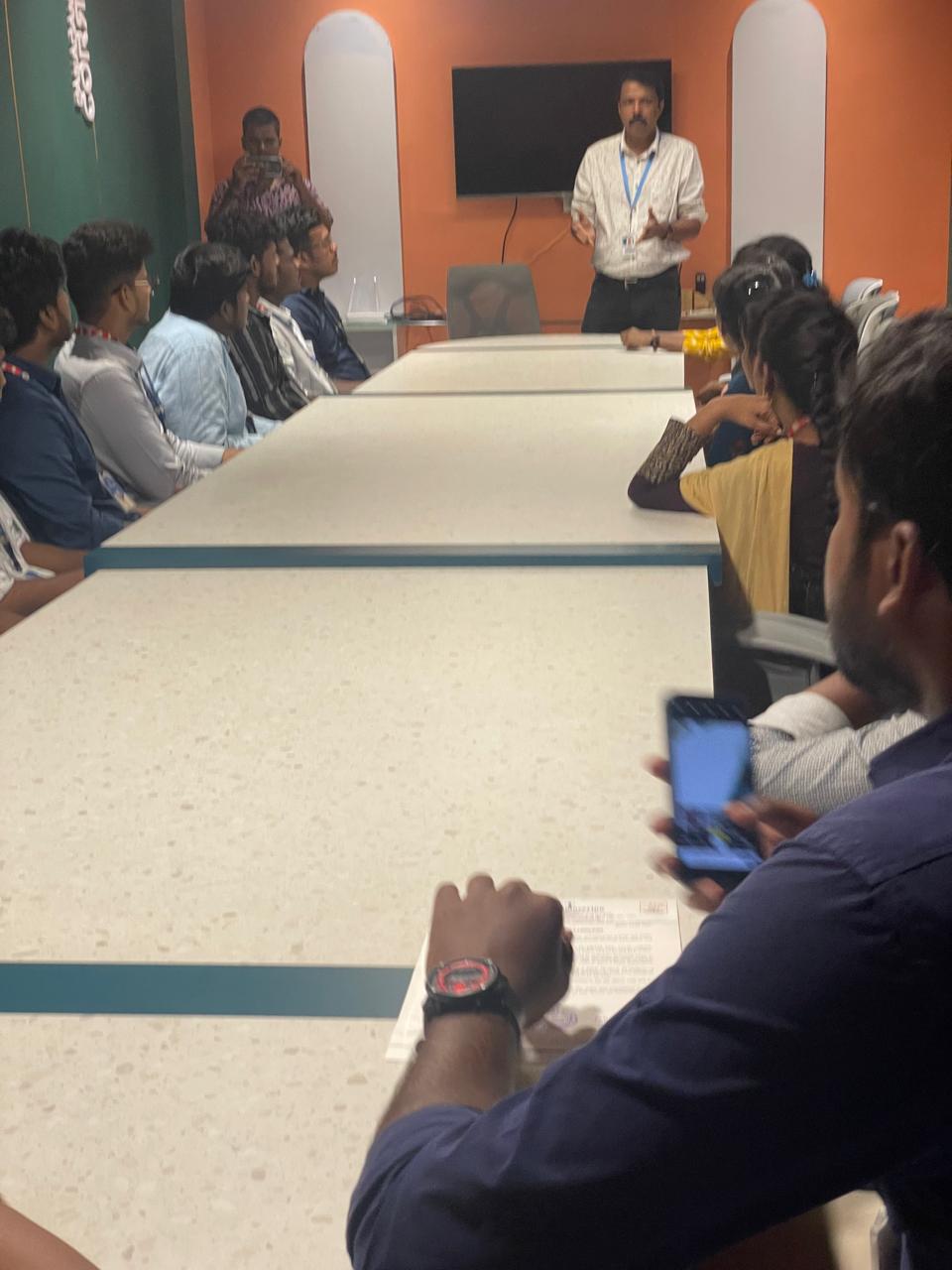
Photos of Training / Internships

Internship/projects in nelson

Trained more than 10000+ students who trust Nestsoft TechnoMaster

Get Your Personal Trainer