
Send enquiry

Microsoft Copilot & AI Productivity Online Live Class by Experts

Our Training/Internship Process

Microsoft Copilot & AI Productivity Online Live Classes in Auckland | Free Demo Training

Microsoft Copilot & AI Productivity - Syllabus, Fees & Duration

Introduction

The Microsoft Copilot & AI Productivity course is a 1-month practical training program designed to teach AI-powered productivity techniques using Microsoft Copilot and Microsoft 365 applications. Students will learn how to use Artificial Intelligence to automate tasks, create content, analyze data, and improve workplace efficiency.

Course Syllabus

Month 1: Microsoft Copilot & AI Productivity

Introduction to AI Productivity

  • Introduction to Artificial Intelligence
  • Generative AI Fundamentals
  • Role of AI in Workplace Productivity
  • AI Assistants and Copilot Technology
  • Benefits of AI Automation
  • Responsible AI Usage and Ethics

Microsoft Copilot Fundamentals

  • Introduction to Microsoft Copilot
  • Copilot Features and Capabilities
  • Understanding AI Prompts
  • Writing Effective Copilot Prompts
  • Context-Based Prompting
  • Copilot Security and Privacy

Microsoft Word with Copilot

  • AI-Assisted Document Creation
  • Generating Content Using Copilot
  • Document Summarization
  • Improving Writing Quality with AI
  • Creating Reports and Business Documents
  • Document Formatting and Editing Assistance

Microsoft Excel with Copilot

  • AI-Based Data Analysis
  • Creating Formulas Using Copilot
  • Data Cleaning and Summarization
  • Generating Insights from Data
  • Creating Charts and Reports
  • Spreadsheet Automation

Microsoft PowerPoint with Copilot

  • AI Presentation Creation
  • Generating Slide Content
  • Presentation Design Improvement
  • Creating Professional Business Presentations
  • Summarizing Presentation Content

Microsoft Outlook & Teams with Copilot

  • AI Email Writing Assistance
  • Email Summarization
  • Meeting Summary Generation
  • Task and Schedule Management
  • Team Collaboration Enhancement

AI Prompt Engineering for Productivity

  • Prompt Writing Basics
  • Role-Based AI Prompts
  • Business Productivity Prompts
  • Creative Content Prompts
  • Improving AI Generated Responses

AI Tools Integration & Automation

  • Microsoft 365 AI Tools Overview
  • Copilot Studio Introduction
  • Power Automate with AI
  • AI Workflow Automation
  • Connecting AI with Business Applications

Practical Projects

  • AI-Based Business Report Generator
  • Automated Excel Data Analysis Project
  • AI Presentation Creator
  • Smart Email Assistant
  • AI Productivity Workflow Project

Tools and Technologies

  • Microsoft Copilot
  • Microsoft 365
  • Microsoft Word Copilot
  • Microsoft Excel Copilot
  • Microsoft PowerPoint Copilot
  • Microsoft Outlook Copilot
  • Microsoft Teams Copilot
  • Copilot Studio
  • Power Automate
  • Generative AI Tools

Download Syllabus - Microsoft Copilot & AI Productivity
This syllabus is not final and can be customized as per needs/updates
 
10000+
20+
50+
25+

Microsoft Copilot & AI Productivity Jobs in Auckland

Enjoy the demand

Find jobs related to Microsoft Copilot & AI Productivity in search engines (Google, Bing, Yahoo) and recruitment websites (monsterindia, placementindia, naukri, jobsNEAR.in, indeed.co.in, shine.com etc.) based in Auckland, chennai and europe countries. You can find many jobs for freshers related to the job positions in Auckland.

  • AI Productivity Specialist
  • Microsoft Copilot Specialist
  • Microsoft 365 Administrator
  • AI Automation Assistant
  • Digital Workplace Consultant
  • Business Automation Specialist
  • AI Trainer
  • Productivity Analyst
  • AI Support Specialist
  • Digital Transformation Associate

Microsoft Copilot & AI Productivity Internship/Course Details

Microsoft Copilot & AI Productivity internship jobs in Auckland
Microsoft Copilot & AI Productivity . Students will learn how to use Microsoft Copilot with Word, Excel, PowerPoint, Outlook, and Teams for AI-powered content creation, data analysis, and workflow automation. Join our **Microsoft Copilot AI Training in Auckland** to develop future-ready skills and improve professional performance using advanced AI technologies. **Course Description (Use Auckland)** Our **Microsoft Copilot & AI Productivity Course in Auckland** is a practical 1-month training program designed to help learners use Artificial Intelligence tools to improve workplace productivity, automate daily tasks, and enhance business efficiency. This course provides hands-on experience with Generative AI, AI prompting, Microsoft 365 automation, and modern productivity solutions.
Meet a Few of our Industry Experts 🚀 Your Pathway to IT Career

Akash

Mobile: +91 8301010866
Location: Online (Auckland, New Zealand)
Qualification: B. Tech

Experience: My skills are java MySql Kotlin Android studio and 6 month experience in Android development   more..

Shanmuga

Mobile: +91 98474 90866
Location: Online (Auckland, New Zealand)
Qualification: B. E

Experience: Selenium Java SqL Manual testing Automation testing testing maven Jira Agile  more..

Mohammad

Mobile: +91 94975 90866
Location: Online (Auckland, New Zealand)
Qualification: BCA

Experience: Android development MVVM Retrofit Room Dagger-hilt Jetpack component Kotlin Java  more..

Prakash

Mobile: +91 89210 61945
Location: Online (Auckland, New Zealand)
Qualification: BCA

Experience: Experience of 3+ years in wix webflow and Wordpress development all with custom code and Complete responsive Wix website with  more..

Muhammad

Mobile: +91 9895490866
Location: Online (Auckland, New Zealand)
Qualification: Bca

Experience: Manual testing SDLC STLC agile methodology scrum methodology testcase preparation levels of testing j meter post man problem solving decision  more..

Pavithra

Mobile: +91 94975 90866
Location: Online (Auckland, New Zealand)
Qualification: B.E CSE

Experience: A software professional having 4 + years of experience as a Front-end developer(UI) capable of designing and developing applications in  more..

Ricky

Mobile: +91 9895490866
Location: Online (Auckland, New Zealand)
Qualification: Master in Computer Application

Experience: html css java script angular mysql  more..

Sneha

Mobile: +91 8301010866
Location: Online (Auckland, New Zealand)
Qualification: B.Tech IT

Experience: Html CSS Bootstrap SCSS Basic javascript - 1 year experience Basic - react  more..

Kalidaspandian

Mobile: +91 98474 90866
Location: Online (Auckland, New Zealand)
Qualification: B.Tech (Computer Science)

Experience: I am new to Digital Marketing platform and as a quick learner i can able to catch up the points  more..

Bhavitha

Mobile: +91 9895490866
Location: Online (Auckland, New Zealand)
Qualification: BTech

Experience: Freelance Product Designer | Tassel Tales Conducted user research and crafted personas to inform design decisions boosting usability scores Designed  more..

Pakala

Mobile: +91 91884 77559
Location: Online (Auckland, New Zealand)
Qualification: B. Tech(CSE)

Experience: C python java html css javascript mysql bootstrap  more..

VIKRAM

Mobile: +91 94975 90866
Location: Online (Auckland, New Zealand)
Qualification: Graduation

Experience: Adobe photoshop illustration premiere after effect in design |   more..

Rahna

Mobile: +91 8301010866
Location: Online (Auckland, New Zealand)
Qualification: msc cs

Experience: manual testing jira stlc sdlc agile PHP java automation HTML Javascript jquery  more..

Asesh

Mobile: +91 89210 61945
Location: Online (Auckland, New Zealand)
Qualification: Bca

Experience: C C++ python  more..

ARAKANTI

Mobile: +91 98474 90866
Location: Online (Auckland, New Zealand)
Qualification: Btech mechanical engineering

Experience: I have skills like python CFD AUTO CAD I am a fresher I am very eager to learn new things  more..

Aamir

Mobile: +91 91884 77559
Location: Online (Auckland, New Zealand)
Qualification: MCA

Experience: Front End web developer who wants to join an emerging brand and help them develop web applications Even though I  more..

Prakash

Mobile: +91 98474 90866
Location: Online (Auckland, New Zealand)
Qualification: Bsc

Experience: A self-taught video editor & Graphic Designing with 8 years of experience who is looking for every chance to improve  more..

Ravi

Mobile: +91 91884 77559
Location: Online (Auckland, New Zealand)
Qualification: Graduation (B.tech)

Experience: I have 2 years experience in website development my skills are: wordpress woo commerce html css bootstrap javascript   more..

Success Stories

The enviable salary packages and track record of our previous students are the proof of our excellence. Please go through our students' reviews about our training methods and faculty and compare it to the recorded video classes that most of the other institutes offer. See for yourself how TechnoMaster is truly unique.

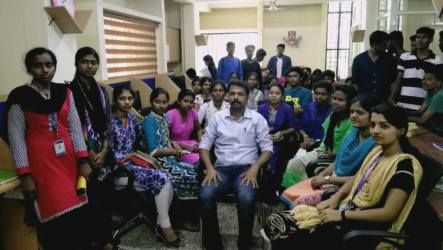
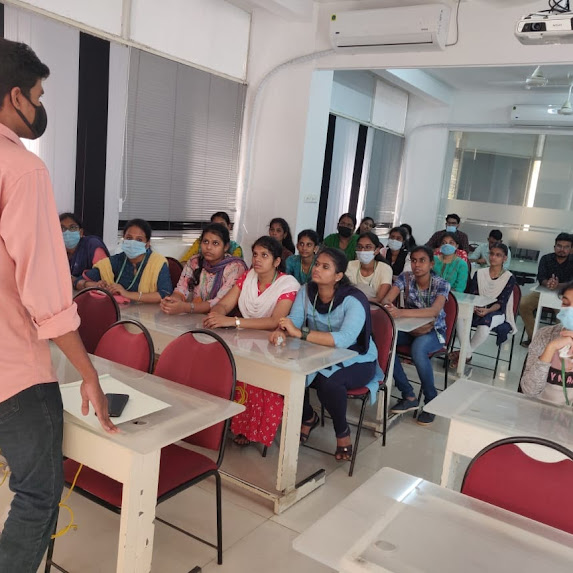
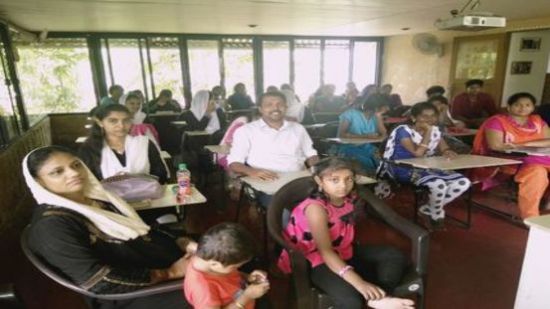
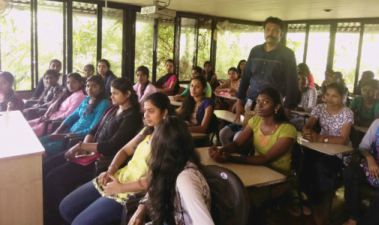
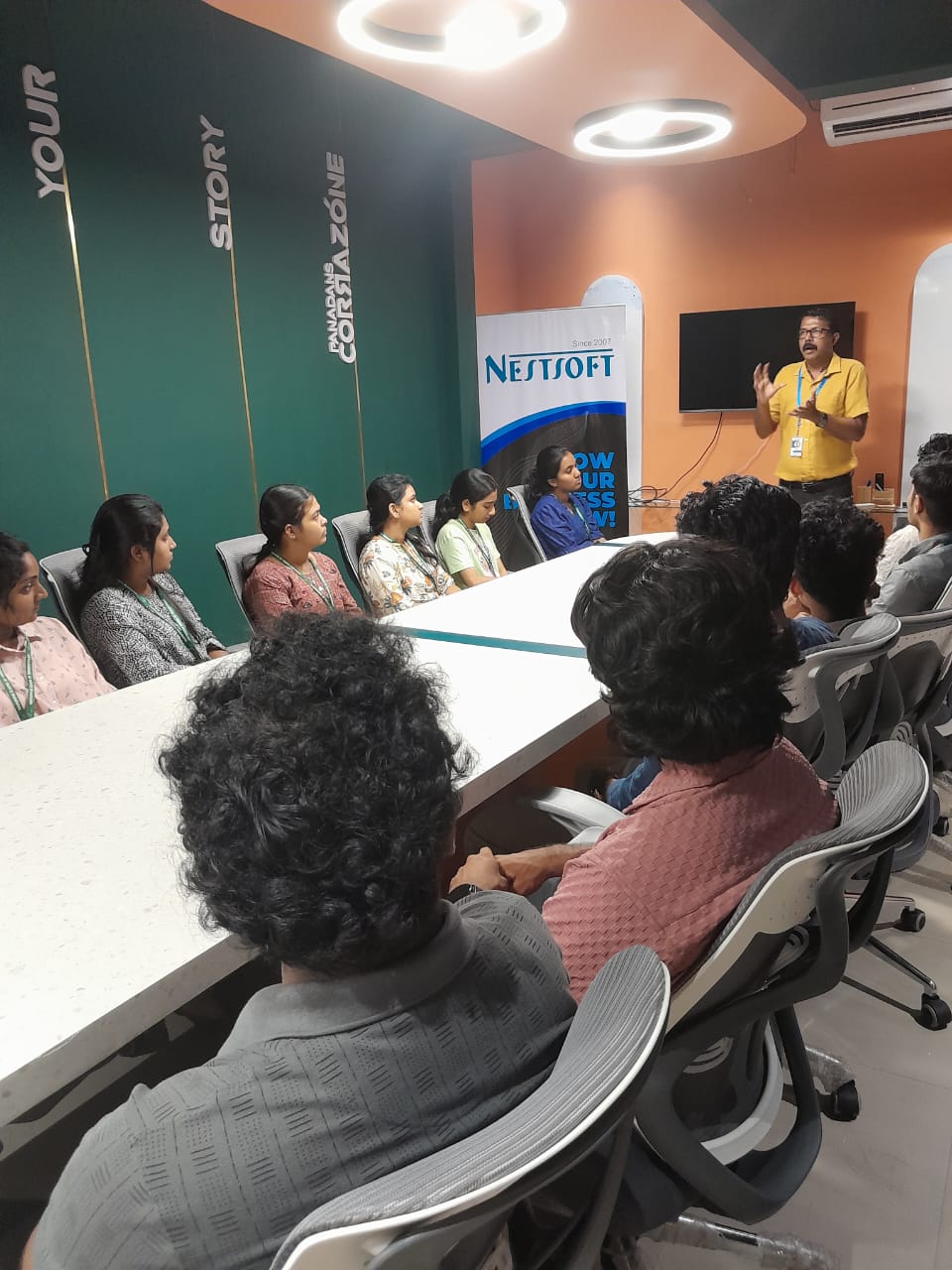
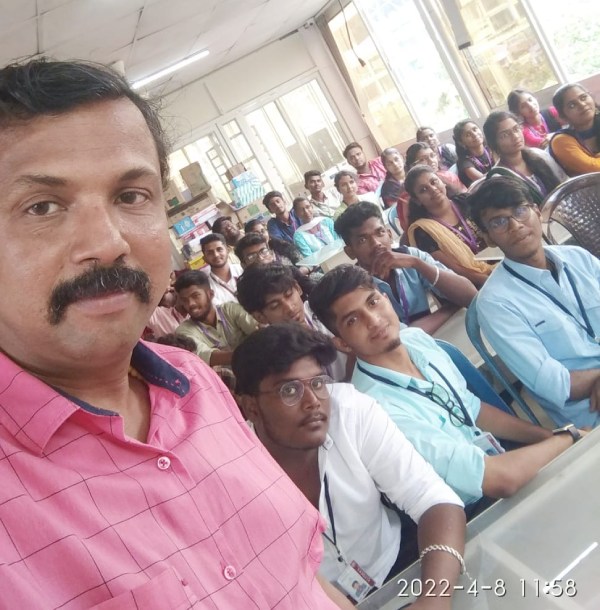
Photos of Training / Internships

Internship/projects in auckland

Trained more than 10000+ students who trust Nestsoft TechnoMaster

Get Your Personal Trainer