
Send enquiry

Microsoft Copilot & AI Productivity Online Live Class by Experts

Our Training/Internship Process

Microsoft Copilot & AI Productivity Online Live Classes in Dunedin | Free Demo Training

Microsoft Copilot & AI Productivity - Syllabus, Fees & Duration

Introduction

The Microsoft Copilot & AI Productivity course is a 1-month practical training program designed to teach AI-powered productivity techniques using Microsoft Copilot and Microsoft 365 applications. Students will learn how to use Artificial Intelligence to automate tasks, create content, analyze data, and improve workplace efficiency.

Course Syllabus

Month 1: Microsoft Copilot & AI Productivity

Introduction to AI Productivity

  • Introduction to Artificial Intelligence
  • Generative AI Fundamentals
  • Role of AI in Workplace Productivity
  • AI Assistants and Copilot Technology
  • Benefits of AI Automation
  • Responsible AI Usage and Ethics

Microsoft Copilot Fundamentals

  • Introduction to Microsoft Copilot
  • Copilot Features and Capabilities
  • Understanding AI Prompts
  • Writing Effective Copilot Prompts
  • Context-Based Prompting
  • Copilot Security and Privacy

Microsoft Word with Copilot

  • AI-Assisted Document Creation
  • Generating Content Using Copilot
  • Document Summarization
  • Improving Writing Quality with AI
  • Creating Reports and Business Documents
  • Document Formatting and Editing Assistance

Microsoft Excel with Copilot

  • AI-Based Data Analysis
  • Creating Formulas Using Copilot
  • Data Cleaning and Summarization
  • Generating Insights from Data
  • Creating Charts and Reports
  • Spreadsheet Automation

Microsoft PowerPoint with Copilot

  • AI Presentation Creation
  • Generating Slide Content
  • Presentation Design Improvement
  • Creating Professional Business Presentations
  • Summarizing Presentation Content

Microsoft Outlook & Teams with Copilot

  • AI Email Writing Assistance
  • Email Summarization
  • Meeting Summary Generation
  • Task and Schedule Management
  • Team Collaboration Enhancement

AI Prompt Engineering for Productivity

  • Prompt Writing Basics
  • Role-Based AI Prompts
  • Business Productivity Prompts
  • Creative Content Prompts
  • Improving AI Generated Responses

AI Tools Integration & Automation

  • Microsoft 365 AI Tools Overview
  • Copilot Studio Introduction
  • Power Automate with AI
  • AI Workflow Automation
  • Connecting AI with Business Applications

Practical Projects

  • AI-Based Business Report Generator
  • Automated Excel Data Analysis Project
  • AI Presentation Creator
  • Smart Email Assistant
  • AI Productivity Workflow Project

Tools and Technologies

  • Microsoft Copilot
  • Microsoft 365
  • Microsoft Word Copilot
  • Microsoft Excel Copilot
  • Microsoft PowerPoint Copilot
  • Microsoft Outlook Copilot
  • Microsoft Teams Copilot
  • Copilot Studio
  • Power Automate
  • Generative AI Tools

Download Syllabus - Microsoft Copilot & AI Productivity
This syllabus is not final and can be customized as per needs/updates
 
10000+
20+
50+
25+

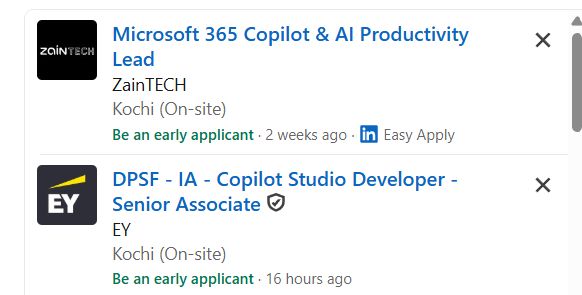
Microsoft Copilot & AI Productivity Jobs in Dunedin

Enjoy the demand

Find jobs related to Microsoft Copilot & AI Productivity in search engines (Google, Bing, Yahoo) and recruitment websites (monsterindia, placementindia, naukri, jobsNEAR.in, indeed.co.in, shine.com etc.) based in Dunedin, chennai and europe countries. You can find many jobs for freshers related to the job positions in Dunedin.

  • AI Productivity Specialist
  • Microsoft Copilot Specialist
  • Microsoft 365 Administrator
  • AI Automation Assistant
  • Digital Workplace Consultant
  • Business Automation Specialist
  • AI Trainer
  • Productivity Analyst
  • AI Support Specialist
  • Digital Transformation Associate

Microsoft Copilot & AI Productivity Internship/Course Details

Microsoft Copilot & AI Productivity internship jobs in Dunedin
Microsoft Copilot & AI Productivity Join our **Microsoft Copilot AI Training in Dunedin** to develop future-ready skills and improve professional performance using advanced AI technologies. **Course Description (Use Dunedin)** Our **Microsoft Copilot & AI Productivity Course in Dunedin** is a practical 1-month training program designed to help learners use Artificial Intelligence tools to improve workplace productivity, automate daily tasks, and enhance business efficiency. This course provides hands-on experience with Generative AI, AI prompting, Microsoft 365 automation, and modern productivity solutions. . Students will learn how to use Microsoft Copilot with Word, Excel, PowerPoint, Outlook, and Teams for AI-powered content creation, data analysis, and workflow automation.


Meet a Few of our Industry Experts 🚀 Your Pathway to IT Career

dinesh

Mobile: +91 94975 90866
Location: Online (Dunedin, New Zealand)
Qualification: msc

Experience: I have an experience in API development and web development   more..

CHINCHU

Mobile: +91 89210 61945
Location: Online (Dunedin, New Zealand)
Qualification: BSC COMPUTER SCIENCE

Experience: I have completed 6 month python full stack internship 6 month web development experience PYTHON DJANGO FLASK PYRAMID JAVASCRIPT ANGULARJS  more..

Amit

Mobile: +91 9895490866
Location: Online (Dunedin, New Zealand)
Qualification: Mba

Experience: 4 years of experience in seo   more..

Ankita

Mobile: +91 91884 77559
Location: Online (Dunedin, New Zealand)
Qualification: mtech

Experience: WebDriver Interface: Demonstrate proficiency in using WebDriver methods for navigation element manipulation and browser interactions Locator Strategies: Highlight expertise in  more..

Abhishekh

Mobile: +91 8301010866
Location: Online (Dunedin, New Zealand)
Qualification: Post Graduate

Experience: With a passion for Hindi language and culture I bring extensive experience and expertise as a Hindi teacher Over the  more..

Fathima

Mobile: +91 94975 90866
Location: Online (Dunedin, New Zealand)
Qualification: Bachelor of computer Application

Experience: Seo wordpress social media marketing i have six months of experience in digital marketing and seo from spyrosys kochi  more..

Hriday

Mobile: +91 94975 90866
Location: Online (Dunedin, New Zealand)
Qualification: Master of computer application

Experience: Vapt ethical hacking hardware and software support   more..

rohini

Mobile: +91 8301010866
Location: Online (Dunedin, New Zealand)
Qualification: M. Sc. I. T

Experience: C# sql javascript- jquery asp Net wcf html css azure  more..

Hasan

Mobile: +91 94975 90866
Location: Online (Dunedin, New Zealand)
Qualification: Diploma

Experience: 2 years Experience in graphic design with intermediate knowledge of ui ux Software I use Photoshop illustrator figma Corel drawn  more..

Arun

Mobile: +91 91884 77559
Location: Online (Dunedin, New Zealand)
Qualification: BE(ECE)

Experience: Basically I am Android and web developer and I have more than 7 months of work experience if you think  more..

Utkarsh

Mobile: +91 98474 90866
Location: Online (Dunedin, New Zealand)
Qualification: BCA

Experience: I’ve an experience of 3months working as an UI UX intern with hands on FIGMA and UI designing along with  more..

Srinivas

Mobile: +91 89210 61945
Location: Online (Dunedin, New Zealand)
Qualification: Bachelors of engineering

Experience: AWS devop linux and python   more..

vinoth

Mobile: +91 98474 90866
Location: Online (Dunedin, New Zealand)
Qualification: Diploma

Experience: I am a Creative graphic designer I have more than 11 years experience in Print and Digital graphic designs and  more..

Veerapandi

Mobile: +91 91884 77559
Location: Online (Dunedin, New Zealand)
Qualification: B.E

Experience: I have 4 years of experience in android development I can work on both java and kotlin I also work  more..

Febin

Mobile: +91 98474 90866
Location: Online (Dunedin, New Zealand)
Qualification: Plus two

Experience: Html css javascript node js express js mongo db react js bootstrap jquery ajax figma photoshopApplication for Meanstack Developer Mean  more..

Komal

Mobile: +91 89210 61945
Location: Online (Dunedin, New Zealand)
Qualification: B tech

Experience: I have 4 years experience and my skills is php html css WordPress cms  more..

Tejas

Mobile: +91 91884 77559
Location: Online (Dunedin, New Zealand)
Qualification: B.E.

Experience: Java android studio firebase c c++ mysql  more..

Sreerag.

Mobile: +91 9895490866
Location: Online (Dunedin, New Zealand)
Qualification: Bca

Experience: Html css javascript mingodb express nodejs angular react Currrntly I have completed mearn stack web development course from luminar technolab  more..

Success Stories

The enviable salary packages and track record of our previous students are the proof of our excellence. Please go through our students' reviews about our training methods and faculty and compare it to the recorded video classes that most of the other institutes offer. See for yourself how TechnoMaster is truly unique.

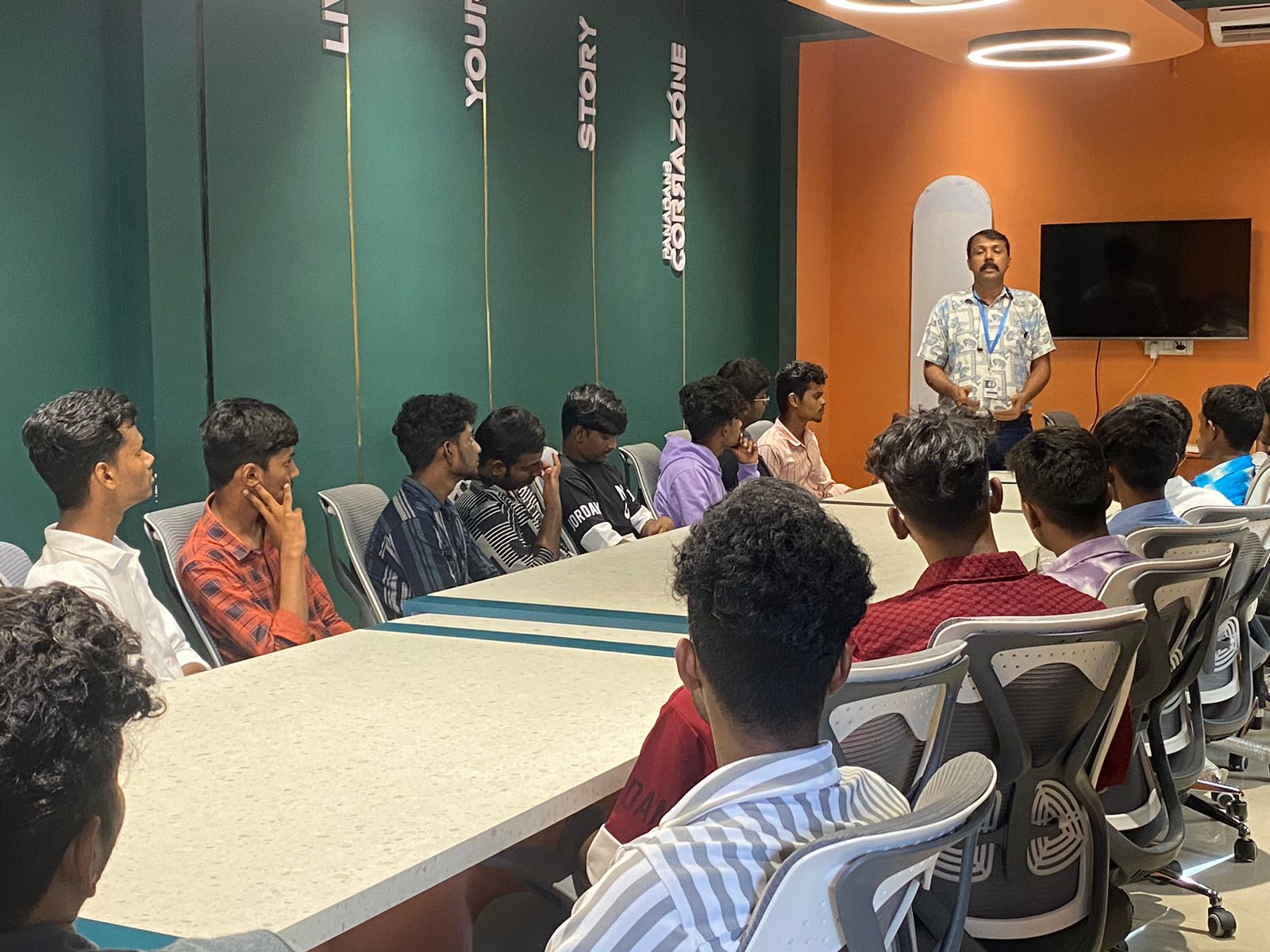
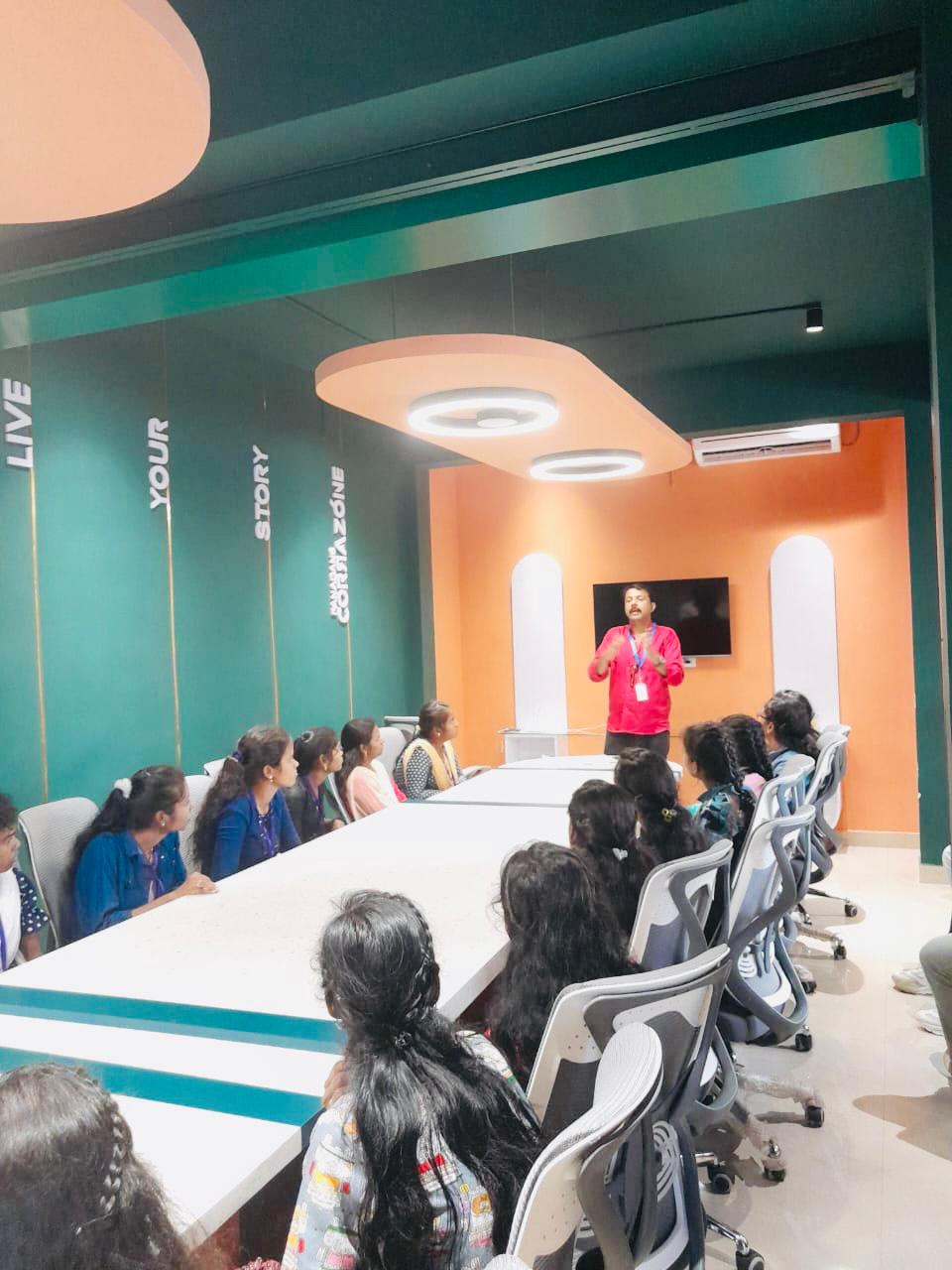
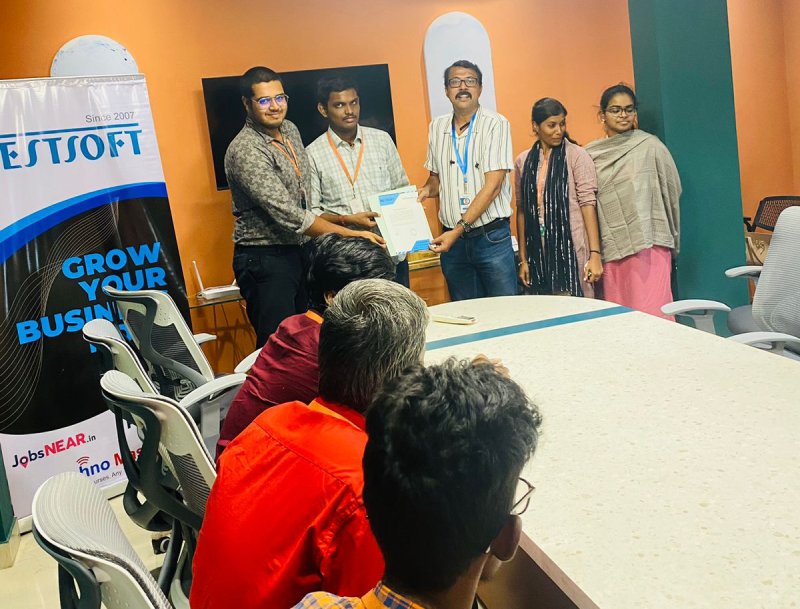
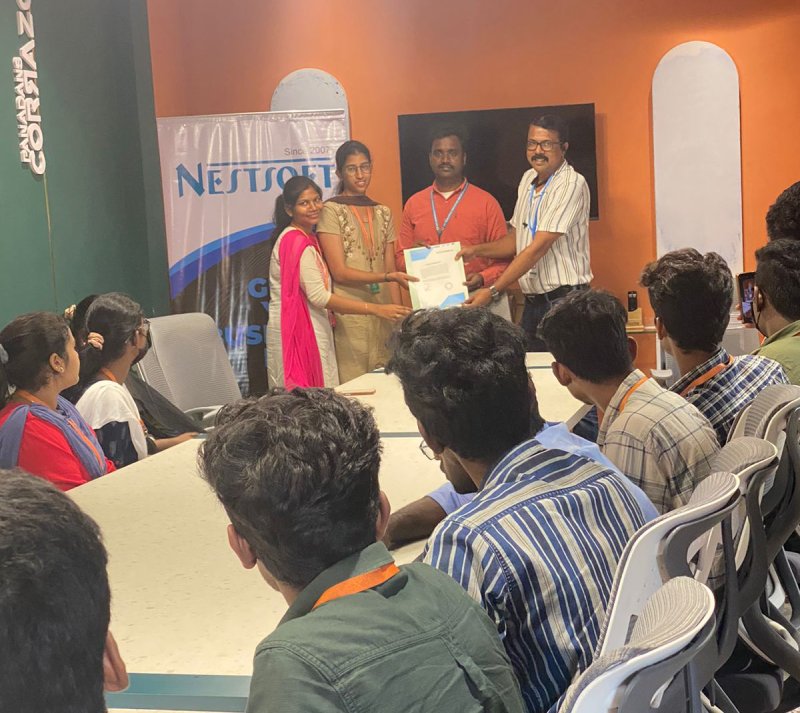
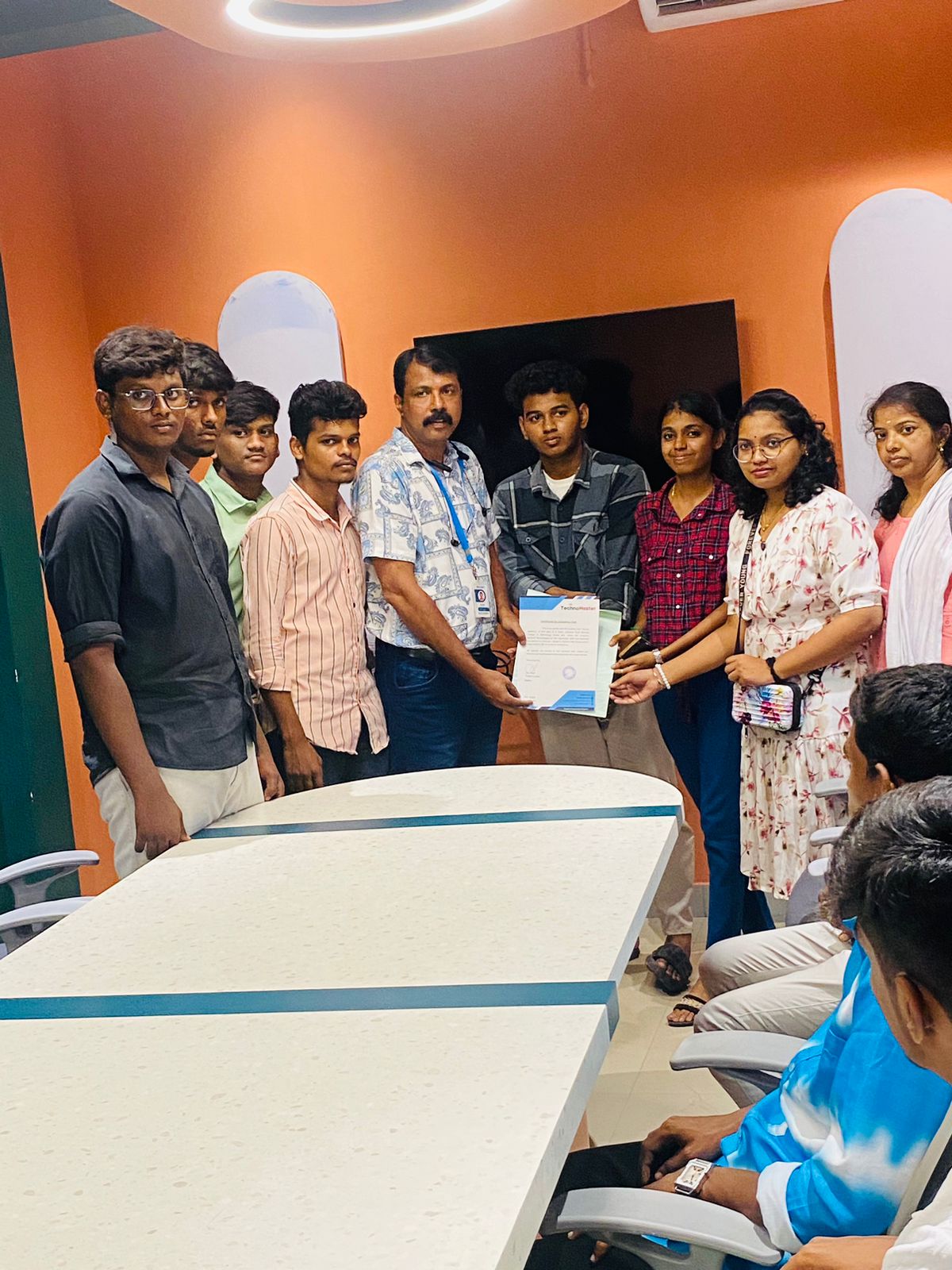
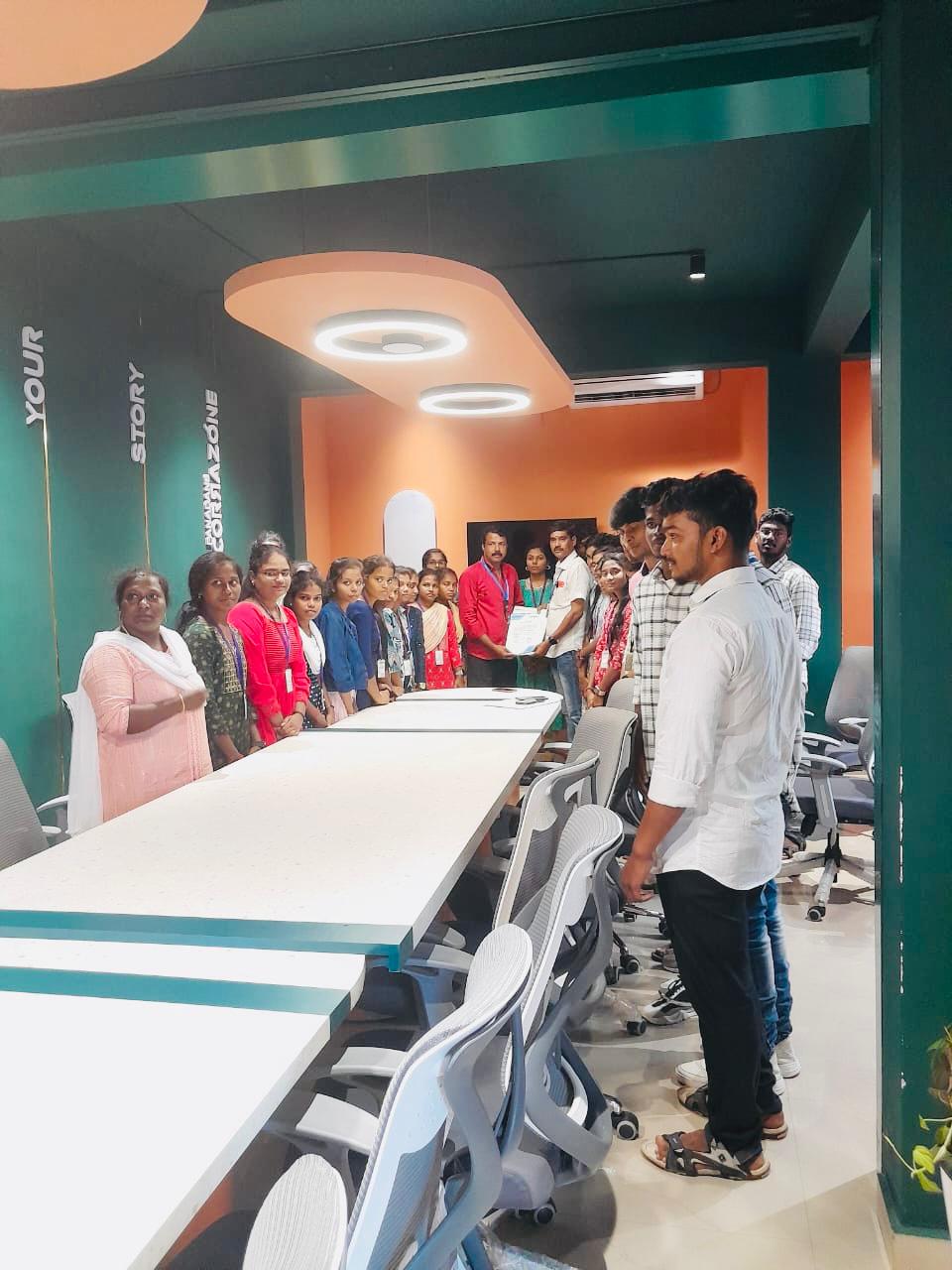
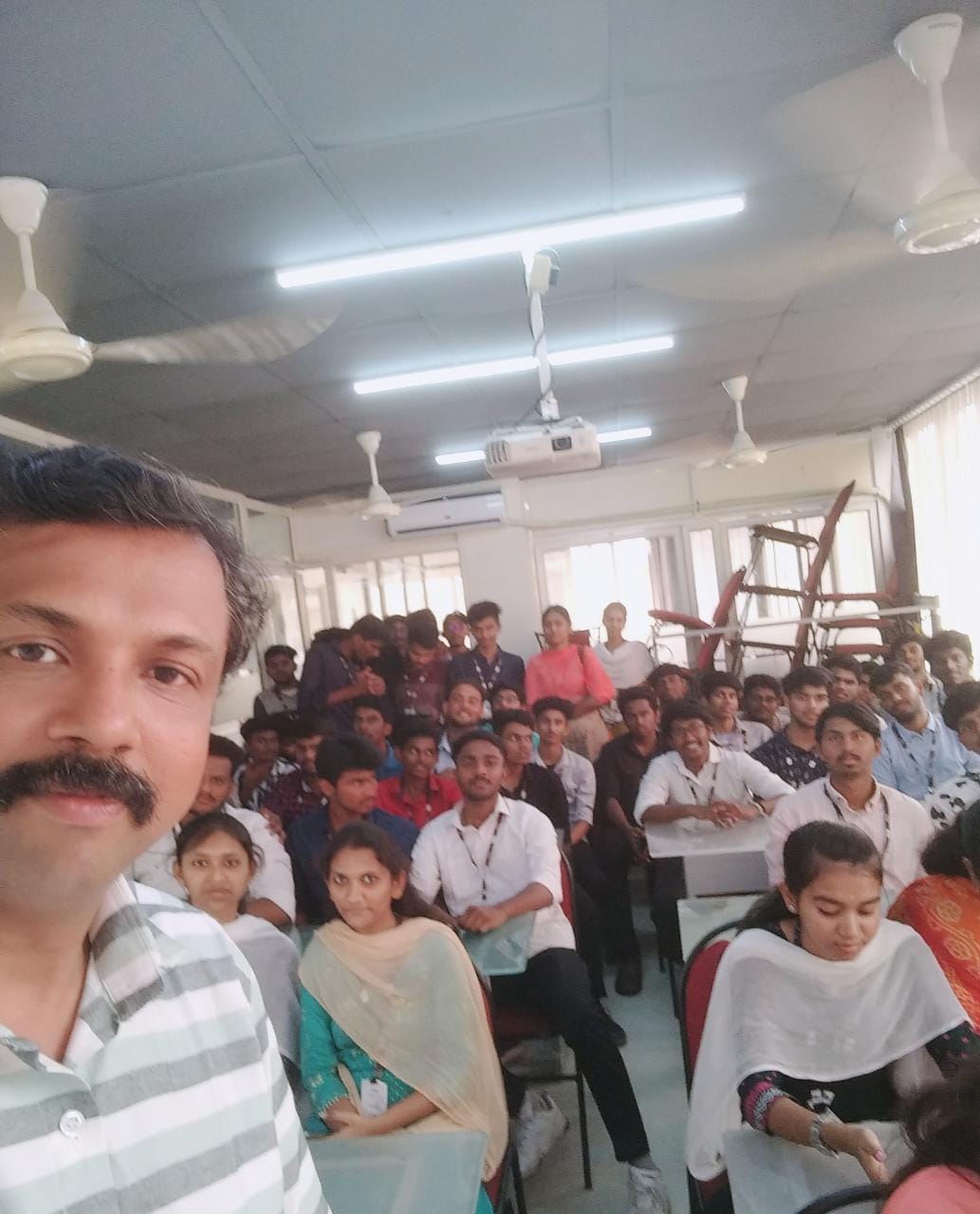
Photos of Training / Internships

Internship/projects in dunedin

Trained more than 10000+ students who trust Nestsoft TechnoMaster

Get Your Personal Trainer