
Send enquiry ⏎

Flutter Online Live Class by Experts

Our Training/Internship Process

Flutter Online Live Classes in Wellington | Free Demo Training

Flutter - Syllabus, Fees & Duration

Module 1:  Introduction

  • Introduction to Flutter

Module 2:  Introduction To Dart

  • Reason why Dart holds the fort strong.
  • Installing Visual Studio Code and the Dart Plugin.
  • Installing Dart SDK.
  • Writing the first Dart Program.

Module 3:  Setting Up Flutter

  • Downloading/Cloning the Flutter SDK.
  • Installing Flutter Plugin within VS Code.
  • Understanding the structure of a Flutter Project.
  • Building a simple app from scratch.

Module 4:  Introducing Widget

  • Widgets and their role in a Flutter app.
  • The MaterialApp and Scaffold widget.
  • AppBar.
  • FloatingActionButton.
  • More widgets - Text, Center and Padding.
  • Recreating the Default Flutter App (UI Only)

Module 5:  Common Widget In Flutter

  • Containers and their role.
  • Importing images from a network.
  • Importing images as assets.
  • Adding icons to widgets.
  • Understanding Row and Column.
  • ListView and ListTile.
  • Building views using ListView.builder.
  • Inkwell and its importance.

Module 6: Stateless And Stateful Widgets- The Concept

  • Stateless vs. Stateful widgets.
  • Defining a State
  • The setState() method.
  • Returning to the Default Flutter App.

Module 7:  Navigating Through Navigation

  • Navigator and routes.
  • Applying push() using MaterialPageRoute.
  • Applying pop().
  • Declaring parameter-less routes (push Named()) in Materia Lapp widget.

Module 8:  Handling User Input

  • Using Text Field.
  • Handling changes to a Text Field.
  • Pass retrieved values using Navigator.

Module 9:  User Interface

  • Applying Theme Data.
  • The Basic Screen Layout.
  • Applying Custom Font.

Module 10:  Asynchronous Functions

  • function.
  • async and await

Module 11: Working With Remote Data

  • The http package.
  • Model Class and JSON parsing.
  • Displaying Remote Data. (NEWS API).

Module 12: Local storage

  • Shared Preferences.

Module 13: Using 3rd Party Packages

  • The url_launcher package.
  • Adding onTap() to NEWS API.

Module 14: Other Useful Widgets

  • Grid View.
  • The Hero Animation
  • Stack
  • Alert Dialog with buttons.

Download Syllabus - Flutter
This syllabus is not final and can be customized as per needs/updates
   
10000+
20+
50+
25+

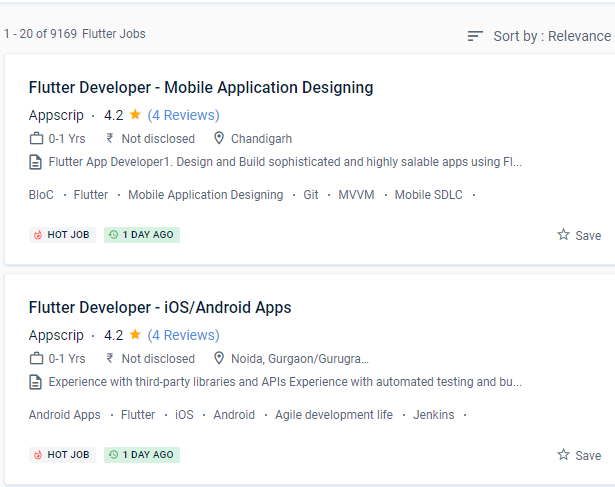
Flutter Jobs in Wellington

Enjoy the demand

Find jobs related to Flutter in search engines (Google, Bing, Yahoo) and recruitment websites (monsterindia, placementindia, naukri, jobshybrid.com, indeed.co.in, shine.com etc.) based in Wellington, chennai and europe countries. You can find many jobs for freshers related to the job positions in Wellington.

  • Flutter Developer
  • Mobile Engineer - Flutter
  • Flutter Mobile App Developer
  • Software Engineer
  • iOS Developer Flutter
  • Technical Mobile Lead - Flutter
  • Flutter Trainer
  • Flutter JS
  • Flutter Lead
  • Java Flutter Developer

Flutter Internship/Course Details

Flutter internship jobs in Wellington
Flutter This type of layered design allows for faster UI rendering, resulting in a large number of customizable and stunning designs. Flutter is based on the Dart programming language, which is both productive and easy to learn. Everything is acceptable as long as the flutter code passes Google's quality requirements, even if it isn't considered official. Some e-commerce service companies employ Flutter to provide their mobile and web apps with a consistent design in today's technology-driven society. Flutter speeds up and streamlines the development process by allowing developers to create apps for both iOS and Android using the same codebase. even if you've never programmed before. Nestsoft offers the best Google Flutter training as well as mobile app development courses. Google designed it using a tiered architecture to produce a UI that is both expressive and adaptable. As a result, it is more affordable. Nestsoft offers the best flutter training course that teaches you how to use Flutter to create high-quality, interactive mobile apps for both iOS and robots.


Meet a Few of our Industry Experts 🚀 Your Pathway to IT Career

Tarun

Mobile: +91 91884 77559
Location: Online (Wellington, New Zealand)
Qualification: B-Tech (CSE)

Experience: Java C++ Android development XML REST APIs Firebase DSA OOPS MySQL Kotlin  more..

Deependra

Mobile: +91 98474 90866
Location: Online (Wellington, New Zealand)
Qualification: M.Tech

Experience: Selenium with java Html Manual testing automation testing Cucumber testNG Junit and MySQL  more..

Didymose

Mobile: +91 89210 61945
Location: Online (Wellington, New Zealand)
Qualification: M.Tech

Experience: Hai Sir I Didymose Poovathumkal a Mechanical Engineer specializing in Production and Industrial Engineering am based in Vadavucode near Puthencruze  more..

Varshini

Mobile: +91 98474 90866
Location: Online (Wellington, New Zealand)
Qualification: B.E Computer Science And Engineering

Experience: I have experience as dot net developer Where My role is developing website and database And maintened existing ones I  more..

ArunKumar

Mobile: +91 9895490866
Location: Online (Wellington, New Zealand)
Qualification: B.E-EEE

Experience: Client communication and Link Building Keyword Research  Communication  Campaign management  Content Development  SEO & SEM strategy  more..

Shubham

Mobile: +91 91884 77559
Location: Online (Wellington, New Zealand)
Qualification: BE

Experience: Manual testing automation testing jira java selenium cucumber  more..

Sreejith

Mobile: +91 91884 77559
Location: Online (Wellington, New Zealand)
Qualification: Diploma/degree

Experience: On page seo Keyword optimization Offpage Hardware and networking   more..

Vinodha

Mobile: +91 8301010866
Location: Online (Wellington, New Zealand)
Qualification: M.C.A

Experience: java Seleniunm manual testing and Automation testing  more..

venkatesh

Mobile: +91 91884 77559
Location: Online (Wellington, New Zealand)
Qualification: B.E

Experience: Currently pursuing software testing course  more..

vinoth

Mobile: +91 91884 77559
Location: Online (Wellington, New Zealand)
Qualification: Diploma

Experience: I am a Creative graphic designer I have more than 11 years experience in Print and Digital graphic designs and  more..

Mohamad

Mobile: +91 9895490866
Location: Online (Wellington, New Zealand)
Qualification: Bsc computer science

Experience: 1 year experience in software test engineer at maxpi technologies Skills: Java selenium api manual testing automation testing jira rest  more..

moushami

Mobile: +91 9895490866
Location: Online (Wellington, New Zealand)
Qualification: btech

Experience: php codeigniter wordpress shophify ajax jquery  more..

Priya

Mobile: +91 94975 90866
Location: Online (Wellington, New Zealand)
Qualification: Btech

Experience: AWS cloud python linux  more..

Rajesh

Mobile: +91 89210 61945
Location: Online (Wellington, New Zealand)
Qualification: 12th pass

Experience: Hello 👋 I am writing to express my strong interest in the WordPress Developer With my extensive experience in WordPress  more..

Dharmishtha

Mobile: +91 91884 77559
Location: Online (Wellington, New Zealand)
Qualification: B.tech Computer Engineer

Experience: 1 year Experience as Odoo developer 4 month internship completion  more..

Abhishek

Mobile: +91 98474 90866
Location: Online (Wellington, New Zealand)
Qualification: Bachelor of Computer Application(BCA)

Experience: I have a strong foundation in UI UX design specializing in Figma for creating prototypes and mockups during various college  more..

Dhrumil

Mobile: +91 91884 77559
Location: Online (Wellington, New Zealand)
Qualification: Be in computer engeenering

Experience: odoo python  more..

purakkudaian

Mobile: +91 98474 90866
Location: Online (Wellington, New Zealand)
Qualification: Bsc

Experience: I have more than 6 years of experience in video editing and design Softwares: Premiere Pro After effects Audition illustrator  more..

anusha

Mobile: +91 98474 90866
Location: Online (Wellington, New Zealand)
Qualification: m.tech

Experience: manual testing core java automation testing with selenium worked as a administrator in medha language theatre for 1 year  more..

Abhishek

Mobile: +91 98474 90866
Location: Online (Wellington, New Zealand)
Qualification: BCA

Experience: C++ programming Html Css SQL Udemy Certified AWS Cloud practitioner   more..

Arpita

Mobile: +91 8301010866
Location: Online (Wellington, New Zealand)
Qualification: Engineering (computer science)

Experience: C c++ java python HTML CSS PHP MySQL ms-office ms-word DBMS Oracle   more..

Durgesh

Mobile: +91 89210 61945
Location: Online (Wellington, New Zealand)
Qualification: BE

Experience: Python html css php sql Power Bi  more..

Mahima

Mobile: +91 94975 90866
Location: Online (Wellington, New Zealand)
Qualification: B.sc it

Experience: My name is mahima kumari I am pursuing b sc it from cimage college patna During this courses I have  more..

Deepshika

Mobile: +91 8301010866
Location: Online (Wellington, New Zealand)
Qualification: BE

Experience: Core java Manual testing Automation testing using selenium framework   more..

Success Stories

The enviable salary packages and track record of our previous students are the proof of our excellence. Please go through our students' reviews about our training methods and faculty and compare it to the recorded video classes that most of the other institutes offer. See for yourself how TechnoMaster is truly unique.

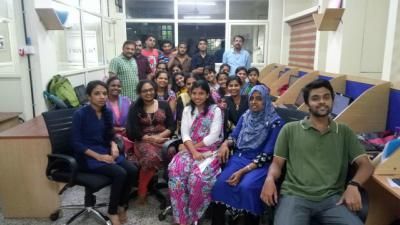
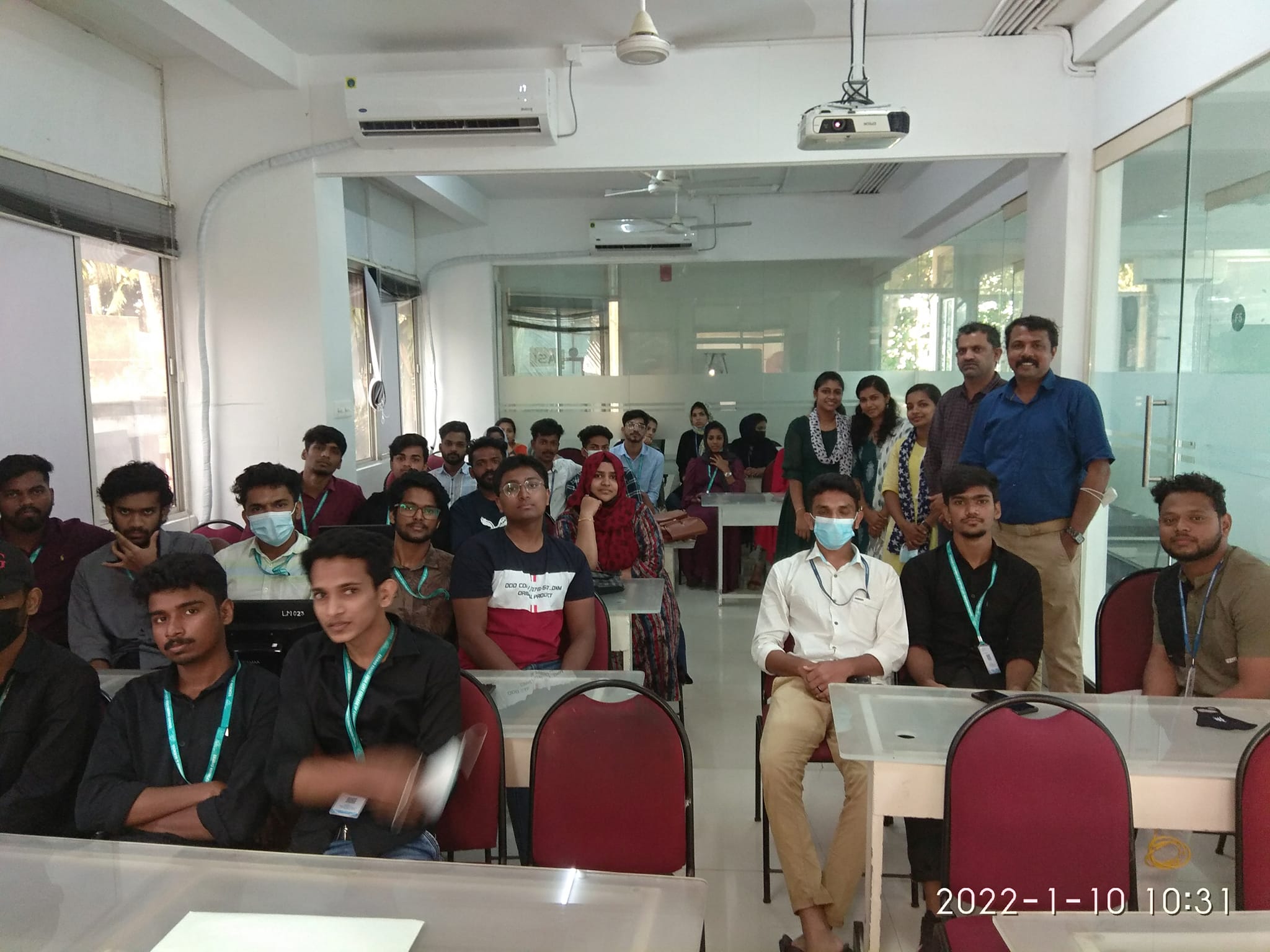
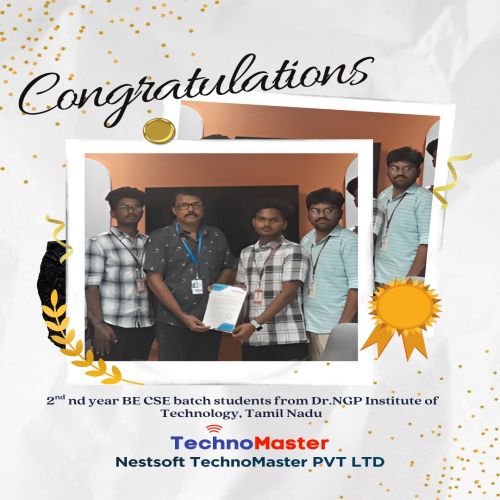
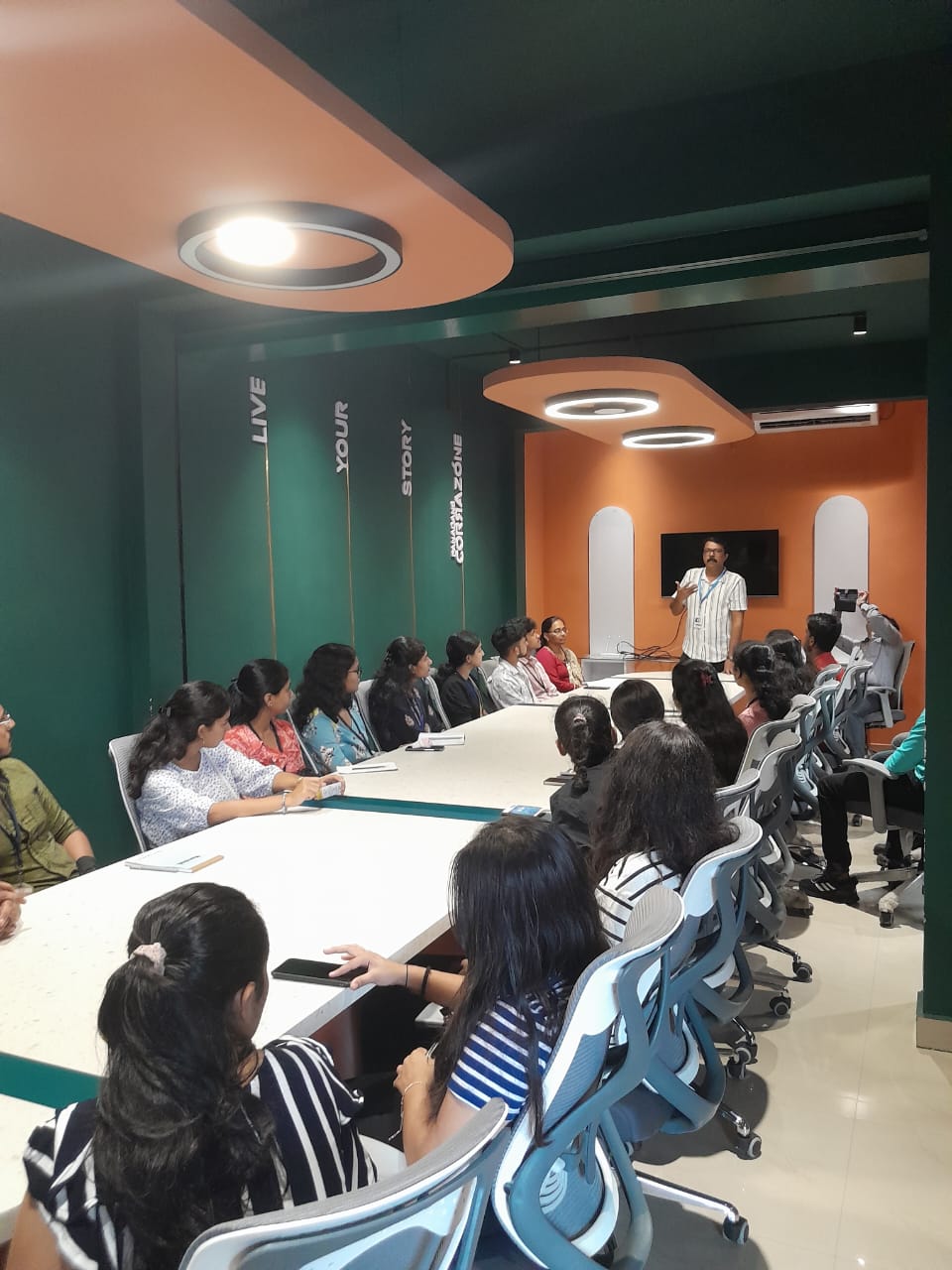
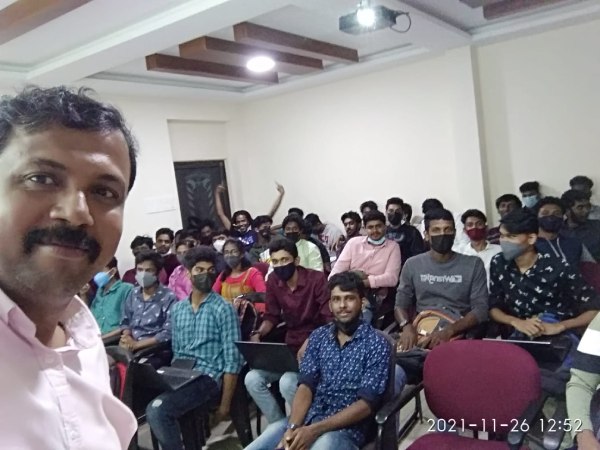
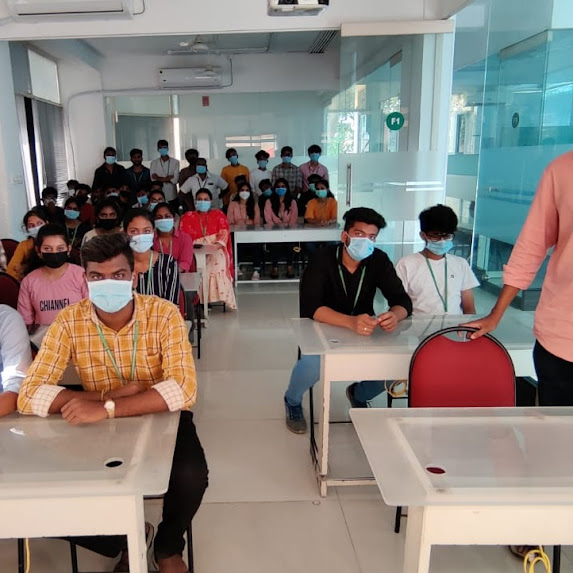
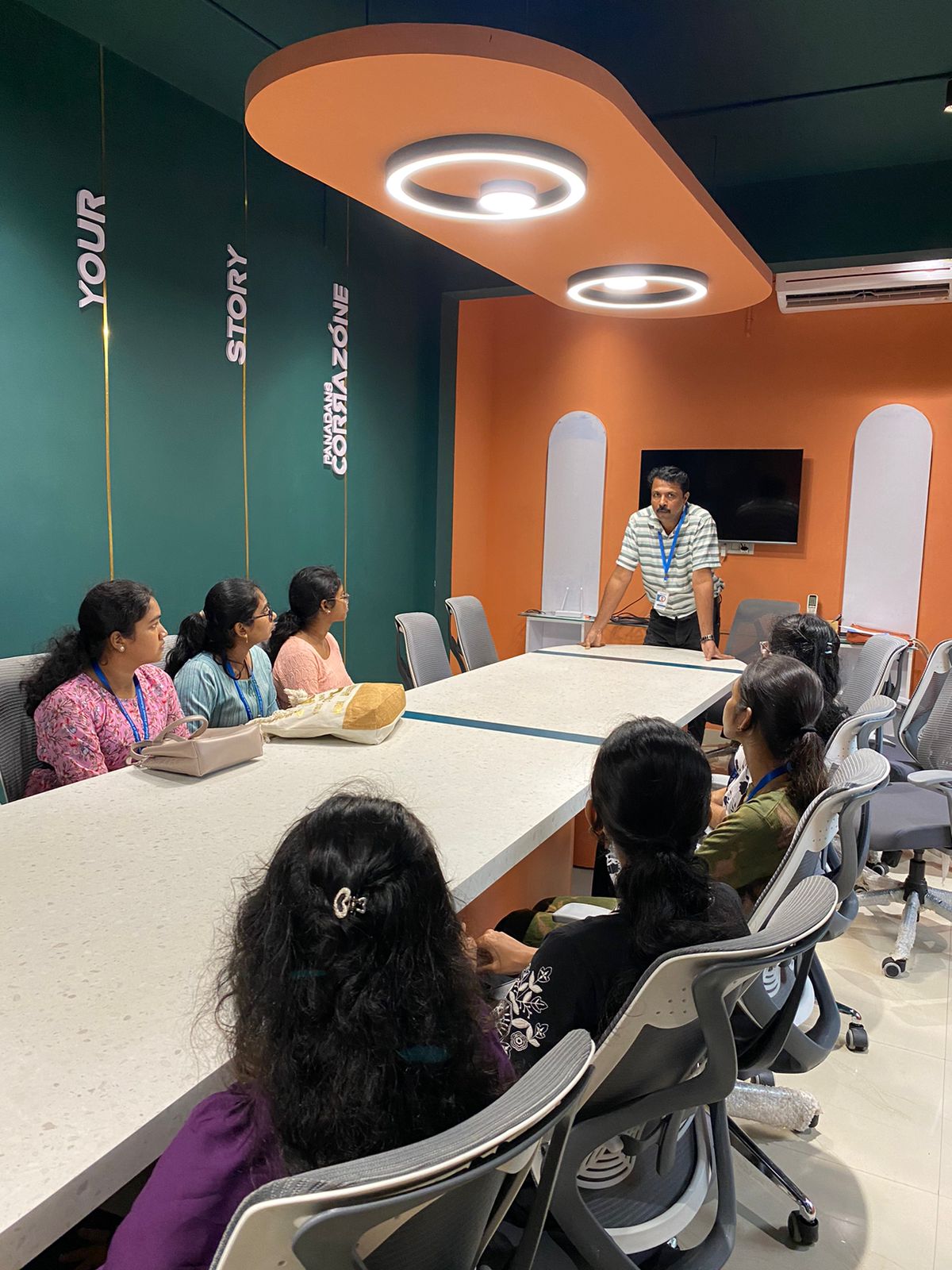
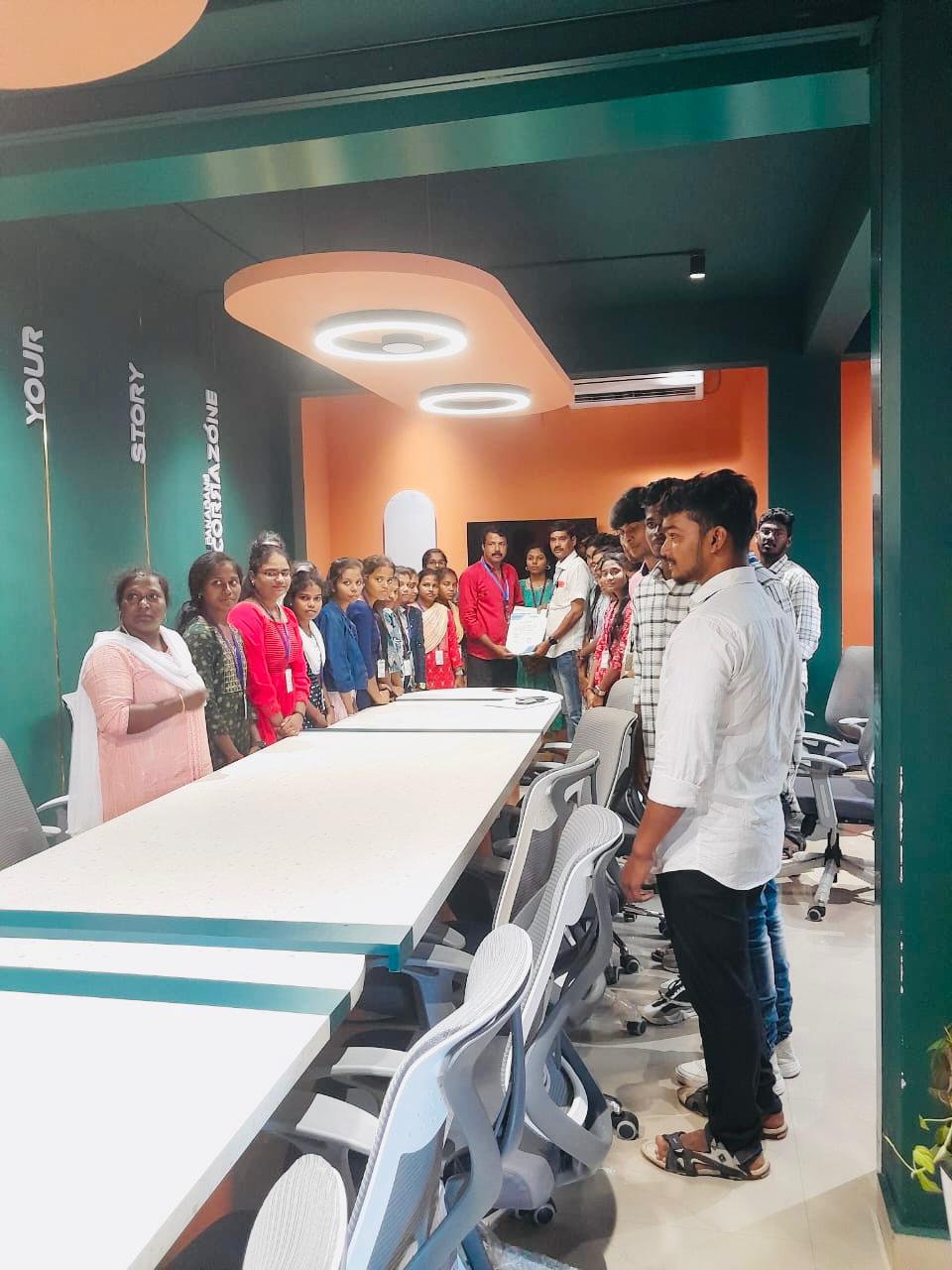
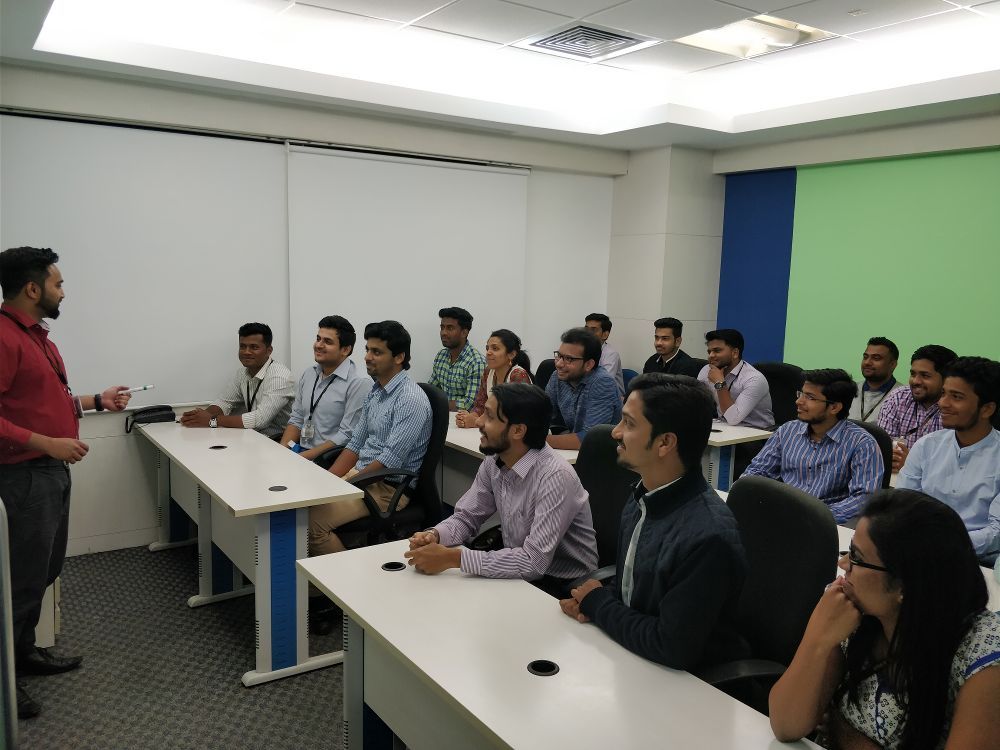
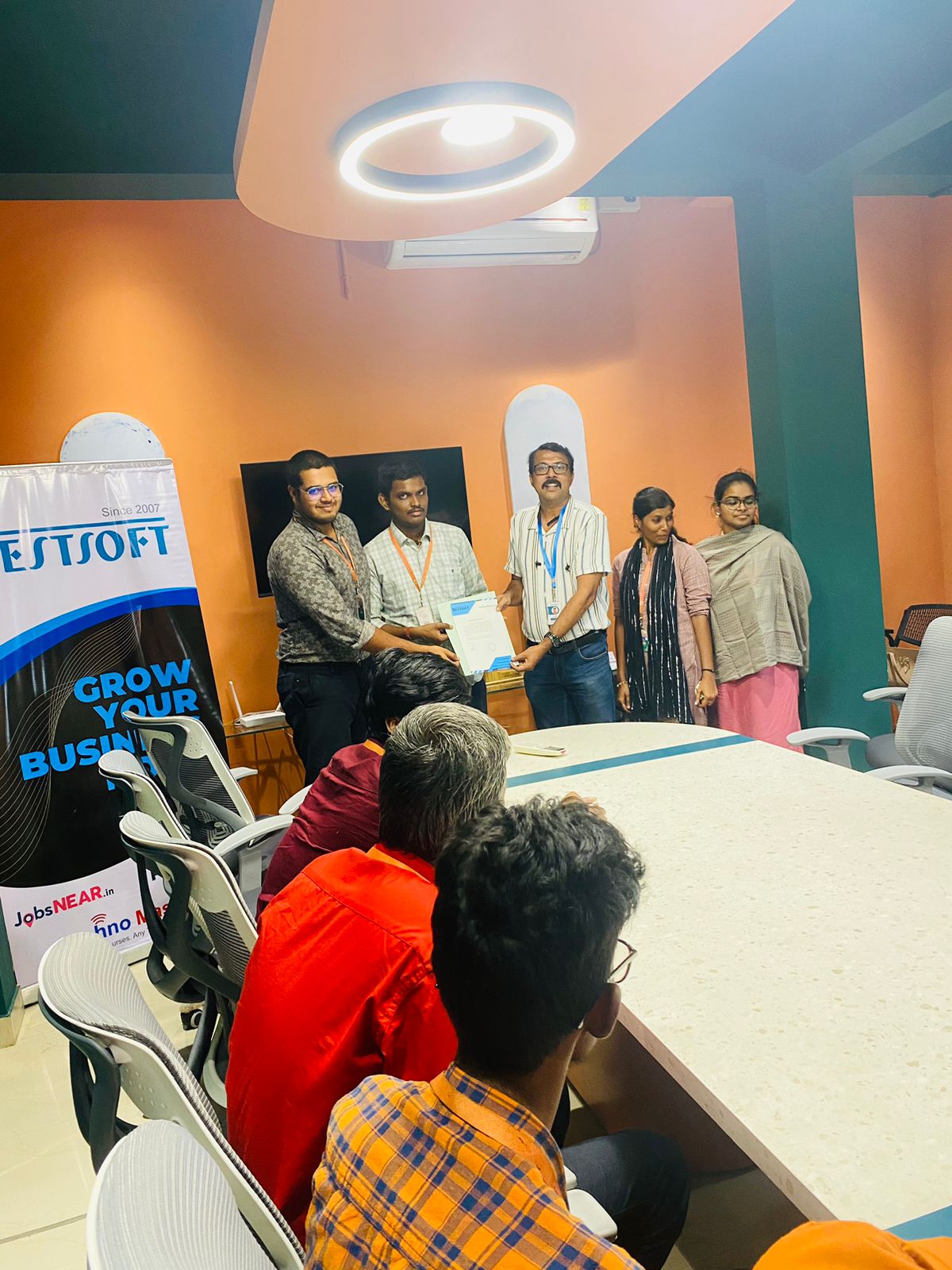
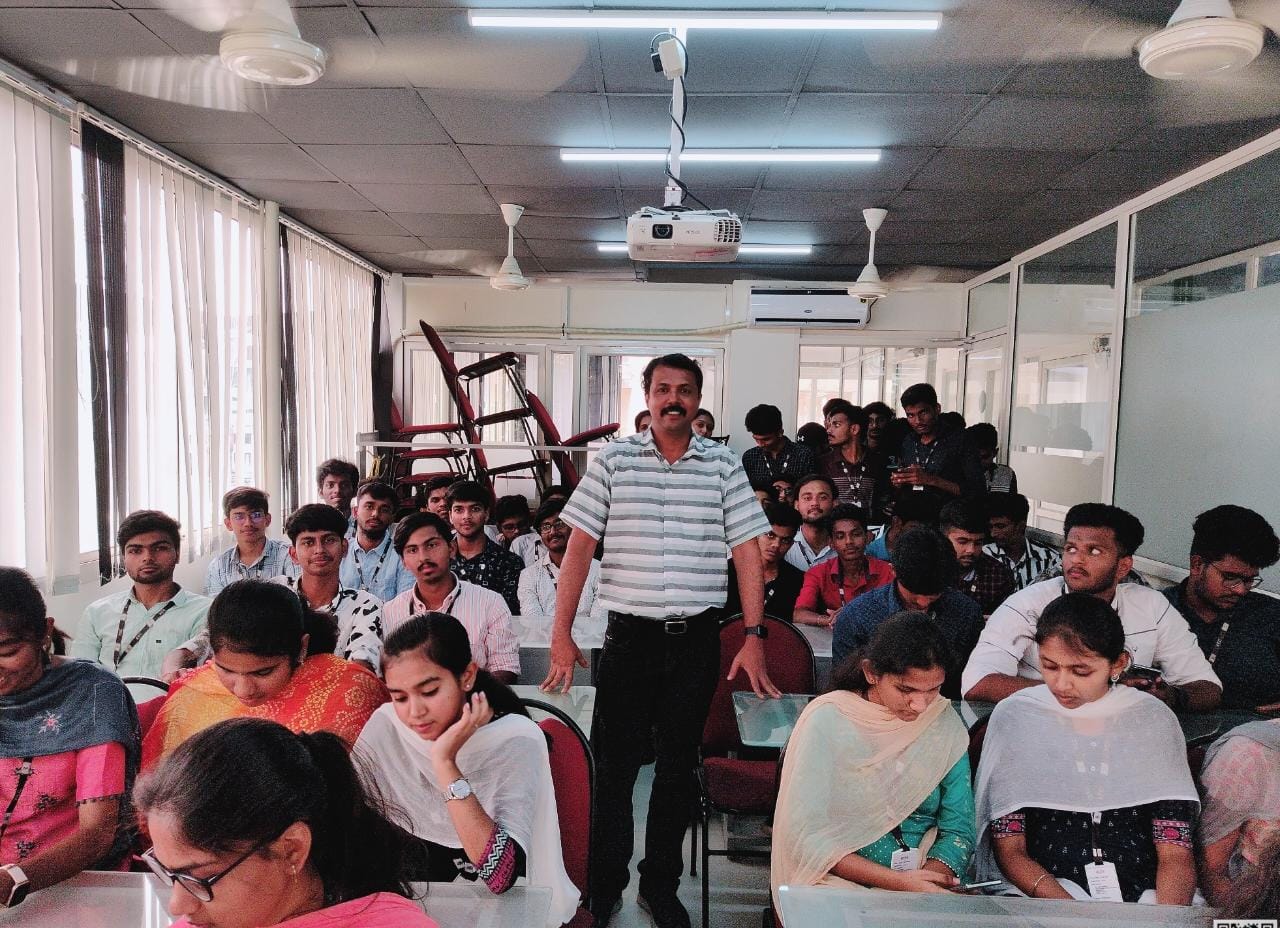
Photos of Training / Internships

Internship/projects in wellington

Trained more than 10000+ students who trust Nestsoft TechnoMaster

Get Your Personal Trainer