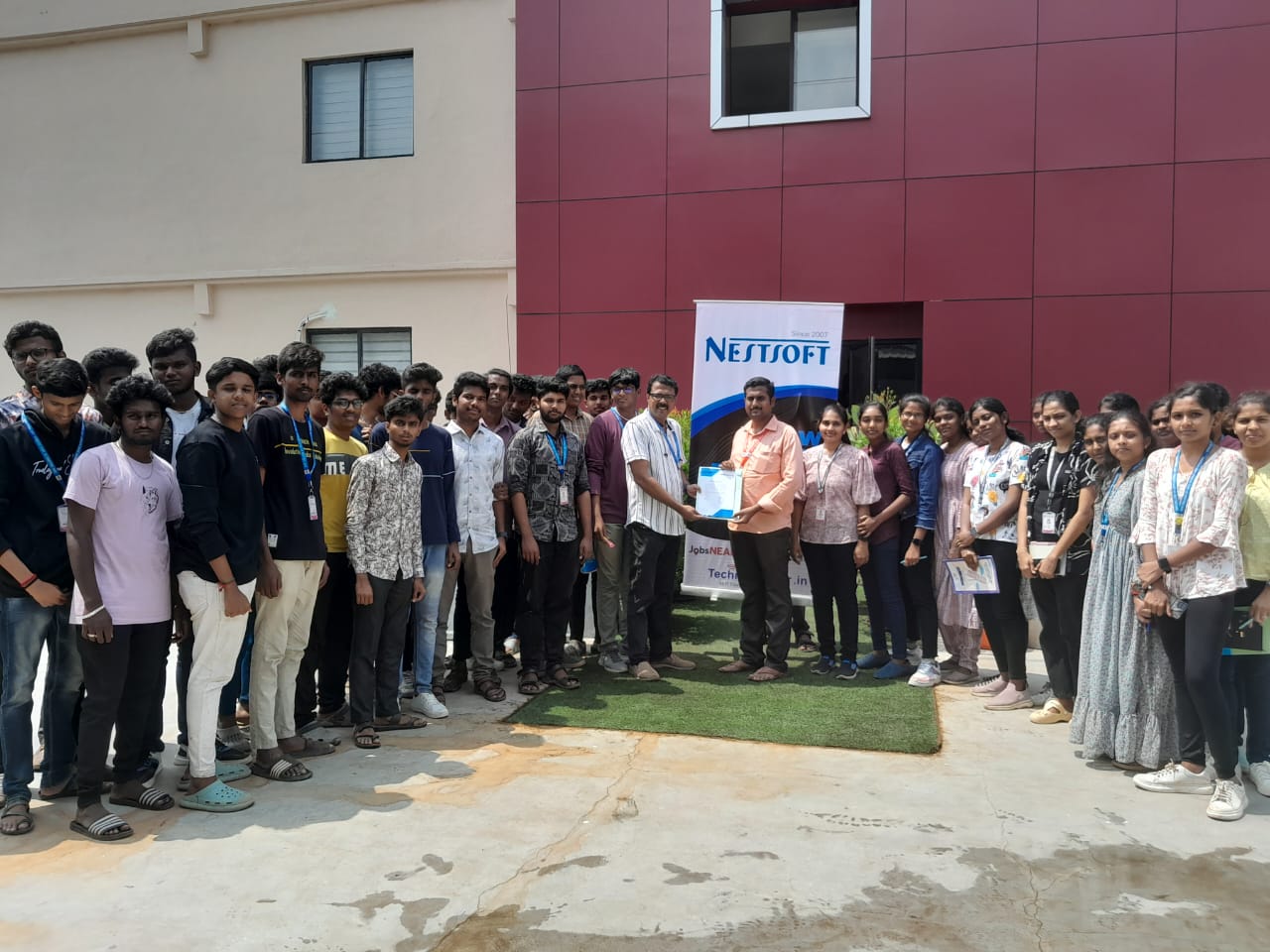

Primavera Online Live Class by Experts
Our Training/Internship Process

Primavera - Syllabus, Fees & Duration
Here's a suggested syllabus for a Primavera course, progressing from basic to advanced concepts:
Basic Level:
-
Introduction to Project Management Software
- Overview of Primavera
- Importance of project management software in planning and scheduling
Getting Started with Primavera
- Installation and setup
- Interface overview
- Creating a new project
Creating Work Breakdown Structure (WBS)
- Understanding WBS
- Creating and organizing activities
- Assigning codes to activities
Adding Relationships and Constraints
- Dependency types (Finish-to-Start, Start-to-Start, Finish-to-Finish, Start-to-Finish)
- Adding relationships between activities
- Applying constraints to activities
Intermediate Level:
Scheduling Techniques
- Critical Path Method (CPM)
- Understanding float and total float
- Analyzing the critical path
Resource Management
- Adding and organizing resources
- Assigning resources to activities
- Resource leveling
Baseline and Tracking
- Creating baselines
- Tracking progress against baselines
- Updating schedules
Advanced Level:
Project Analysis and Reporting
- Generating reports (Gantt charts, resource usage, cash flow, etc.)
- Analyzing project performance
- Earned Value Management (EVM) techniques
Risk Management
- Identifying project risks
- Incorporating risk management into schedules
- Mitigation strategies
Advanced Features
- Global changes and filters
- Multiple project management
- Customizing layouts and views
Integration with Other Software
- Importing and exporting data
- Integration with Excel, Microsoft Project, etc.
Advanced Topics
- Portfolio management
- Multi-project analysis
- Advanced scheduling techniques (PERT analysis, Monte Carlo simulation)
Each module should include hands-on exercises and practical examples to reinforce learning. Additionally, regular assessments and quizzes can be incorporated to gauge understanding and progress throughout the course.
This syllabus is not final and can be customized as per needs/updates
- Since 2001, Making IT Experts by Experts
- Duration: 45 Hours (Vary as per your skill)
- Course Fees
- Individual Live Classes (1:1)
- Batch Classes @ Low Fees
- Training on Your Time, Any Where
- Access to Recorded Videos
- Practical Internship on Projects
- 100% Placement Support by our jobsHybrid.com
- Training/Internship Certificate
Course Highlights


 Primavera provides project managers with comprehensive project data, analytics, and predictive tools to make data-driven decisions. Through features such as progress tracking, performance measurement, and earned value analysis, project managers can evaluate project performance against baseline plans, identify deviations, and make timely corrections to keep the project on track. Below we will further explain the importance of learning primavera through some important aspects. This enables companies to demonstrate compliance with project management best practices, regulatory guidelines, and contractual obligations, reducing the legal and financial risks associated with non-compliance. In summary, the importance of learning Primavera is that it provides project managers with the tools, techniques, and skills they need to effectively plan, execute, monitor, and control projects of varying sizes and complexities. Improved decision making and forecasting:
Informed decision-making is essential to project success. Primavera is a comprehensive project management software suite that is most important in the project management field due to its robust features. Primavera helps you organize your project schedule effectively to ensure it is completed on time. Masu.
Resource management and optimization:
One of the important aspects of project management is resource management.
Primavera provides project managers with comprehensive project data, analytics, and predictive tools to make data-driven decisions. Through features such as progress tracking, performance measurement, and earned value analysis, project managers can evaluate project performance against baseline plans, identify deviations, and make timely corrections to keep the project on track. Below we will further explain the importance of learning primavera through some important aspects. This enables companies to demonstrate compliance with project management best practices, regulatory guidelines, and contractual obligations, reducing the legal and financial risks associated with non-compliance. In summary, the importance of learning Primavera is that it provides project managers with the tools, techniques, and skills they need to effectively plan, execute, monitor, and control projects of varying sizes and complexities. Improved decision making and forecasting:
Informed decision-making is essential to project success. Primavera is a comprehensive project management software suite that is most important in the project management field due to its robust features. Primavera helps you organize your project schedule effectively to ensure it is completed on time. Masu.
Resource management and optimization:
One of the important aspects of project management is resource management.