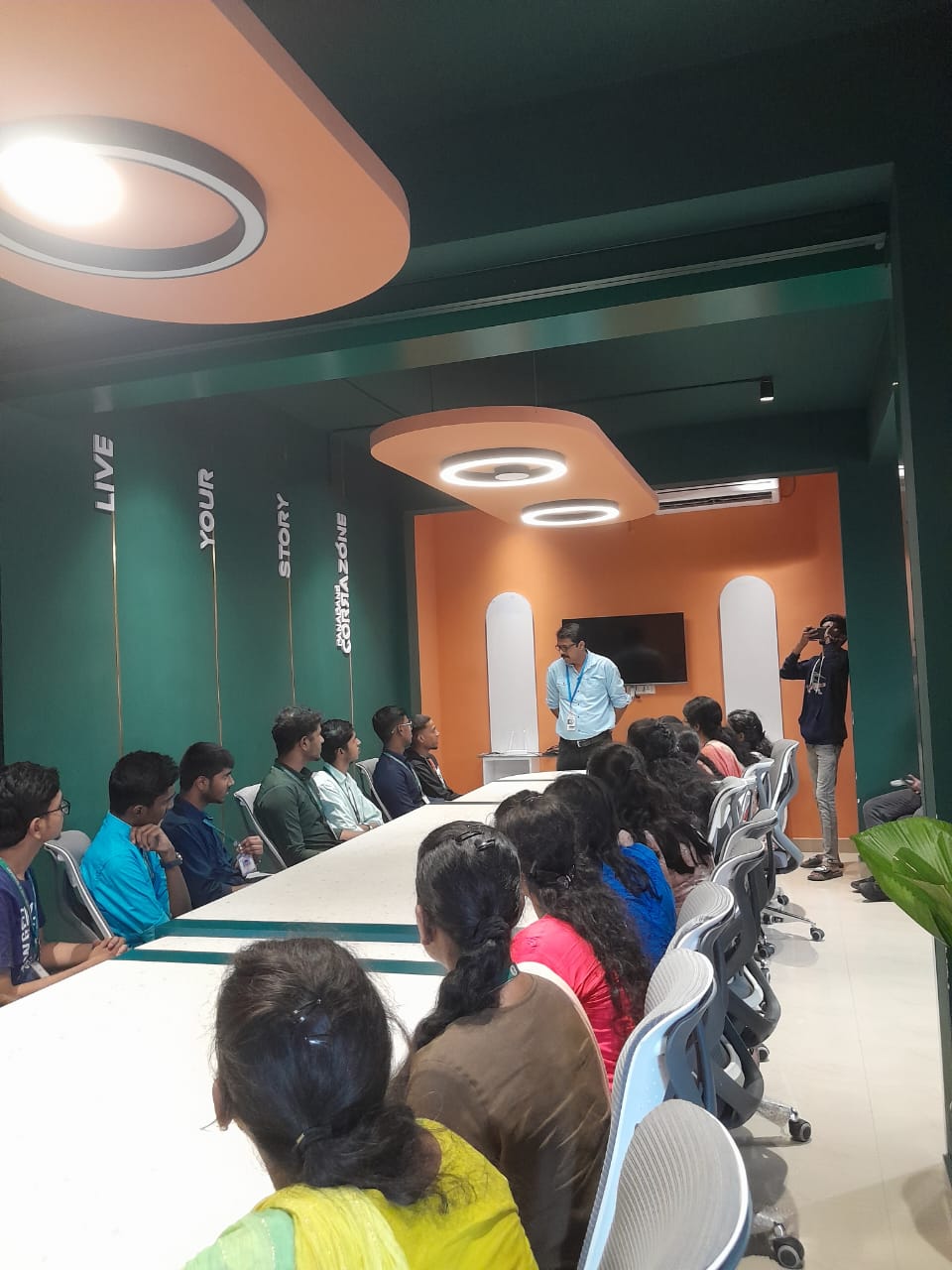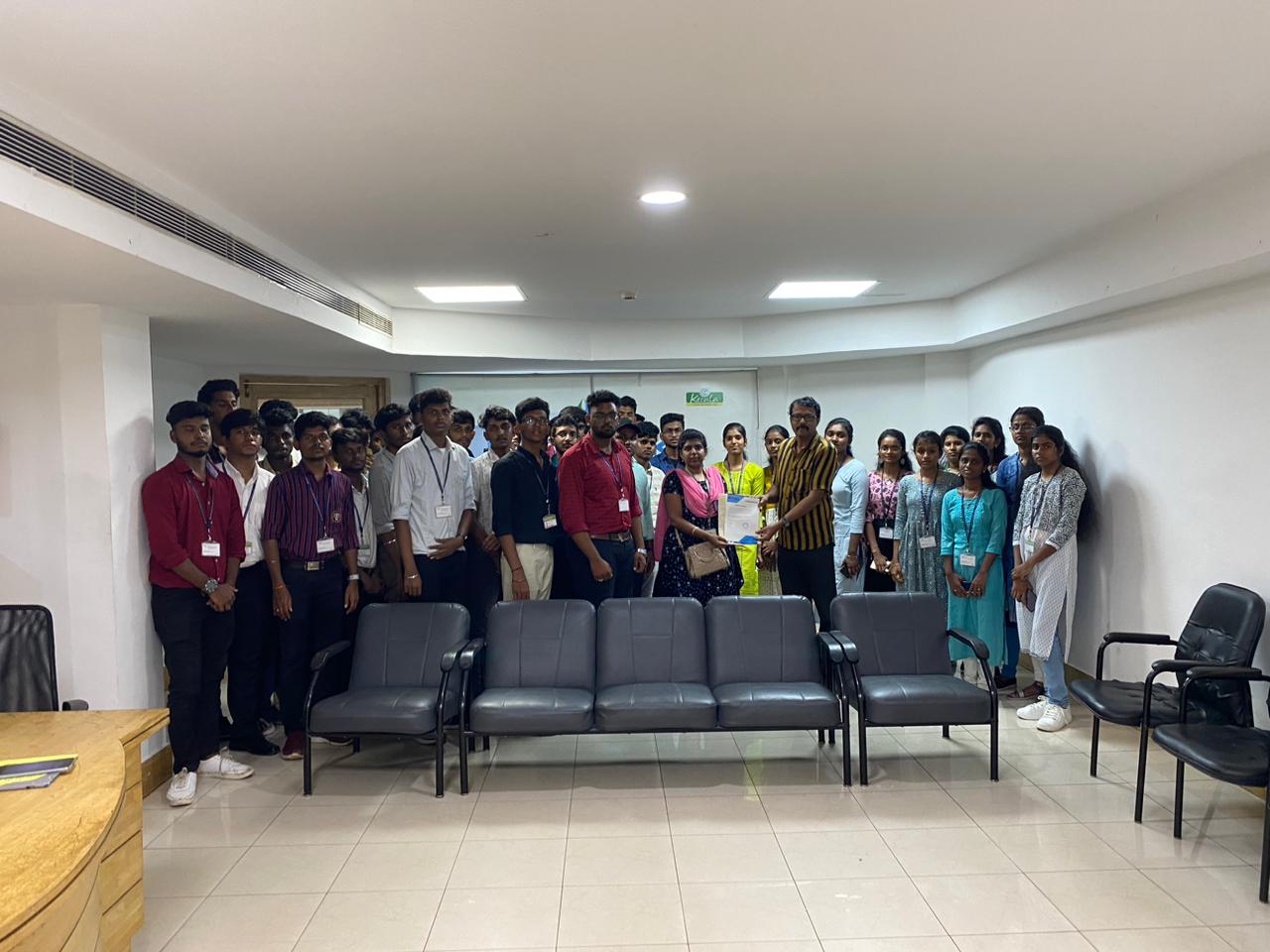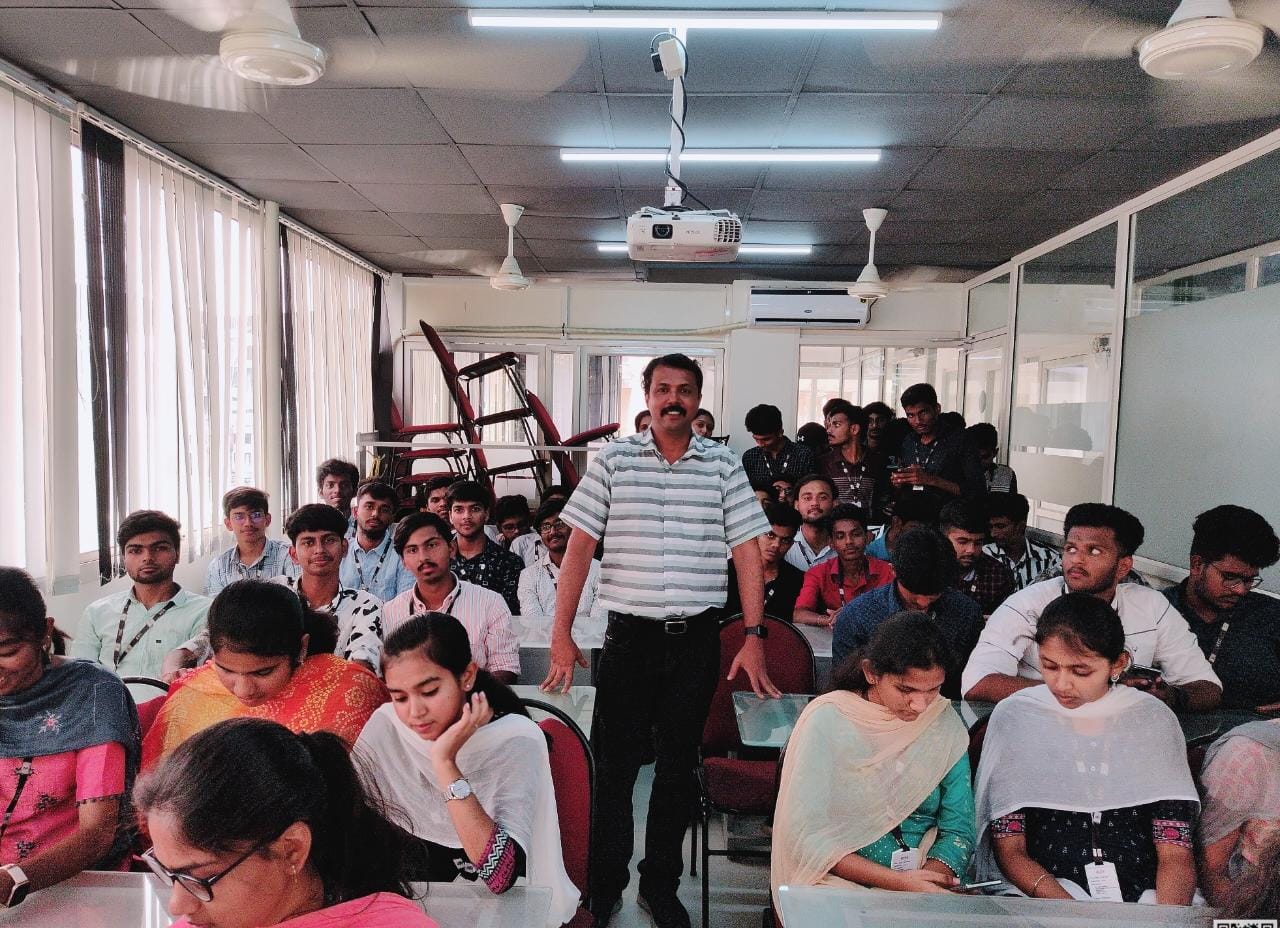

QuickBooks Online Live Class by Experts
Our Training/Internship Process

QuickBooks - Syllabus, Fees & Duration
QuickBooks Training Syllabus – 30 Hours
Module 1: Introduction to Accounting & QuickBooks (3 hours)
-
Basics of accounting and financial terms
-
Introduction to QuickBooks Desktop & Online
-
Installation & setup of QuickBooks
-
Interface overview: dashboard, menus, settings
Module 2: Company Setup and Configuration (3 hours)
-
Creating a company file
-
Editing company preferences
-
Setting up fiscal year and currency
-
Backing up and restoring company files
Module 3: Chart of Accounts & Items (3 hours)
-
Understanding chart of accounts
-
Adding/editing accounts
-
Creating product and service items
-
Categorizing income and expenses
Module 4: Customers & Sales Management (4 hours)
-
Creating and managing customer profiles
-
Creating estimates, invoices, and sales receipts
-
Applying payments and handling partial payments
-
Handling sales returns and issuing credit memos
Module 5: Vendors & Expense Management (4 hours)
-
Creating vendor profiles
-
Recording purchases and bills
-
Paying bills manually or automatically
-
Tracking expenses and refunds
Module 6: Inventory & Asset Management (2 hours)
-
Setting up inventory items
-
Managing stock and reorder levels
-
Non-inventory and service items
-
Asset tracking and adjustments
Module 7: Bank Transactions (3 hours)
-
Linking and managing bank accounts
-
Reconciling accounts
-
Importing bank statements
-
Handling deposits and transfers
Module 8: Payroll & GST (4 hours)
-
Overview of payroll in QuickBooks
-
Setting up employee profiles
-
Calculating salaries, deductions, and taxes
-
Enabling and managing GST/VAT (India-specific)
Module 9: Financial Reporting & Analysis (3 hours)
-
Generating key reports: Profit & Loss, Balance Sheet, Cash Flow
-
Customizing reports
-
Exporting and printing reports
-
Basic financial analysis
Module 10: Project Work & Live Use Case (3 hours)
-
Create a sample business in QuickBooks
-
Perform full-cycle transactions (sales, purchases, payroll, GST)
-
Generate end-to-end reports
-
Troubleshooting and Q&A
Additional Features:
-
Multi-user access & roles
-
Data security & user permissions
-
QuickBooks mobile & cloud usage
-
Tips for freelancers and small businesses
Outcome:
By the end of the 30-hour course, students will:
-
Be proficient in managing small to medium business accounts using QuickBooks
-
Gain hands-on experience through live projects
-
Be ready for jobs in accounting, bookkeeping, or freelancing
-
Receive certification and internship support (if provided)
Download Syllabus - QuickBooks
This syllabus is not final and can be customized as per needs/updates
- Since 2001, Making IT Experts by Experts
- Duration: 30 Hours (Vary as per your skill)
- Course Fees
- Individual Live Classes (1:1)
- Batch Classes @ Low Fees
- Training on Your Time, Any Where
- Access to Recorded Videos
- Practical Internship on Projects
- 100% Placement Support by our jobsHybrid.com
- Training/Internship Certificate
Course Highlights


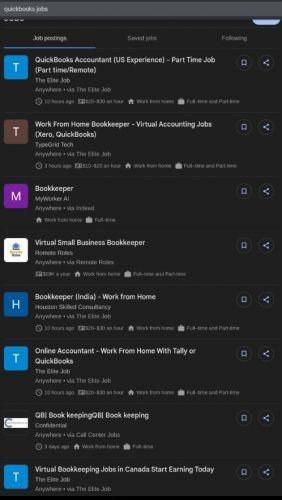
 Whether you're a student, entrepreneur, finance professional, or job seeker, this course covers everything from setting up a company file to managing sales, expenses, payroll, GST, and generating financial reports.
With certification and placement assistance included, this course is ideal for those looking to build a successful career in accounting, finance, or business administration using QuickBooks Desktop or Online versions. You’ll also gain access to a live internship, enabling you to apply your skills in a working environment and enhance your resume.
Taught by experienced industry professionals, the training includes real-time projects, live online or offline sessions, and hands-on exercises tailored to real-world business needs. . QuickBooks Training Course by Technomaster is a career-focused program designed to equip you with practical accounting and financial management skills using one of the world’s most widely used bookkeeping tools.
Whether you're a student, entrepreneur, finance professional, or job seeker, this course covers everything from setting up a company file to managing sales, expenses, payroll, GST, and generating financial reports.
With certification and placement assistance included, this course is ideal for those looking to build a successful career in accounting, finance, or business administration using QuickBooks Desktop or Online versions. You’ll also gain access to a live internship, enabling you to apply your skills in a working environment and enhance your resume.
Taught by experienced industry professionals, the training includes real-time projects, live online or offline sessions, and hands-on exercises tailored to real-world business needs. . QuickBooks Training Course by Technomaster is a career-focused program designed to equip you with practical accounting and financial management skills using one of the world’s most widely used bookkeeping tools.